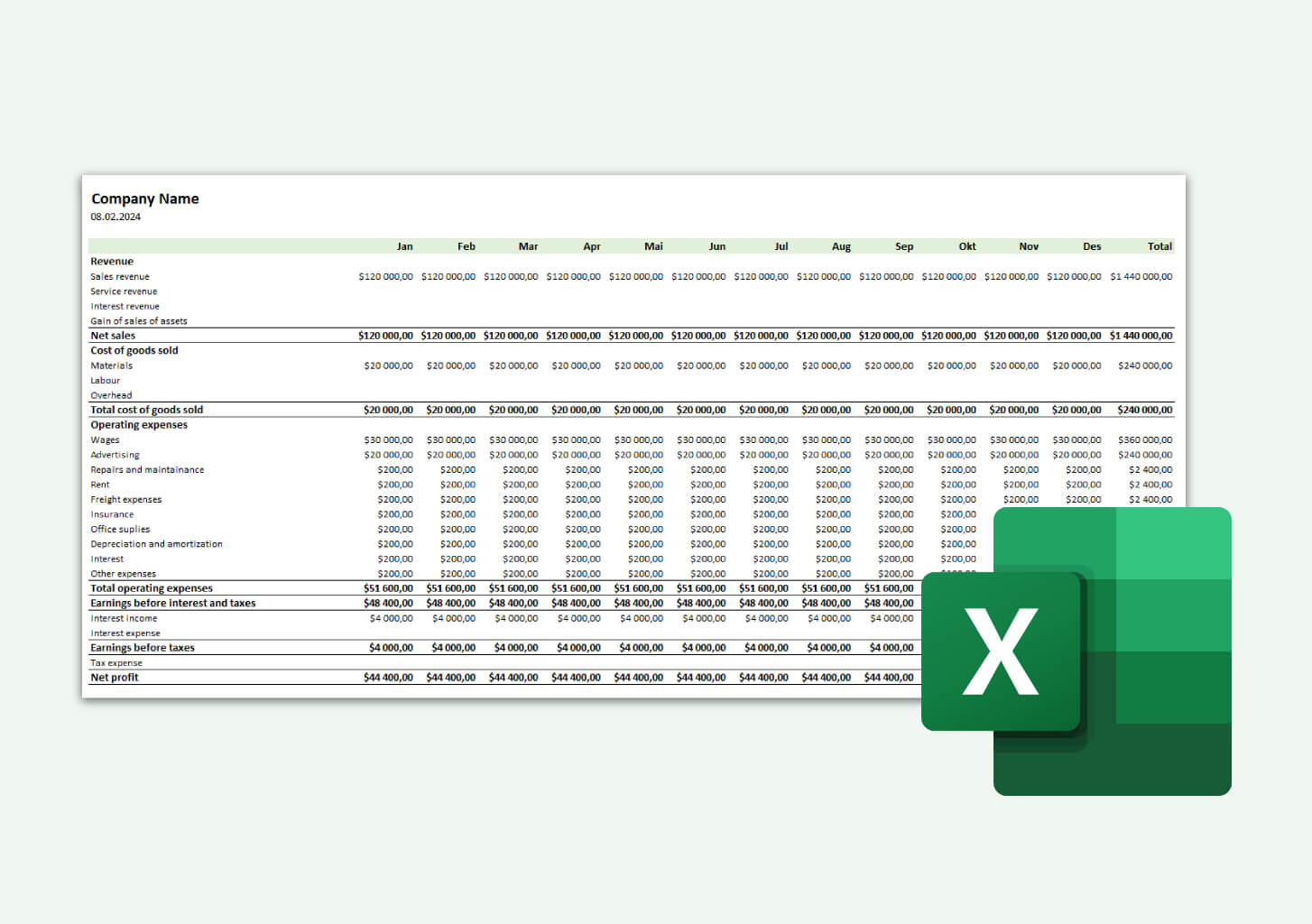
Managing your money shouldn't feel like solving a complex puzzle, yet many people struggle to track their spending, savings, and financial goals effectively. Whether you're trying to pay off debt, build an emergency fund, or simply understand where your paycheck disappears each month, the right budgeting framework makes all the difference. While discussions around the best AI for financial modeling often focus on corporate applications, these same principles apply to personal finance when you choose the right Excel budget template. In the next 30 minutes, you'll discover 5 Excel budget templates that transform money tracking from overwhelming to effortless, each designed to match different financial situations and goals.
That's where the spreadsheet AI tool becomes your financial ally. Instead of spending hours building formulas, formatting cells, or wrestling with pivot tables, this tool helps you set up powerful budget templates quickly and customize them to your unique needs. Think of it as having a financial assistant who understands spreadsheets, allowing you to focus on what matters: making smarter money decisions and reaching your financial milestones faster.
Table of Contents
Why People Struggle to Track Money Clearly With Budget Templates
The Hidden Cost of Using the Wrong Budget Template in Excel
7 Excel Budget Templates for Better Money Tracking in 30 Minutes
The 30-Minute Workflow to Choose and Use the Right Excel Budget Template
Use Excel Budget Templates Faster with Numerous
Summary
The wrong budget template leads to ongoing maintenance work rather than financial clarity. You spend time fixing formulas, adjusting categories, and working around sections you don't need while the actual insights about your spending remain hidden. Research shows that 88% of spreadsheets contain errors, often because users force transactions into structures that don't align with their actual financial behavior.
Most people abandon budget templates not because tracking is hard, but because the template fights their reality. A system built for generic use won't capture irregular freelance income, split household expenses, or reimbursable business costs. The Advance America survey found that only 29% of respondents maintain a monthly budget to guide spending, suggesting most people either quit quickly or never establish tracking systems that fit their lives.
Template choice matters more than template features. A monthly budget works when income and expenses follow predictable monthly cycles. An expense tracker works when you need to see spending patterns before committing to budget limits. A zero-based template works when you want control over every dollar.
The 30-minute setup constraint forces prioritization over perfection. You can't spend 20 minutes researching template types or agonizing over category names when the clock is running. The time limit kills the perfectionism that prevents people from finishing the setup.
Simplification isn't about minimal design; it's about removing everything between you and the act of logging a transaction. Freeze header rows, widen columns, delete charts you won't review, and hide dashboard tabs you'll never open. The test is whether you can add three transactions and see updated totals in under two minutes next week.
Numerous spreadsheet AI tools address this by letting you use AI directly inside Excel or Google Sheets to clean categories, standardize labels, and restructure budget sections faster without switching between tools or copying data.
Why People Struggle to Track Money Clearly With Budget Templates

Most people download a budget template expecting it to work like a finished product. What they get instead is a starting structure that requires customization, consistent updates, and alignment with how they actually earn and spend money. The struggle isn't that templates are broken. It's that they're used as-is when they should be adapted.
The Template Doesn't Reflect Real Financial Behavior
A budget template built for generic use won't match your specific income timing, spending rhythms, or category priorities. You might earn freelance income twice a month, get reimbursed for business expenses irregularly, and split costs with a partner. The template, meanwhile, assumes a single paycheck every two weeks and pre-defined categories like "Entertainment" or "Miscellaneous" that don't capture how you actually allocate money. Only 29% of respondents maintain a monthly budget to guide spending, suggesting most people either abandon templates quickly or never establish tracking systems that fit their lives.
When the structure doesn't match reality, every transaction becomes a decision point.
Should this expense go under "Personal" or "Bills"?
Do I need a separate row for this recurring charge?
The friction compounds until updating the sheet feels harder than ignoring it.
Too Many Categories Create Decision Fatigue
Some Excel budget templates come preloaded with dozens of categories, subcategories, and expense types. At first glance, this looks thorough. In practice, it creates cognitive overhead every time you log a transaction. You start asking whether coffee counts as "Food & Dining" or "Personal Spending," whether your phone bill belongs under "Utilities" or "Subscriptions," and whether that one-time purchase needs its own line or fits somewhere existing.
The same Advance America survey found that 86% of respondents review their spending regularly to identify areas needing change. But reviewing spending only helps if the data is organized to reveal patterns. When categories multiply beyond what's useful, the spreadsheet becomes a filing system instead of a decision-making tool. You end up with accurate records and zero clarity on where money is actually going.
The Sheet Works Only When the Habit Does
A template depends entirely on regular, accurate input. Miss a few days of updates, forget cash transactions, or try to reconstruct spending from memory, and the budget loses reliability. The problem isn't always the spreadsheet design. It's that people start using templates before building the discipline to maintain them. You can have the most elegant Excel setup available, but if you're not consistently logging expenses, the tool becomes decorative.
When tracking feels like an obligation instead of a system, gaps appear. Small purchases get skipped. Manual entries pile up. The budget drifts from reality, and suddenly you're managing two things: your actual finances and a spreadsheet that's supposed to reflect them but doesn't. That's when most people stop updating altogether.
Related Reading
How To Use Google Sheets For Accounting
Best Google Sheets Budget Template
How To Create A Financial Model In Google Sheets
Best Excel Budget Template
How To Keep Track Of Business Expenses And Income In Excel
Building A Cash Flow Forecast Model In Excel
The Hidden Cost of Using the Wrong Budget Template in Excel

The wrong budget template doesn't just waste time. It creates a tracking system that looks organized but hides the real story of where your money goes. You enter every transaction, review totals regularly, and still can't answer basic questions like:
Why am I short this month?
Which category is draining my savings?
The cost isn't the spreadsheet itself. It's making financial decisions based on incomplete clarity while believing you have full visibility.
When Categories Don't Match How You Actually Spend
A template built for someone else's financial life won't reflect yours. You might have irregular freelance income, split household expenses with a roommate, and pay for subscriptions your partner uses. The template assumes a single biweekly paycheck, individual ownership of all expenses, and categories like "Entertainment" or "Personal Care" that don't capture how money actually moves through your accounts.
Every transaction becomes a judgment call.
Does the coffee you bought while working remotely count as "Food & Dining" or "Business Expense"?
Should your shared internet bill go under "Utilities" or get split into a custom category you haven't created yet?
Workflow Alignment and Error Prevention
The friction compounds quickly. What should take thirty seconds to log becomes a two-minute decision, repeated dozens of times per week. According to research from golimelight.com, 88% of spreadsheets contain errors, often because users force data into structures that don't fit their actual workflows. When the template fights your reality instead of supporting it, mistakes aren't just possible. They're inevitable.
The Illusion of Completeness Without Insight
Some templates arrive packed with pre-built formulas, pivot tables, and professional-looking visual dashboards. At first, this feels like progress. You're using a "real" budgeting system, not just scribbling numbers in a notebook. But design sophistication doesn't equal clarity of understanding. You might have accurate totals, color-coded spending trends, and month-over-month comparisons, yet still miss the insight that matters: which specific behavior is causing financial pressure and what single change would create the most relief.
The template shows you spent $847 on "Miscellaneous" last month. That number is correct. It's also useless. Without granularity that matches your actual spending patterns, you're left staring at aggregated data that confirms a problem exists but doesn't reveal what's driving it. The budget becomes a record-keeping exercise instead of a decision-making tool.
When Tracking Becomes Managing the Tool Instead of Your Money
The wrong template creates ongoing maintenance work that has nothing to do with financial clarity. You're constantly editing categories, adjusting formulas that break when you add rows, and working around sections you don't need but can't easily remove. What started as a system to simplify money management becomes another project to maintain. Teams using spreadsheets for collaborative financial tracking often find that this friction multiplies. When multiple people update the same file with different interpretations of where expenses belong, consistency breaks down completely.
Automation Benefits and Administrative Overhead
Tools like Numerous help teams automate categorization and data cleanup directly in spreadsheets using AI, reducing the manual reconciliation work that makes budget maintenance a weekly chore. This hidden time cost adds up. Twenty minutes per week spent fixing template issues equals over seventeen hours per year managing a tool that's supposed to save you time. That's not budgeting. That's spreadsheet administration. But even if you solve the category problem, fix the formulas, and build the tracking habit, there's still one challenge most people don't see coming until it's already costing them.
7 Excel Budget Templates for Better Money Tracking in 30 Minutes
The strongest Excel budget templates solve specific money-tracking problems without creating new ones.
A monthly budget template works when you need to compare planned versus actual spending over thirty days.
A personal budget template fits individual income and expense tracking without the complexity of a business.
An expense tracker focuses solely on recording where money goes, while a 50/30/20 template automatically applies the needs-wants-savings rule.
Zero-based budgets force every dollar into a category; household templates organize shared household costs; and business budget templates separate revenue from operating expenses.
The real question isn't which template has the most features. It's which one matches how you actually handle money right now?
1. Monthly Budget Template
Most people think about money in monthly cycles because bills, rent, subscriptions, and paychecks operate that way. A monthly budget template capitalizes on this rhythm by letting you enter expected income and expenses at the start of each month, then track actual amounts as they occur. The comparison happens automatically. You see immediately whether spending is running above or below plan without building custom formulas or waiting until month-end to calculate totals.
This structure works because it reduces decision-making to a simple question: Does this match what I expected? When your grocery spending hits $487, and you budgeted $400, you notice in real time instead of discovering the gap weeks later while reconciling statements. That immediacy creates accountability without requiring daily spreadsheet maintenance.
2. Personal Budget Template
A personal budget template strips out business categories, shared household sections, and joint account tracking. It assumes one income source, one set of expenses, and one person making all the financial decisions. This simplicity matters when you're not splitting costs with a partner, tracking reimbursable business expenses, or managing multiple revenue streams. The template gives you room for rent, utilities, groceries, transportation, insurance, savings, and discretionary spending without forcing you to navigate sections you'll never use.
The benefit isn't just a cleaner organization. It's a faster setup. You can open the file, adjust three or four category names to match your actual spending, and start logging transactions within minutes. When templates include sections for "Business Travel" or "Dependent Care" that don't apply to your life, every update requires scrolling past irrelevant rows. That friction compounds over time until the tool feels heavier than helpful.
3. Household Budget Template
Household budgets operate differently from personal ones because money flows through shared categories that require coordination. Groceries aren't just your expense. Utilities get split. Rent or mortgage payments come from combined income. A household budget template organizes these shared costs into sections both people can update, making it easier to see total spending without merging separate tracking systems or having duplicate entries for the same expense.
This structure prevents the common problem where one person tracks everything while the other has no visibility into where money is going. When both people can see the same categories, update the same totals, and review the same spending patterns, financial conversations shift from "you spent too much" to "we're over budget in this area." That change in framing reduces conflict and increases shared accountability.
4. Expense Tracker Template
An expense tracker template does one thing: records where money went.
It doesn't compare spending to a budget, calculate savings rates, or project future balances.
It just logs transactions with dates, amounts, categories, and payment methods.
This narrow focus makes it the fastest template to start using, since no planning phase is required. You don't need to estimate monthly income, set spending limits, or build category structures before entering your first transaction. Teams often discover they need expense tracking before they're ready for full budgeting. You can't build an accurate budget until you know where money actually goes, and you won't know that until you track spending for at least a few weeks. The tracker creates that baseline. Once patterns emerge, you can graduate to a budget template that uses those patterns to set realistic limits. Trying to budget before tracking is like setting a fitness goal before measuring your current activity level. The plan has no anchor in reality.
5. 50/30/20 Budget Template
The 50/30/20 rule splits income into three buckets:
50% for needs
30% for wants
20% for savings
A template built around this framework automatically calculates those percentages based on your total income, then tracks actual spending against each bucket. The appeal is simplicity. Instead of managing fifteen different spending categories and deciding whether coffee counts as food or discretionary, you make one decision: is this a need or a want?
Categorization Granularity and Strategic Tradeoffs
This works particularly well for people who find detailed categorization overwhelming or who abandon budgets because maintaining them feels like a part-time job. The tradeoff is granularity. You'll know you spent 38% of your income on wants instead of the target 30%, but you won't know whether that overspending came from dining out, entertainment, or impulse purchases. For some people, that level of detail matters. For others, knowing the directional problem is enough to course-correct.
6. Zero-Based Budget Template
Zero-based budgeting assigns every dollar of income to a specific category before the month begins. If you earn $4,200, the budget allocates exactly $4,200 across rent, groceries, savings, debt payments, and discretionary spending until nothing remains unassigned. The template enforces this by showing a "remaining to budget" total that must reach zero before you're done planning. This prevents the common pattern where people budget for major expenses, then leave $500 or $800 unassigned and wonder where it disappeared by month-end.
The discipline creates clarity, but it also requires more upfront work than other templates. You can't just track spending as it happens. You have to predict every expense category and allocate funds before spending occurs. When unexpected costs arise, the budget breaks unless you reallocate money from another category. That friction makes zero-based budgets powerful for people who want tight control over every financial decision and frustrating for people whose income or expenses fluctuate unpredictably.
7. Business Budget Template
Business budgets separate revenue from expenses in ways personal templates don't. Income might come from multiple clients, products, or services.
Expenses are split into cost of goods sold, operating costs, payroll, marketing, and capital investments.
A business budget template organizes these categories, tracks cash flow timing, and often includes sections for tax withholding or quarterly estimated payments.
Trying to manage business finances in a personal budget template creates confusion because the categories don't align with how business money actually moves.
Operational Insights and Growth Planning
The structure also supports decision-making that personal budgets don't address. You need to see whether revenue growth is outpacing expense growth, whether certain products or services generate better margins, and whether cash flow timing will create gaps between when you pay suppliers and when clients pay you. Personal templates track whether you can afford rent. Business templates help you determine whether you can afford to hire, invest in inventory, or expand into new markets.
Why Template Choice Matters More Than Template Features
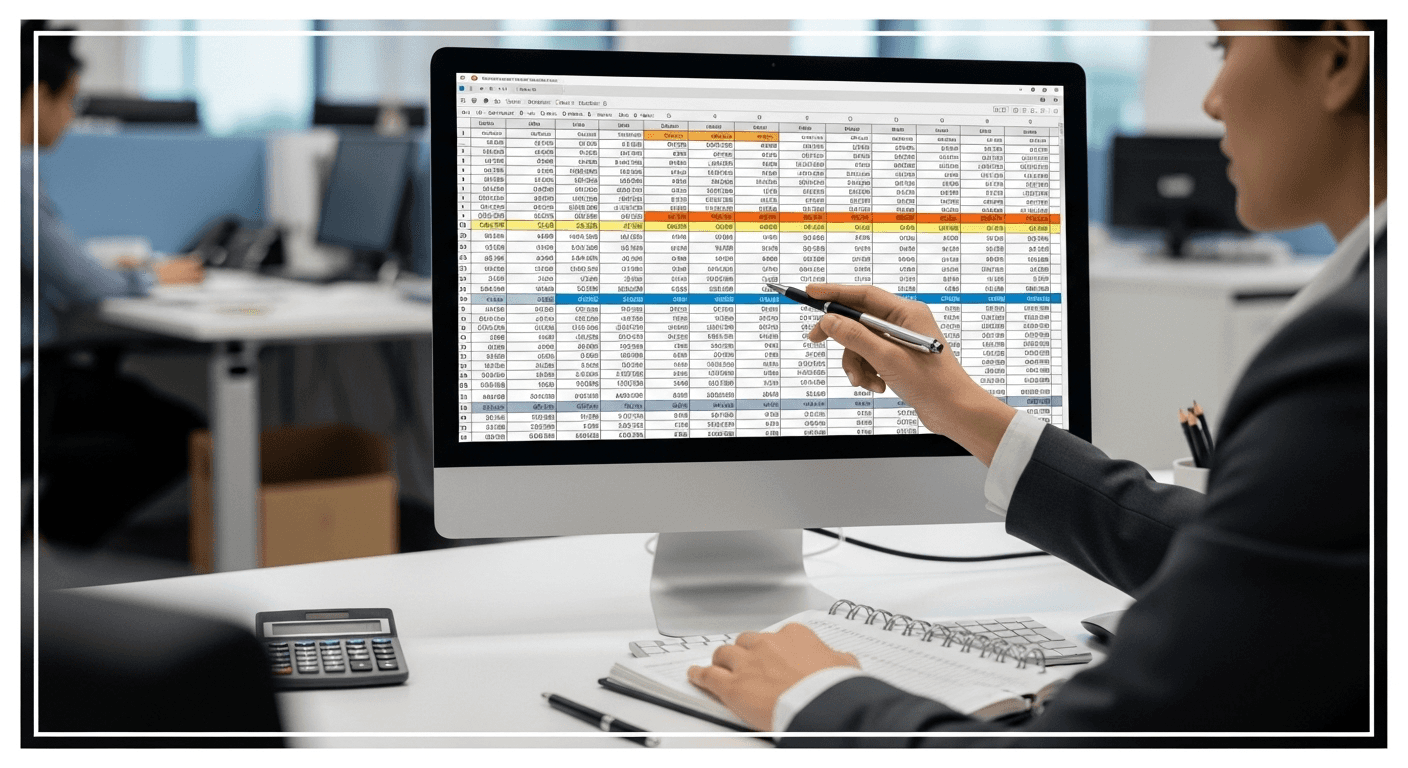
The best Excel budget template isn't the one with the most sophisticated formulas, the cleanest visual design, or the longest feature list. It's the one that removes friction between your current financial behavior and the clarity you need to make better decisions. A monthly budget works when your income and expenses follow a predictable monthly rhythm. An expense tracker works when you need to see spending patterns before committing to a budget structure. A zero-based template works when you want total control over every dollar.
Choosing the wrong template creates the illusion of progress while hiding the insights that actually matter. You're regularly updating a spreadsheet, reviewing totals, and maintaining clean records. But if the categories don't match your spending, the timeframe doesn't align with your income, or the structure forces decisions that don't reflect your priorities, the tool becomes a record-keeping exercise instead of a decision-making system. You're managing the spreadsheet instead of managing your money.
Standardized Categorization and Collaborative Efficiency
When teams track budgets collaboratively, mismatched templates multiply confusion. One person categorizes expenses using their own logic. Another person uses different categories for the same types of spending. A third person skips categories entirely and dumps everything into "Miscellaneous." Tools like Numerous help teams automate categorization directly in spreadsheets using AI, reducing the manual interpretation work that makes shared budget tracking a coordination problem. The =AI function can standardize how expenses get classified across multiple people without requiring everyone to memorize category rules or attend alignment meetings. The template that works is the one you'll actually use consistently, that surfaces spending patterns quickly, and that makes the gap between planned and actual behavior visible without requiring spreadsheet expertise to interpret. Everything else is decoration.
Related Reading
The 30-Minute Workflow to Choose and Use the Right Excel Budget Template
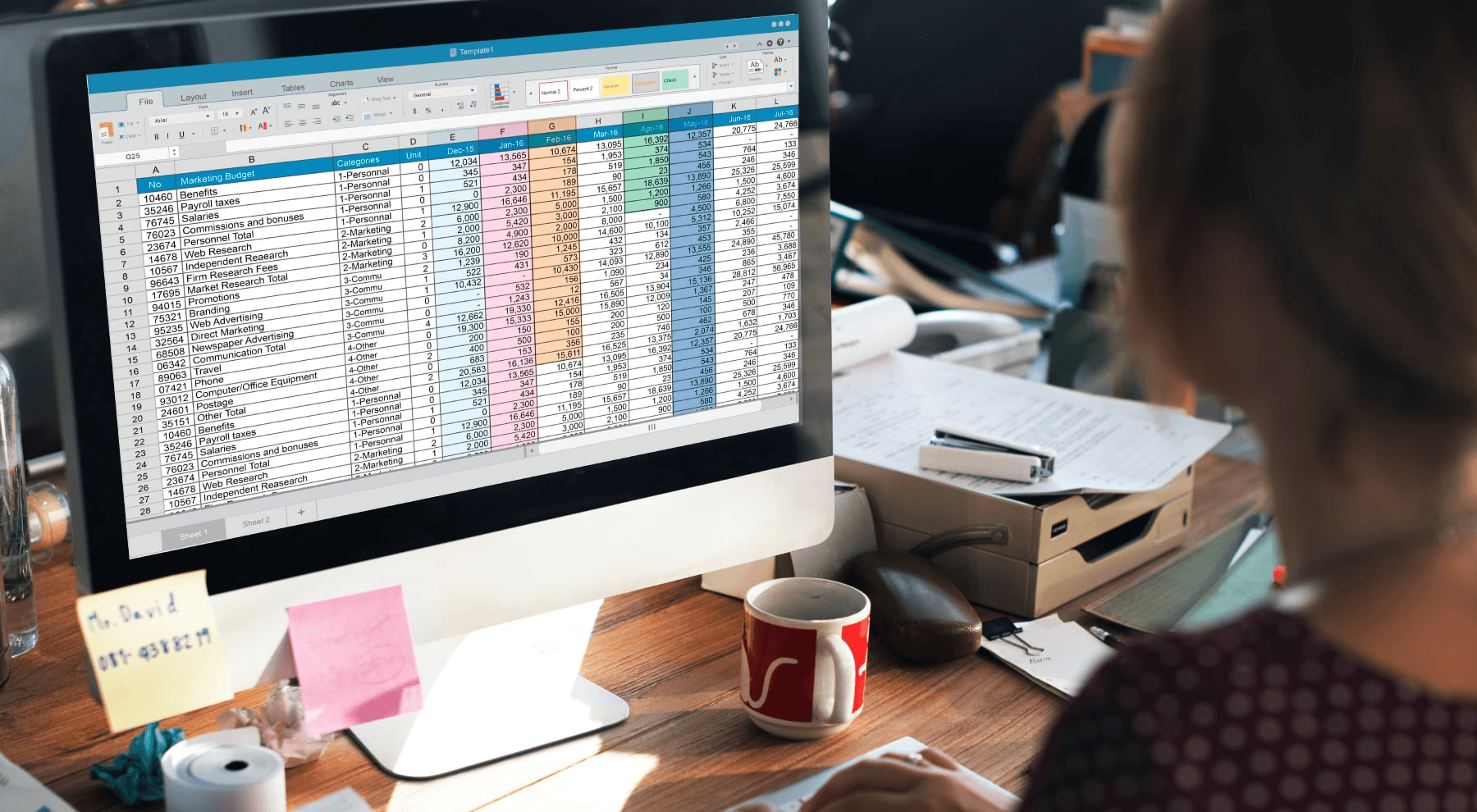
You can turn a generic Excel budget template into a working financial tool in 30 minutes by choosing the right structure first, stripping out what doesn't apply, adjusting categories to match real transactions, entering core numbers, and making the layout simple enough to maintain weekly. The speed comes from abandoning the search for perfection and focusing instead on immediate usability.
Start With the Template Type That Matches Your Money Rhythm
Your first five minutes determine whether the next 25 will be productive or wasted. Choose based on how money actually enters and leaves your accounts, not on which template looks most professional.
If you get paid biweekly and most expenses hit monthly, a monthly budget template creates natural alignment.
If you track business revenue separately from personal spending, forcing both into a household template guarantees confusion.
If you need to see where money went without comparing it to a plan, an expense tracker gives you that clarity without requiring budget estimates you don't have yet.
The mistake people make here is downloading three different templates to compare features. That burns time and creates decision paralysis. Pick the one that matches your primary tracking need right now. You can always switch later if your financial situation changes, but you can't get clarity from a template you never finish setting up.
Remove Everything You Won't Actually Use
Most templates arrive bloated with sections designed for maximum flexibility across different users. That flexibility becomes a source of friction when you're maintaining the file weekly.
Spend the next five minutes deleting or hiding rows for categories you don't have:
Business travel
Dependent care
Investment income
Rental property expenses
If you don't split household costs with a partner, remove the "shared expenses" section. If you don't track cash separately from card spending, delete that distinction. This isn't about making the template smaller. It's about making the active area of the spreadsheet match your actual financial footprint. Every unused row you scroll past while updating transactions adds cognitive load. Over weeks and months, that friction compounds, leading you to stop updating the file altogether.
Rename Categories to Match Real Transactions
Generic category labels like "Miscellaneous" or "Personal Spending" hide more than they reveal. Spend five minutes renaming categories to match the language you use when thinking about money. If you mentally bucket expenses as "coffee and lunch out" rather than "food and dining," change the label. If your phone bill, internet, and streaming services all feel like one category in your mind, group them under "subscriptions" instead of splitting them across "utilities" and "entertainment."
The goal is to eliminate the translation layer between how you think about spending and how the spreadsheet organizes it. When you buy groceries, you shouldn't need to decide whether that counts as "household expenses" or "food." The category name should be obvious enough that logging the transaction takes seconds, not mental effort. 88% of spreadsheets contain errors, often because users force transactions into categories that don't naturally fit their spending patterns.
Enter Core Numbers, Not Every Detail
The next seven minutes go to populating the template with your major financial data.
Start with monthly income from all sources:
Salary
Freelance payments
Side income
Regular transfers
Then add fixed expenses that hit every month at predictable amounts:
Rent or mortgage
Insurance
Loan payments
Subscription services
Follow with variable expenses where you know the general range:
Groceries
Gas
Utilities
Dining out
Baseline Estimation and Progressive Precision
You're not trying to account for every dollar you spent last month. You're building a baseline that reflects typical financial flow. If you spent $180 on groceries one week and $220 the next, entering $200 as your weekly average gives you enough accuracy to make the budget useful. Precision comes later, after you've tracked actual spending for a few cycles and can refine estimates based on real data. Many people get stuck here trying to reconstruct exact spending from bank statements before they'll enter a single number. That perfectionism kills momentum. The template becomes useful the moment it shows approximate totals, even if those totals will shift as you add detail over the coming weeks.
Check Whether the Output Makes Sense
Spend four minutes reviewing what the template is telling you now that numbers are in place. Look at total monthly income versus total monthly expenses. If the gap doesn't match your actual financial situation (you're showing a $500 surplus but your checking account stays flat, or you're showing a $300 deficit but savings keep growing), something in your estimates is off. Check category totals to see if any look obviously wrong. If "transportation" shows $800 and you don't have a car payment, you probably miscategorized something or entered a number in the wrong cell.
This isn't about achieving perfect accuracy. It's about ensuring the template generates a financial picture that roughly aligns with reality. If the numbers feel completely disconnected from your actual money situation, the template won't help you make better decisions. It'll just be a spreadsheet you update out of obligation while ignoring what it tells you.
Simplify the Layout for Weekly Maintenance
Use the final four minutes to make the file easier to update going forward.
Freeze the header row so category names stay visible when you scroll.
Widen columns so text doesn't get cut off.
Add a simple color code if it helps you scan faster (green for income, red for expenses, or whatever visual distinction makes sense to you).
Delete any charts or pivot tables you won't actually look at.
If the template includes a dashboard tab you'll never review, hide it.
The test is this: can you open the file next week, add three transactions, and see updated totals in under two minutes? If the answer is no, the layout is still too complex. Simplification isn't about making the spreadsheet look minimal. It's about removing everything that stands between you and logging a transaction.
Simplified Layouts and Standardized Collaboration
Teams tracking shared budgets often discover that layout simplicity matters even more when multiple people update the same file. When categories are clear, totals are visible, and the structure is obvious, you don't need to explain how the spreadsheet works every time someone new starts using it. Tools like Numerous help teams automate repetitive categorization work directly inside spreadsheets using AI, so multiple people can log expenses without requiring alignment meetings about which category each transaction belongs in. The =AI function can standardize how spending gets classified across different users without forcing everyone to memorize rules.
Why This Workflow Resists the Urge to Optimize Too Early
The 30-minute constraint forces you to prioritize setup over perfection. You can't spend 20 minutes researching whether to use a monthly or zero-based budget template if the clock is running. You can't agonize over whether "coffee" belongs under "food" or "discretionary" if you only have five minutes to rename categories. The time limit kills the perfectionism that usually prevents people from ever finishing the setup. What you end up with isn't the ideal budget template. It's a working one. And working beats ideal every time, because a working template gets used, generates data, and surfaces spending patterns you can act on. An ideal template that's 80% configured but never finished just sits in your downloads folder next to the three other templates you started and abandoned.
The Real Benefit Shows Up in Week Two
The value of this workflow doesn't appear during the initial 30 minutes. It shows up the following week when you open the file to log new transactions and realize you don't need to relearn how the spreadsheet works. Categories still make sense. Totals update automatically. The layout feels familiar instead of confusing. You're in and out in two minutes. That's when the template stops being a project and becomes a tool. You're not managing the spreadsheet anymore. You're using it to manage money. The difference matters more than any feature comparison between template types ever could.
Use Excel Budget Templates Faster with Numerous
If using an Excel budget template is taking too long, the problem isn't the template. It's the setup. Most people spend 20 minutes renaming categories, cleaning up messy labels, and rewriting sections to match their actual spending before they can log a single transaction. That manual work turns a 30-minute setup into an hour-long project you keep postponing. Tools like Numerous let you use AI directly inside your spreadsheet to clean categories, rewrite labels, and organize your budget template faster. Instead of manually editing every row, you can prompt the =AI function to standardize category names, remove unused sections, or restructure expense groups to match how you actually spend.
Workflow Integration and Rapid Implementation
The work happens inside Excel or Google Sheets, so you're not switching between tools or copying data back and forth. You're just making the template usable in less time. The result is cleaner categories, better structure, and faster setup without leaving the spreadsheet. You turn a generic budget file into a working money-tracking system that fits your financial life, then start using it instead of configuring it. Excel gives you the template. Numerous helps you make it usable faster.
Related Reading
How To Calculate Total Revenue In Excel
How To Make A Financial Report In Excel
How To Categorize Expenses In Excel
Cube Alternative
Best Excel Functions For Finance
How To Create An Expense Tracker In Excel