
Picture this: you're staring at a complex financial model, knowing your analysis could influence million-dollar decisions, yet your Excel skills feel like they're holding you back. As financial modeling evolves and the best AI for financial modeling becomes more integrated into our workflows, mastering Excel remains the foundation every financial analyst needs. This article cuts through the noise to present 7 carefully selected Excel courses that financial analysts can complete in just 30 days, giving you the technical proficiency to build valuation models, conduct scenario analysis, and present data-driven insights with confidence.
While traditional Excel training builds your core competency in functions, formulas, and financial statement analysis, tools like Numerous spreadsheet AI tools can accelerate your application of these skills in real-world situations. This AI-powered solution works directly within your spreadsheets to help you learn faster by demonstrating advanced techniques, automating repetitive tasks in financial reporting, and showing you how modern analysts combine Excel mastery with intelligent automation to deliver results that matter.
Table of Contents
Summary
Financial analysts struggle with Excel, not because they lack software knowledge, but because they haven't learned to think analytically within spreadsheet environments. A 2019 Journal of Accountancy study found errors in 88% of audited spreadsheets, with most caused by flawed model design rather than formula mistakes. The real challenge is connecting financial logic to spreadsheet structure in ways that produce reliable, auditable models others can trust.
Scattered learning without structured courses creates invisible gaps that appear during interviews or on the job. You might master individual functions like VLOOKUP or pivot tables through isolated tutorials, but without understanding how these tools connect inside actual financial models where assumptions must flow cleanly into calculations and statements must reconcile perfectly, the knowledge becomes unusable under real conditions.
Generic Excel courses teach features instead of frameworks, showing you thirty functions when you need to understand three modeling patterns. Most training uses clean practice datasets that never prepare you for messy exported reports with merged cells, inconsistent formatting, and missing values.
A structured 30-day learning workflow accelerates mastery by prioritizing application over accumulation. The sequence starts with cell references and data entry conventions (days 1-5), progresses to core functions like IF statements and SUMIFS (days 6-10), applies skills to real datasets and simple models (days 11-18), builds forecasts and variance reports (days 19-24), focuses on model clarity and maintainability (days 25-28), then tests competency through independent projects (days 29-30).
Professional modeling standards emphasize readability and maintainability because models get inherited, audited, and modified by others. Consistent color coding (blue for inputs, black for calculations, green for links), avoiding merged cells that break sorting, naming important ranges, and separating assumptions from calculations distinguish analysts who can work independently from those requiring constant assistance.
Excel serves 750 million users globally according to Microsoft, yet only a fraction understand how to build models that remain stable under real-world pressure. The difference comes from learning financial relationships first, then applying them in spreadsheets, rather than memorizing isolated techniques that break when applied to real-world analysis.
Spreadsheet AI tool addresses this by working directly inside your existing spreadsheet environment to automate repetitive data preparation, validate formula logic, and demonstrate how modern analysts combine traditional Excel techniques with AI assistance to maintain structured, auditable workflows.
Why Aspiring Financial Analysts Struggle to Learn Excel

Most people who struggle with Excel for financial analysis already know how to use Excel. They can build formulas, format cells, and organize data. The real challenge isn't learning the software. It's learning how to think like an analyst inside the software, connecting financial logic to spreadsheet structure in ways that produce reliable, auditable models others can trust.
Excel Literacy Isn't the Same as Analytical Fluency
You can master VLOOKUP and still end up with a broken forecast. The function works perfectly, but if you're pulling the wrong data or structuring your assumptions incorrectly, the output misleads rather than informs. Researchers found errors in 88% of spreadsheets they audited, most caused not by formula mistakes but by flawed model design and poor data organization. The spreadsheet did exactly what it was told to do. The analyst just told them the wrong thing.
This gap between tool knowledge and application shows up everywhere. Someone learns pivot tables through a tutorial using sales data, then freezes when asked to analyze cash flow variance across three business units. The pivot table still works the same way. But without understanding how cash flow behaves, which dimensions matter for comparison, or how to structure the source data for meaningful analysis, the tool becomes useless. Financial analysis requires you to know what question you're answering before you touch a single cell.
Learning Paths Focus on Features, Not Frameworks
Most Excel courses teach you thirty functions when you need to understand three frameworks. They show you how INDEX-MATCH works through isolated examples, but they don't teach you when to use it instead of VLOOKUP, or how to structure your data so lookups remain stable when someone inserts a column. You finish the course able to recite syntax but unable to build a three-statement model that links properly.
The problem compounds when learners jump between resources. One YouTube video teaches nested IF statements, another demonstrates array formulas, and a third covers data validation. Each piece makes sense in isolation. But there's no connective tissue showing how these tools work together inside an actual financial model, where assumptions feed calculations, calculations populate statements, and statements must reconcile perfectly, or the entire analysis falls apart.
Structured Upskilling and Collaborative Automation
When learning happens without structure, you end up with scattered competencies that don't combine into actual capability. Tools like the spreadsheet AI tool help bridge this gap by working directly inside your existing spreadsheet environment, demonstrating how modern analysts combine traditional Excel skills with AI assistance to handle repetitive data tasks, learn advanced techniques through real examples, and maintain the structured, auditable workflows that financial analysis demands. The spreadsheet remains your workspace. The AI becomes a collaborator that helps you see patterns and apply techniques faster than you could learn on your own.
Context Determines Whether Skills Transfer
Generic practice datasets teach you mechanics, not judgment. When every exercise uses clean data, you never learn how to handle the messy reality of exported reports with merged cells, inconsistent formatting, and missing values. When every problem has one correct answer, you never develop the instinct to sense-check outputs or recognize when a result looks wrong, even though the formula is technically correct. Real financial analysis is rarely clean, and the ability to troubleshoot comes from exposure to complexity, not repetition of simplified examples. But what really costs people isn't just the time spent learning. It's what happens when they finally land that analyst role and realize their Excel knowledge doesn't translate to the work.
Related Reading
The Hidden Cost of Learning Excel Without the Right Course

Learning Excel without the right course may feel flexible, but it often leads to slow progress, repeated mistakes, and difficulty applying skills in real analysis. The real cost is not just time. It is staying at a level where you know Excel features, but cannot use them to solve real financial problems.
Scattered Learning Creates Invisible Gaps
Without a structured course, learning becomes fragmented. You might watch a tutorial on nested IF statements one day, practice pivot tables the next week, then jump to VLOOKUP when a project demands it. Each piece makes sense in isolation. But you never learn how these tools connect inside an actual financial model, where assumptions must flow cleanly into calculations, calculations must populate linked statements, and every formula must remain stable when someone adds a new row or changes the reporting period.
The gaps show up later, usually during an interview or on the first day of a new role. You can explain what INDEX-MATCH does, but you freeze when asked to build a rolling forecast that updates automatically each month. The function works the same way it did in the tutorial. But without understanding how to structure your data for dynamic analysis or how to design formulas that adapt rather than break, the tool becomes useless in real-world conditions.
Repetition Replaces Progress
Unstructured learning often means relearning the same skills. You search for a formula explanation, apply it once, then forget the logic because nothing reinforced it. Weeks later, facing a similar problem, you search again. According to research cited by Learnesy, 88% of spreadsheets contain errors, most caused not by formula mistakes but by poor model design and inconsistent application of techniques. Time gets spent reviewing, correcting, and searching instead of building new capabilities or tackling more complex analysis.
This cycle feels productive because you're always busy. But busy does not mean improving. When learning lacks structure, you circle the same intermediate plateau, gaining familiarity without gaining fluency. The spreadsheet does what you tell it. You just keep telling it the wrong things because no one showed you how financial logic translates into durable spreadsheet architecture.
Skills Stay Disconnected From Real Work
Excel is a core tool for financial analysts because it handles data analysis, reporting, forecasting, and decision support. But when learning happens through isolated tutorials and generic practice datasets, you develop mechanical competency without analytical judgment. You can build a formula that technically works but produces misleading outputs because you structured the assumptions incorrectly or pulled data from the wrong period.
Tools like the spreadsheet AI tool help bridge this gap by working directly inside your existing spreadsheet environment, demonstrating how modern analysts combine traditional Excel techniques with AI assistance to automate repetitive data tasks, validate model logic, and learn advanced methods through real examples rather than disconnected exercises.
Opportunity Cost and Technical Ownership
The real cost is not the time spent watching tutorials or downloading templates. It is the delayed career growth that comes from staying at a basic level longer than necessary, struggling in technical interviews, avoiding complex tasks, or lacking the confidence to own your analysis when someone questions your numbers. Progress is not about knowing more functions. It is about thinking clearly inside the spreadsheet, connecting tools to logic in ways that produce reliable, auditable work others can trust. But knowing the cost is only useful if you know what actually closes the gap.
7 Excel Courses for Financial Analysts to Learn in 30 Days
Structured courses that combine financial modeling with hands-on Excel practice accelerate learning because they teach you how analysts think, not just how functions work. You learn to connect financial logic to spreadsheet architecture, building models that hold up under scrutiny rather than memorizing isolated techniques that break when applied to real work.
1. Corporate Finance Institute Excel and Financial Modeling Courses
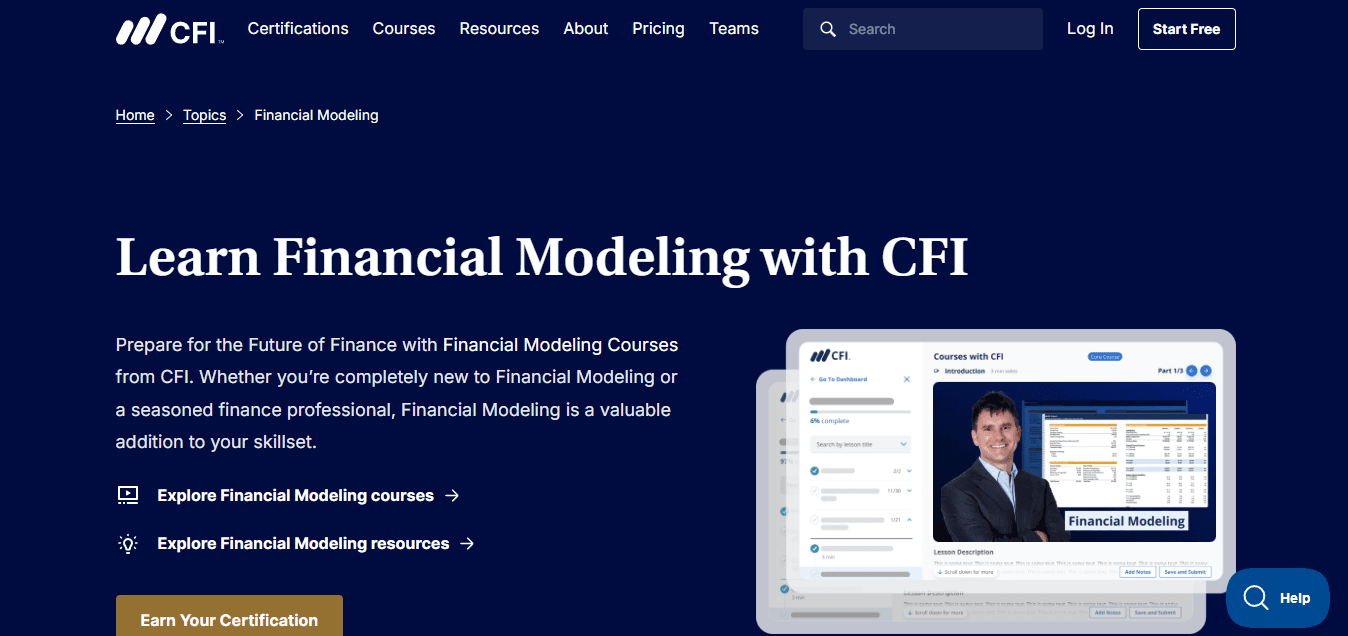
CFI structures its curriculum around financial statements and valuation models, teaching Excel as the implementation layer for accounting principles you already understand. You start with income statements, balance sheets, and cash flow analysis, then learn how to link these statements inside Excel so changes in one assumption cascade correctly through the entire model. The progression mirrors how analysts actually work, where understanding the financial relationship comes first, and the spreadsheet mechanics follow naturally.
The course forces you to build complete models from scratch rather than filling in templates. When you construct a three-statement model that reconciles perfectly, you internalize why certain formulas must reference specific cells, why hard-coding numbers creates fragility, and how to structure assumptions so updates remain clean. That structural thinking transfers immediately to any financial analysis task because you learned the underlying architecture, not just the surface commands.
2. Wall Street Prep Excel for Financial Modeling
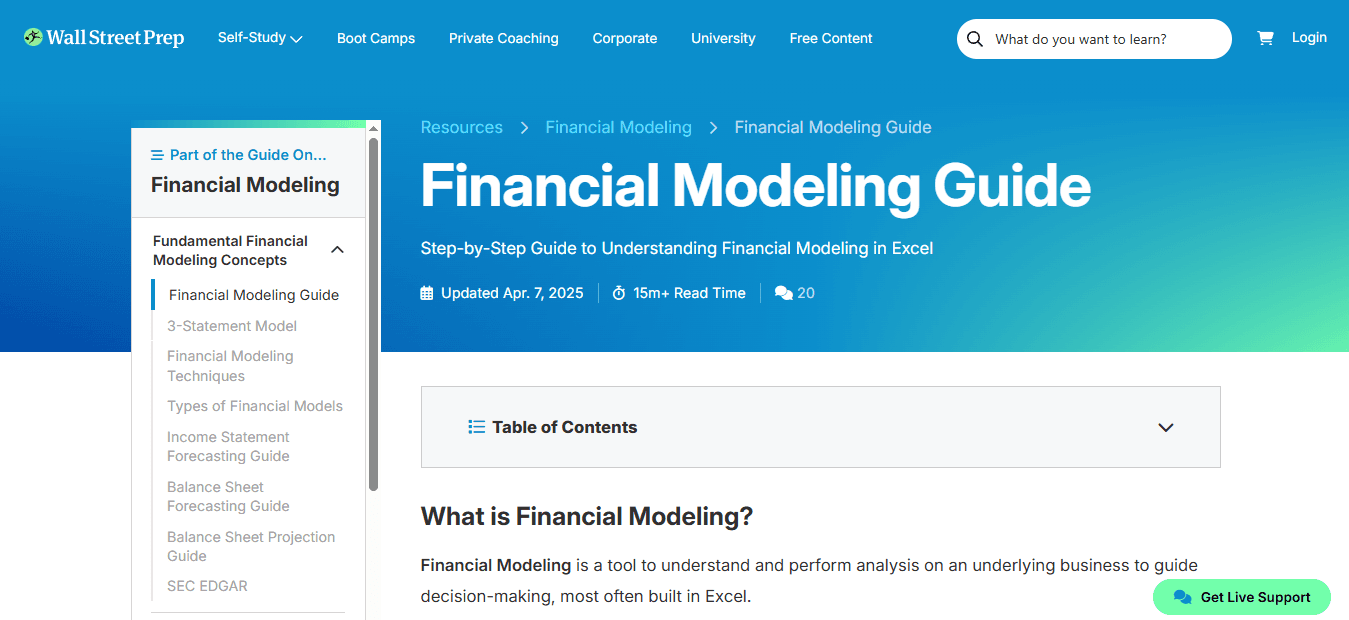
Wall Street Prep focuses on the Excel techniques investment bankers and equity analysts use daily, teaching you to build models fast without sacrificing accuracy. The course emphasizes keyboard shortcuts, formula efficiency, and formatting conventions to make your work readable to senior analysts who need to quickly audit your assumptions. You learn why professionals avoid merged cells, how to color-code inputs versus calculations, and when to use named ranges instead of cell references that break when someone inserts a row.
Functional Modeling Patterns and Structural Stability
The practical focus means less time on Excel features you'll rarely use and more time on the specific modeling patterns that appear in leveraged buyout analysis, discounted cash flow valuation, and merger models. You build muscle memory for the workflows that matter, like linking financial statements correctly, creating sensitivity tables that update automatically, and structuring scenario analysis so stakeholders can toggle assumptions without breaking the model. According to Microsoft, Excel serves 750 million users globally, but only a fraction understand how to build models that remain stable under real-world pressure. Wall Street Prep teaches stability through repetition of professional patterns.
3. Udemy Excel Courses for Analysts

Udemy's course library lets you target specific skill gaps without committing to a full program. If you already understand financial statements but struggle with array formulas, you can take a focused course on dynamic arrays and spill ranges. If pivot tables confuse you, there's a course that builds competency through progressively complex examples. The flexibility helps when you need to learn one technique quickly for an upcoming project rather than working through an entire curriculum.
Professional Context and Qualitative Evaluation
The challenge with Udemy is quality varies significantly across instructors. Some courses teach outdated methods or use generic datasets that don't reflect financial analysis workflows. Look for courses taught by finance professionals who show real modeling scenarios, explain why certain approaches matter for auditable work, and demonstrate how techniques connect inside complete models. A good Udemy course doesn't just show you how to use SUMIFS. It shows you when to use SUMIFS instead of pivot tables for variance analysis, and how to structure your data so the formula remains maintainable when someone else inherits your model.
4. LinkedIn Learning Excel for Financial Analysis
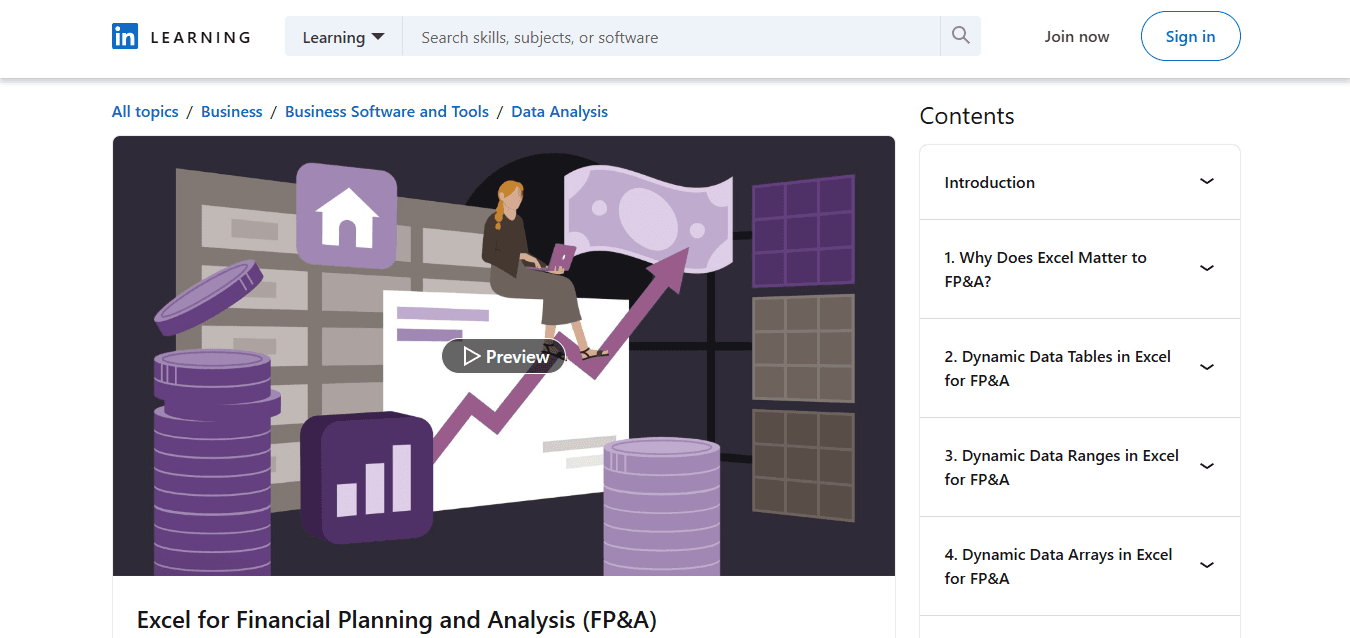
LinkedIn Learning breaks Excel instruction into short modules you can complete during lunch breaks or on your commute. Each video focuses on one specific skill, making it easy to learn incrementally without blocking out full days for training. The platform tracks your progress and suggests related courses, creating a personalized learning path that adapts as your competency grows.
The courses integrate well with professional development goals because they're designed for working analysts who need to apply skills immediately. You learn a technique on Monday, use it in your forecast model on Tuesday, then return on Wednesday to learn the next layer of complexity. That immediate application reinforces learning faster than batch training, where you absorb ten techniques in one sitting but forget most before you get a chance to use them.
5. Coursera Excel Financial Analysis Courses
Coursera partners with universities to offer structured programs that combine Excel instruction with accounting and finance theory. You don't just learn how to build a depreciation schedule. You learn why different depreciation methods affect financial statements differently, then implement each method in Excel, so you see the mechanics behind the theory. That dual focus helps when you need to explain your analysis to stakeholders who question your assumptions.
The academic structure means slower pacing but deeper understanding. Courses include assignments that require you to analyze real company financials, build comparative models, and defend your methodology. The feedback loop helps you catch conceptual errors before they become ingrained habits. When you finish a Coursera program, you've built a portfolio of complete models that demonstrate competency to potential employers, not just a certificate claiming you watched videos.
6. Breaking Into Wall Street Excel and Modeling Program
BIWS teaches Excel through the lens of investment banking interviews and on-the-job expectations. The program assumes you're preparing for technical interviews where you'll need to build models under time pressure while explaining your logic out loud. You practice building LBO models in 30 minutes, creating comparable company analyses with incomplete data, and structuring merger models that account for synergies and transaction costs.
Contextual Reasoning and Automated Execution
The intensity mirrors real work conditions. You learn to make reasonable assumptions when perfect data isn't available, structure models so reviewers can follow your logic quickly, and troubleshoot errors fast when formulas don't reconcile.
Many analysts report that learning Excel inside structured spreadsheet environments, where AI tools like spreadsheet AI tools help automate repetitive data prep and validate model logic, accelerates their ability to focus on financial reasoning rather than mechanical execution. The spreadsheet remains your primary workspace. The AI assists with grunt work, such as categorizing transactions, cleaning imported data, and generating scenario variations, so you spend more time analyzing and less time formatting.
7. edX Excel Courses for Analysts

edX offers university-level courses that teach Excel alongside statistics and data analysis fundamentals. You learn how to use Excel's Data Analysis ToolPak for regression analysis, understand when correlation implies causation rather than coincidence, and structure datasets for hypothesis testing. The statistical grounding helps when you need to analyze historical trends, build forecast models with confidence intervals, or explain to executives why your projections include ranges rather than single-point estimates.
The courses move more slowly than bootcamp-style programs but build deeper analytical intuition. You learn not just how to calculate a moving average, but when moving averages smooth noise versus hide important signals, and how to choose the right window length for your specific data characteristics. That judgment separates analysts who can execute instructions from analysts who can design their own analysis frameworks.
Why Structure Accelerates Mastery
These courses work because they teach Excel as a thinking tool rather than a feature set. You learn to translate financial questions into spreadsheet logic, structure data so analysis remains flexible, and build models that communicate clearly to non-technical stakeholders. The progression from basic formulas to complete financial models mirrors how analytical thinking develops, where each new technique builds on previous understanding rather than existing as an isolated skill. But knowing which course to take only matters if you know how to actually use it to build real competency in 30 days.
Related Reading
The 30-Day Learning Workflow to Master Excel for Financial Analysis

You can build real financial analysis competency in 30 days when you follow a structured sequence that prioritizes application over accumulation. The key is learning one layer, using it immediately in context, then adding the next layer before the first one fades from memory. This approach works because it mirrors how analysts actually think: each skill connects to the previous one within complete models, rather than existing as isolated tricks.
Days 1–5: Build the Foundation That Everything Else Requires
Start with cell references
Basic arithmetic formulas
Data-entry conventions that financial models rely on
This sounds trivial until you realize most spreadsheet errors trace back to absolute versus relative references used incorrectly, or hard-coded numbers buried inside formulas where assumptions should live separately. Spend these first days building muscle memory for navigating sheets with keyboard shortcuts, structuring inputs in dedicated assumption sections, and writing formulas that reference cells rather than embedding values directly.
Foundational Comfort and Input-Calculation Decoupling
The outcome by day five is not mastery. It's comfort. You should be able to open a blank spreadsheet, set up a basic revenue calculation that multiplies units by price, and change the price assumption without touching the formula. That separation between inputs and calculations becomes the backbone of every financial model you'll ever build.
Days 6–10: Master the Functions Analysts Use Daily
Focus exclusively on IF statements:
VLOOKUP
XLOOKUP
SUM
AVERAGE
SUMIFS
These five functions handle 80% of financial analysis work because they let you categorize data, pull information across tables, and aggregate results based on multiple criteria. Don't learn them through random examples. Learn them by solving actual financial tasks like calculating quarterly revenue by product line, flagging variances that exceed thresholds, or pulling historical actuals into a forecast template.
Syntactic Fluency and Analytical Independence
Practice each function until you can write it from memory without checking syntax. When you need to look up whether the range comes before or after the lookup value, you're not ready to move forward. According to Graduate School USA's Financial Analyst Training Program, which has been refined through 7,808 reviews, the ability to write core functions fluently separates analysts who can work independently from those who constantly need help with basic tasks. Fluency means thinking about the financial question, not the Excel syntax.
Days 11–18: Apply Skills to Real Datasets and Simple Models
Stop practicing with clean tutorial data.
Find messy exported reports with inconsistent formatting, merged cells, and missing values.
Learn to clean this data using text-to-columns, find-and-replace with wildcards, and conditional logic that handles blanks gracefully.
Then build simple financial models, such as a three-month cash flow projection or a product profitability comparison across regions.
The models don't need to be complex. They need to be complete. That means separate tabs for assumptions, calculations, and outputs. It means formulas that pull from the assumption tab, so updates cascade automatically. It means totals that reconcile perfectly, with revenue minus costs equaling profit, without rounding errors or broken links. When you can build a model that someone else can open, understand, and modify without asking questions, you've crossed from knowing Excel to using it as an analytical tool.
Logic Validation and Diagnostic Efficiency
This is also where structured learning environments are most helpful. When you're stuck wondering why your SUMIFS returns zero when you know matching records exist, or why your lookup pulls the wrong value after you sorted the data, having a framework that explains common failure modes saves hours of frustrated trial and error. Modern analysts combine traditional Excel proficiency with tools like a spreadsheet AI tool to handle repetitive data preparation, validate formula logic against expected patterns, and quickly generate scenario variations. The spreadsheet remains your primary workspace. The AI assists with grunt work, such as categorizing transactions or cleaning imported data, so you spend more time analyzing financial relationships and less time dealing with formatting issues.
Days 19–24: Build Models That Mirror Real Analyst Work
Move to forecasting
Trend analysis
Variance reporting
Build a rolling twelve-month forecast that updates automatically when you add a new month of actuals. Create a variance report that flags items exceeding budget by more than 10%, color-codes them by severity, and calculates both absolute and percentage differences. Construct a sensitivity table that shows how profit changes across different combinations of price and volume assumptions.
Structural Integration and Forecast Stability
These tasks force you to think structurally. A rolling forecast requires date logic that identifies the current month, formulas that switch between actuals and projections based on that date, and a layout that remains stable when new periods are inserted. Variance analysis requires you to structure data so that actuals and budget align properly, handle cases where budget doesn't exist for certain items, and present results in ways non-technical managers can interpret quickly. This is where financial knowledge and Excel skills must integrate completely. You can't build a useful forecast without understanding how revenue, costs, and working capital interact over time.
Days 25–28: Focus on Clarity and Maintainability
Review your models with fresh eyes.
Are assumptions clearly labeled and separated from calculations?
Do formulas use consistent patterns across rows so someone can understand the logic by reading one cell?
Are outputs formatted so key numbers stand out and supporting detail recedes?
Can someone else open your model and immediately understand what it does, where inputs go, and which cells drive the final answer?
Standardized Conventions and Model Legibility
Professional analysts spend significant time making models readable because models get inherited, audited, and modified by people who didn't build them. Use color coding consistently:
Blue for inputs
Black for calculations
Green for links to other sheets
Avoid merged cells that break sorting and filtering. Name important ranges so formulas read like sentences rather than cryptic cell references. Add brief notes explaining non-obvious logic. These conventions seem cosmetic until you inherit someone else's model and spend two hours tracing formulas to understand a simple calculation.
Days 29–30: Test Yourself With Independent Projects
Build a complete financial model from scratch without following a template.
Choose something realistic like a department budget, a product launch analysis, or a capital investment comparison.
Define your own structure, decide which assumptions matter, determine how to present results, and create a model that answers the core question clearly.
Then explain your approach and defend your assumptions as if presenting to a skeptical manager.
Fundamental Reasoning and Systematic Troubleshooting
This final test reveals whether you've internalized the thinking or just memorized the steps.
When you hit a problem you haven't seen before, can you reason through it using the fundamentals you've built?
When your first approach doesn't work, can you troubleshoot systematically rather than randomly changing formulas, hoping something fixes it?
Confidence comes from solving problems independently, not from completing guided exercises where someone has already shown you the answer.
Why This Sequence Works When Random Learning Fails
The workflow eliminates the core problem that stalls most learners: trying to absorb everything simultaneously without context for how pieces connect. Each phase builds directly on the previous one.
You learn cell references, then use them in functions.
You learn functions, then combine them in models.
You build models, then refine them for clarity.
The progression feels natural because it mirrors how analytical thinking actually develops, where complexity emerges from simple foundations applied consistently.
Application-Driven Retention and Selective Mastery
Structured practice also prevents the repetition trap, where you keep relearning the same skills because nothing reinforces them. When you spend three days building variance reports using SUMIFS, you don't forget how SUMIFS works. When you troubleshoot why your rolling forecast breaks when you add a new month, you internalize how date logic and cell references interact. Application creates retention in ways passive learning never does. But structure alone doesn't guarantee speed. What actually compresses learning time is knowing which techniques matter for financial analysis versus which ones you can ignore.
Learn Excel for Financial Analysis Faster With Numerous
If learning Excel for financial analysis is taking too long, the problem is not Excel. It is the process. Most people watch lessons without practicing, struggle to turn concepts into working spreadsheets, rewrite formulas manually, and spend hours organizing data before analysis even begins. That cycle keeps you busy without making you better.
Integrated Automation and Analytical Focus
Use Numerous inside your spreadsheet. Prompt it to clean data, structure your models, and guide your workflow faster. Apply what you learn immediately without getting stuck on setup. Turn raw data into analysis-ready sheets in minutes instead of wrestling with formatting, categorization, and repetitive data prep that delays the actual financial thinking. The spreadsheet remains your workspace. The AI handles grunt work, such as categorizing transactions, validating formula logic, and generating scenario variations, so you can focus on analysis instead of mechanical execution.
Operational Speed and Reusable Workflows
No more slow practice.
No more messy setup.
No more delay between learning and doing.
In less time, you will have cleaner data, better structure, faster execution, and a workflow you can reuse anytime. Open Numerous, use it inside your spreadsheet, and turn slow learning into faster, practical Excel analysis. Excel helps you analyze data. Numerous helps you do it faster.
Related Reading
How To Calculate Total Revenue In Excel
How To Make A Financial Report In Excel
How To Categorize Expenses In Excel
Cube Alternative
Best Excel Functions For Finance
How To Create An Expense Tracker In Excel