
Protecting sensitive data is a real challenge, especially when using AI to categorize data across sprawling file systems, cloud storage, and databases. Varonis is a well-known data security platform, but it is not the only option. Whether you find it too expensive, too complex, or simply not the right fit, there are strong data protection tools worth knowing about. This article walks you through 7 Varonis alternatives to help you lock down sensitive information quickly.
Getting through a list of data security tools, comparing features like user behavior analytics, data classification, access controls, and threat detection, can eat up hours you do not have. That is where Numerous comes in. The Numerous’ spreadsheet AI tool turns dense information like this into clear, digestible content so you can absorb what you need about file activity monitoring, permission management, and sensitive data discovery in about 20 minutes, without wading through walls of text.
Table of Contents
Why Security Teams Look for Varonis Alternatives
The Hidden Cost of Choosing the Wrong Data Security Platform
7 Varonis Alternatives to Protect Sensitive Data in 20 Minutes
The 20-Minute Workflow to Evaluate Varonis Alternatives
Compare Varonis Alternatives Faster With Numerous
Summary
Regulatory pressure is reshaping what data security platforms are expected to do. Cloud account compromise rose from 16% to 46% between 2020 and 2025, according to the Netwrix 2025 Cybersecurity Trends Report, meaning platforms calibrated for earlier, simpler threat environments are often running behind the actual exposure profiles of the organizations using them.
Choosing the wrong platform carries costs that rarely surface in procurement conversations. Organizations with high levels of security skills shortage face an average breach cost of USD 5.72 million, according to IBM's Cost of a Data Breach Report, and platform mismatch directly amplifies that risk by demanding more administrative attention than teams can reasonably provide. Coverage gaps appear quietly, not all at once.
Detection speed is where platform fit becomes most consequential. The average time to identify and contain a data breach is 277 days, and platforms that slow investigation workflows or require manual cross-referencing between systems stretch that window further. Operational fit, not feature volume, determines whether a platform actually closes that gap.
No single platform wins across every environment. Each of the seven alternatives covered in this article solves a specific operational problem: Microsoft Purview excels at ecosystem integration for Microsoft 365 environments, BigID handles unstructured data discovery, Safetica reduces implementation overhead for leaner teams, and Trellix addresses endpoint and removable media risks that network-focused tools miss.
Structured evaluation cuts decision time without cutting quality. Most teams lose weeks by comparing vendor features before agreeing on what they are actually protecting. Defining sensitive data types, access governance requirements, and compliance frameworks in the first six minutes of an evaluation eliminates weak fits before a single demo is scheduled.
Eighty percent of enterprise data is unstructured, according to Congruity 360's analysis, which means any platform that cannot handle unstructured data discovery at scale should be removed from consideration early, regardless of how strong its other capabilities are. That single filter alone can shorten a ten-platform evaluation to three or four realistic candidates.
Numerous' spreadsheet AI tools address the information-density problem that slows these evaluations, turning detailed comparisons of features like user behavior analytics, access governance, and sensitive data discovery into digestible content that security teams can review in about 20 minutes.
Why Security Teams Look for Varonis Alternatives

Security requirements do not stay still. As organizations grow, the platforms they chose during an earlier, simpler phase of operations often struggle to keep pace with the demands of the current environment. That gap, quiet at first, becomes louder as teams add cloud applications, onboard more users, and absorb new compliance obligations that did not exist when the original platform was deployed.
The same pattern surfaces across enterprises of every size: a data security platform that handled file activity monitoring and permission management effectively at 500 users starts to show friction at 5,000 users. Not because the platform is broken, but because the organization's data security posture has fundamentally changed.
According to the Netwrix 2025 Cybersecurity Trends Report, cloud account compromise rose from 16% to 46% between 2020 and 2025, underscoring how quickly the threat surface is shifting beneath teams that are still working with tools calibrated for a different era.
Why Hybrid Environments Change the Evaluation
When sensitive data moves across Microsoft 365, Google Workspace, SaaS applications, and on-premises servers simultaneously, consistent policy enforcement becomes the real challenge. Security teams are not just protecting a perimeter anymore. They are governing data wherever it lands, which means they need unified visibility across all environments, not separate dashboards stitched together by manual effort. That operational complexity is often what pushes teams to evaluate data loss prevention tools, user behavior analytics platforms, and access governance solutions that were not on their radar two years ago.
Automating the Compliance Workflow
Most teams handle the growing workload by adding:
More manual review steps
More spreadsheet-based tracking
More context switching between security, compliance, and governance tasks
The hidden cost is efficiency. When analysts spend hours cross-referencing sensitive data discovery reports against access control logs, the bottleneck is not the data; it is the workflow. Teams exploring tools like Numerous often find that AI-powered spreadsheet automation handles the classification and categorization side of that work directly within the tools they already use, freeing security-focused attention for the decisions that actually require human judgment.
What Compliance Pressure Actually Does to Platform Decisions
Regulatory requirements like GDPR, HIPAA, and PCI DSS do not just expand the compliance checklist. They redefine what good enough looks like for data discovery, audit trail management, and access governance. The Varonis 2025 State of Data Security Report analyzed AI-scanned data from 1,000 real-world IT environments, revealing how widely sensitive information is distributed across organizations that believe their exposure is contained. When compliance teams see that kind of evidence, the conversation about insider risk management, data classification accuracy, and permission management shifts from theoretical to urgent.
Scaling Beyond Feature Checklists
The truth is, evaluating Varonis alternatives is rarely about dissatisfaction with a single feature. It is about whether the platform can grow with the organization's security posture, support evolving regulatory requirements, and reduce the operational overhead that accumulates as governance tasks outpace headcount growth. That is a harder problem to solve than it looks from the outside. And what happens when a team picks the wrong replacement? The costs are not always obvious on day one.
Related Reading
The Hidden Cost of Choosing the Wrong Data Security Platform

Picking the wrong data security platform does not announce itself loudly. The costs accumulate quietly, buried inside weekly workflows, stretched response times, and audit preparation that takes twice as long as it should. The failure point is usually an operational mismatch. A platform can pass every product demonstration and still create friction the moment it meets real data environments. Security teams end up spending hours each week adjusting policies, chasing false positives, and maintaining integrations that were never designed for their specific governance requirements. That is not a feature problem. It is a fit problem, and fit only reveals itself after deployment.
The Real Cost of Platform Mismatch
According to the IBM Cost of a Data Breach Report, organizations with high levels of security skills shortage face an average breach cost of USD 5.72 million. That number matters here because platform mismatch directly amplifies the skills shortage. When a tool demands more administrative attention than a team can reasonably give, coverage gaps appear.
Sensitive data goes unmonitored.
Access permissions go unreviewed.
The platform is technically running, but the protection it provides is thinner than the dashboard suggests. The same report also shows that the average time to identify and contain a data breach is 277 days. Nearly nine months. A platform that slows investigation workflows, buries alerts in noise, or requires manual cross-referencing between systems does not just create inconvenience. It extends that 277-day window, giving threats more time to move laterally through sensitive file systems, SharePoint environments, and cloud storage.
Functionality Over Feature Count
Most security teams focus their evaluation energy on feature comparisons:
Data classification
User behavior analytics
Access governance
Policy enforcement
Reporting
Those features matter. But two platforms can offer identical feature lists and deliver completely different operational experiences. The difference lies in the depth of automation, alert accuracy, remediation speed, and the extent to which the platform demands human judgment at every step. Choosing based on feature volume alone is like choosing a car based on the number of buttons on the dashboard rather than how it handles on the road.
The Hidden Cost of Friction
The real cost of the wrong platform is not a single line item. It is the compounded weight of slower investigations, reduced visibility into sensitive data, weakened insider risk detection, and compliance reporting that requires manual effort. Each of those costs compounds the others, and none of them appears clearly on a vendor's pricing page. And once you understand what the wrong platform costs, the next question becomes obvious: which alternatives actually get the operational fit right?
7 Varonis Alternatives to Protect Sensitive Data in 20 Minutes

The right platform is not the one with the longest feature list. It is the one that closes your actual exposure gaps, fits your team's existing workflows, and does not require six months of professional services before it starts returning value. According to the Lepide Blog's review of affordable Varonis alternatives, Varonis deployment timelines are typically measured in months rather than days. That gap matters more than most procurement teams acknowledge. Every week a platform sits in implementation is a week your sensitive data moves without meaningful oversight.
1. Microsoft Purview

The strongest argument for Microsoft Purview is not its feature depth. It is proximity. For organizations already running Microsoft 365, Purview operates within the environment where most sensitive data lives:
SharePoint
OneDrive
Teams
Exchange
Data classification, information protection, and insider risk management connect directly to the tools your users open every morning. You are not adding a layer on top of your stack. You are activating governance within it.
Purview's Insider Risk Management module deserves particular attention. It correlates signals across user activity, file movement, and communication patterns to surface behavioral anomalies before they become incidents. That kind of contextual correlation is difficult to replicate with standalone DLP tools that only see one channel at a time.
2. Forcepoint DLP
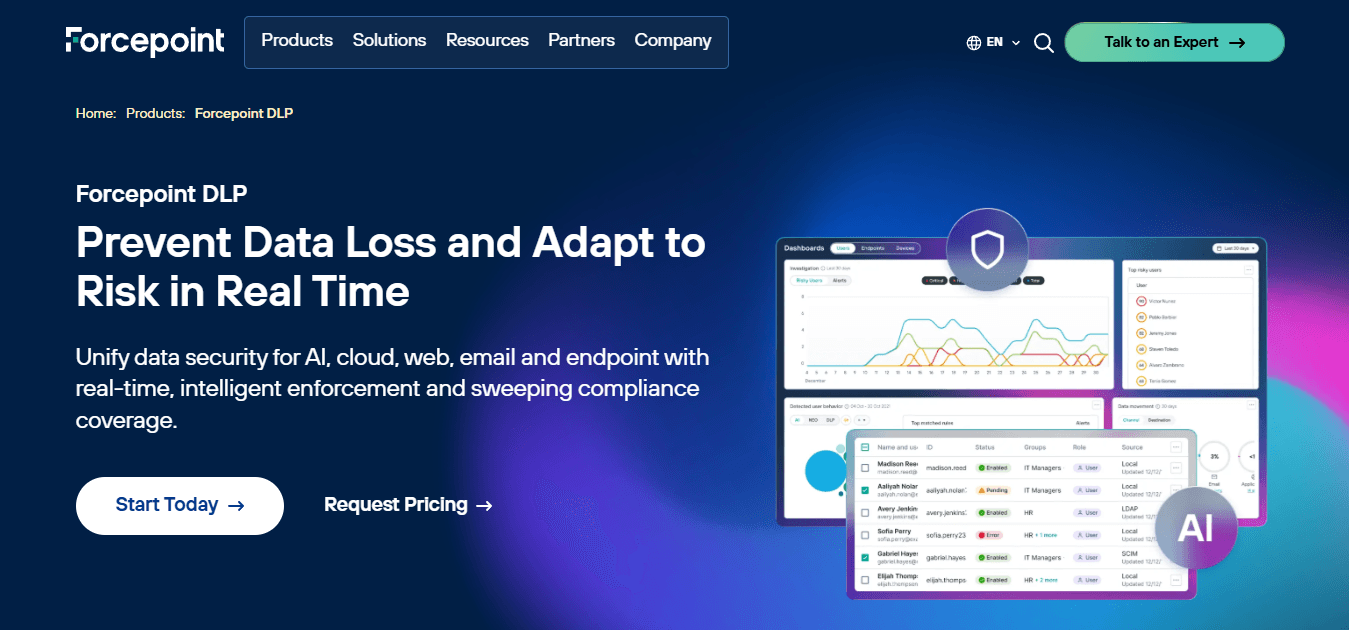
Forcepoint earns its place in enterprise shortlists because it does not treat data protection as a single-channel problem.
Endpoint
Network
Cloud
Email protection
This operates under a unified policy framework, so a rule you set for email exfiltration also applies when someone tries to move the same file via a cloud sync client. That consistency is rare, and it matters when your users work across multiple devices and access points throughout the day.
3. Symantec DLP
Symantec DLP is a good fit for organizations that have already built mature security operations and need breadth of coverage over speed of deployment. Its data discovery capabilities span endpoints, network traffic, and cloud storage simultaneously, giving security teams a consolidated view of where sensitive information actually resides. For large enterprises managing thousands of endpoints and multiple data repositories, that visibility is the foundation on which everything else depends.
4. Trellix DLP
The failure point in many endpoint protection strategies is removable media. USB drives, external hard drives, and portable storage devices remain among the most common vectors for unintentional and intentional data exfiltration, yet they fall outside the scope of most network-focused DLP tools. Trellix addresses that gap directly, with device control and content inspection capabilities designed specifically for organizations where endpoint risk is the primary concern.
5. BigID
According to Congruity 360's analysis of Varonis alternatives, 80% of enterprise data is unstructured. BigID is built for exactly that reality. Its sensitive data discovery engine does not just catalog structured records in known databases. It finds sensitive information buried in file shares, object storage, collaboration tools, and data warehouses, then classifies it against privacy frameworks such as:
GDPR
CCPA
HIPAA
For organizations running active privacy programs, that automated classification layer reduces the manual effort that typically consumes compliance teams before every audit cycle.
Fixing the Right Bottleneck
Most teams handling data classification at scale still rely on spreadsheets and manual tagging workflows. Analysts export data inventories, paste them into sheets, and spend hours applying labels row by row. Numerous address a different but related friction point:
Using AI directly in Google Sheets or Excel to automate text classification
Bulk categorization
Content processing tasks at scale
If the bottleneck is spreadsheet-based data work rather than enterprise file governance, it's worth recognizing that distinction before you invest in a platform built for a different problem.
6. Endpoint Protector
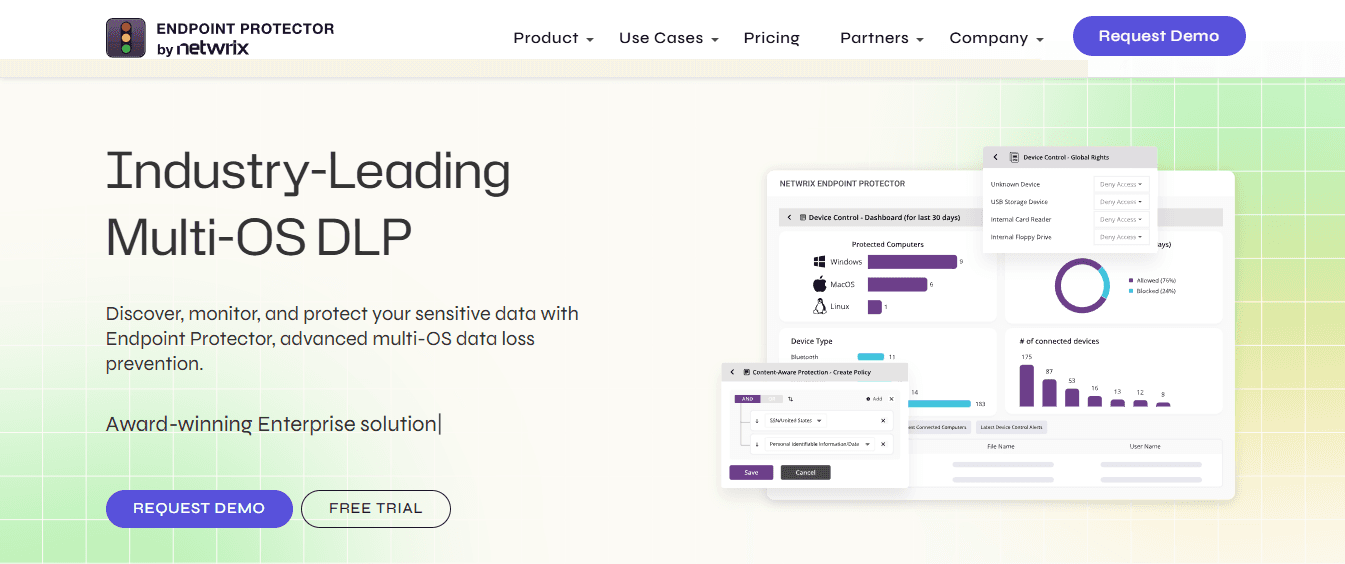
The same issue surfaces in mixed-OS environments and regulated industries alike: DLP tools built primarily for Windows create blind spots the moment a macOS or Linux machine enters the picture. Endpoint Protector closes that gap with cross-platform support that applies consistent content-aware protection regardless of operating system. For organizations managing creative teams, engineering workstations, or remote workers on varied hardware, that consistency is not a nice-to-have. It is a prerequisite.
7. Safetica
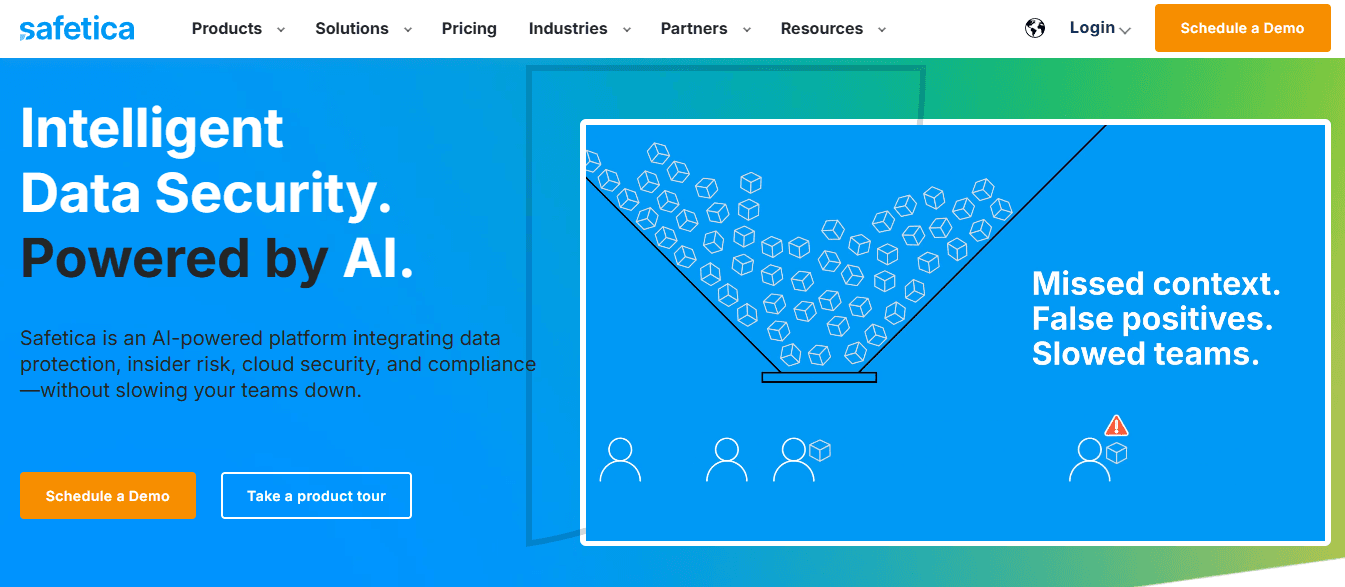
Safetica occupies a specific and underserved position in the market: it delivers insider risk management and data loss prevention capabilities without the implementation overhead that typically makes enterprise DLP inaccessible to smaller security teams. For organizations with limited security headcount, a platform that combines user activity monitoring, risk analysis, and policy enforcement in a straightforward deployment model removes the tradeoff between protection quality and operational capacity.
Why Operational Fit Determines Outcomes
The pattern across all seven alternatives is consistent. Each platform solves a specific operational problem better than a generalist solution would.
Microsoft Purview wins on ecosystem integration.
Forcepoint wins on multi-channel policy consistency.
Symantec wins on enterprise breadth.
Trellix wins on endpoint and device control.
BigID wins on unstructured data intelligence.
Endpoint Protector wins on cross-platform coverage.
Safetica wins on deployment simplicity for leaner teams.
Choosing between them is not a question of which platform is objectively superior. It is a question of which gaps your current environment leaves open and which platform closes them without creating new friction.
Operational Fit Over Market Rankings
The old procurement model, selecting based on analyst rankings and feature comparison grids, consistently produces mismatches between what a platform promises and what a security team can actually operationalize. The better model starts with your specific data environment:
Where does sensitive information live?
Who accesses it?
How does it move?
Where does your current tooling lose visibility?
The platform that maps most cleanly onto those answers is the right one for your organization, regardless of where it ranks on a vendor comparison chart. Data security is not a software problem with a software solution. It is an operational problem that software can help you solve. The distinction sounds subtle, but it determines whether a new platform becomes a genuine capability or an expensive addition to your alert backlog. And knowing which platform fits is only half the equation. The harder question is knowing how to run that evaluation without burning three weeks of your team's time to reach a decision.
Related Reading
The 20-Minute Workflow to Evaluate Varonis Alternatives

You do not compare vendors before defining requirements. That rule sounds obvious until you watch a team spend two weeks reviewing demos, only to realize halfway through that they never agreed on what sensitive data meant in their own environment. Structure does not slow the process down. It is the only thing that makes the process work.
Minute 0–3: Define What You Are Actually Protecting
Start with the data, not the tools. Before opening a single vendor page, your team needs to answer four questions:
What sensitive data are you protecting?
Where does it live?
Who needs access to it?
What specific risks are you trying to reduce?
The answers shape everything that follows.
Customer records
Financial data
Employee information
Intellectual property
Regulated data
Each has distinct exposure profiles and governance requirements. A team protecting HIPAA-covered records needs different controls than one focused on preventing intellectual property exfiltration.
Minutes 3–6: Translate Governance Needs Into Selection Criteria
This step is where most evaluations quietly fail. Teams jump to feature comparisons before asking which compliance frameworks, access governance models, and audit reporting requirements their environment actually demands. Define your needs for access governance, data classification, DLP coverage, insider risk monitoring, and compliance reporting before you consider a single platform.
Netwrix's research on Varonis alternatives notes that most data breaches involve compromised credentials rather than sophisticated exploits, so your governance requirements should place greater emphasis on identity and access controls, not just perimeter defenses. The practical effect of this step is to immediately eliminate tools. A platform without strong audit trail capabilities is not a fit for a regulated environment, regardless of how strong its threat detection is.
Minutes 6–10: Compare Core Security Capabilities Against Your Gaps
The strongest platform is not the one with the longest feature list. It is the one that closes your specific security gaps.
Compare sensitive data discovery
Classification accuracy
Access monitoring
DLP controls
User activity visibility
Risk detection against the requirements you defined in the first six minutes
Most teams handle this comparison inside spreadsheets, building manual scoring grids across a dozen criteria. As the number of platforms grows, those grids become unwieldy fast, with cells that need updating, categories that shift mid-evaluation, and no clean way to run conditional scoring. Teams using Numerous find that running AI functions directly in Google Sheets or Excel lets them classify, score, and summarize platform capabilities at scale without having to rebuild the grid from scratch whenever a requirement changes.
Minutes 10–15: Evaluate Deployment and Operational Fit
A platform that is difficult to manage creates its own security risk. When administrative overhead is high, policy updates get delayed, alerts go unreviewed, and the gap between detection and response widens. That gap is expensive. Real-time blocking reduces the window between detection and response from hours to zero, but only if the platform is actually configured and maintained correctly in your environment.
Evaluate cloud support
Endpoint coverage
Microsoft 365 integration
Hybrid environment compatibility
Policy management workload
A platform that requires three administrators to maintain is a different operational bet than one that a single analyst can run. That difference does not appear on a feature comparison chart.
Minutes 15–20: Shortlist, Do Not Select
The goal of this final window is not to pick a winner. It is to remove the tools that do not fit and focus your team's attention on the two or three platforms worth deeper evaluation.
Score each remaining option across:
Security coverage
Ease of management
Compliance support
Visibility depth
Integration fit
Vendor support quality
80% of enterprise data is unstructured, which means any platform that cannot handle unstructured data discovery at scale should drop off your shortlist immediately, regardless of its strengths elsewhere.
What Changes When You Follow the Structure
The previous picture is familiar: reviewing vendor websites in no particular order, comparing features without agreed-upon requirements, treating every tool as equally worth evaluating. The result is a slow, inconclusive process that ends with a gut decision dressed up as analysis. The after picture is faster and more defensible. Clear requirements eliminate weak fits in the first six minutes. Governance criteria cut the list further before you ever open a demo. By minute twenty, you are not choosing between ten platforms. You are choosing between two or three that actually fit your environment.
The time reduction does not come from rushing. It comes from doing the thinking that most teams skip at the beginning, before the vendor conversations start. And the harder part? Getting your team to agree on requirements before the first demo invitation lands in your inbox is where most of this either holds together or quietly falls apart.
Compare Varonis Alternatives Faster With Numerous
Once your requirements are defined and your shortlist is set, the comparison work itself becomes the bottleneck. Most security teams rebuild the same evaluation spreadsheet from scratch every time a new vendor enters the conversation, copying feature lists from product pages, pasting notes from analyst reports, and manually reconciling criteria that shift between reviewers. That repetition is where evaluation timelines quietly stretch from days into weeks.
Spreadsheet-Based Data Consolidation
If your underlying need is organizing, classifying, and comparing text-heavy vendor data inside a spreadsheet rather than securing enterprise files, Numerous solves a fundamentally different problem from the platforms covered in this blog. Teams use it to consolidate vendor research, compliance criteria, and feature comparisons into a single sheet and run AI-powered categorization directly in Google Sheets or Excel, with no API setup required. It handles the repetitive comparison work so the human judgment stays focused on the decisions that actually matter.
Repeatability Drives Faster Evaluations
The security teams that move fastest through vendor evaluations are not smarter. They are more systematic. They start with an organized foundation, apply consistent criteria, and avoid rebuilding the process whenever a new platform enters the picture. That repeatability is what turns a stressful, open-ended evaluation into a predictable workflow with a clear endpoint.