
You've sat through another marathon meeting, frantically scribbling notes while trying to stay present in the conversation. The promise of AI transcription tools like Otter.ai seemed perfect until you hit limitations with accuracy, integrations, or pricing that don't match your workflow. While searching for the best AI alternatives to ChatGPT and similar tools, you've probably wondered which meeting note solutions actually deliver on their promises without breaking the bank or adding complexity to your day. This article walks you through seven proven Otter.ai alternatives that can transform how you organize meeting notes in the next 30 days, each offering unique strengths for different team sizes and needs.
What if you could harness the power of a spreadsheet AI tool to not just transcribe your meetings, but organize and analyze them in ways that match how you already work? Numerous's spreadsheet AI tool bridges the gap between raw meeting transcripts and actionable insights by letting you structure, categorize, and extract key information directly within the spreadsheets you already use daily.
Summary
Manual note-taking consumes 15-20% of meeting time according to workplace productivity research, but the real cost appears days later when teams spend another 10 to 20 minutes searching through paragraphs to reconstruct what was decided. The hidden expense isn't in capturing the conversation; it's in the repeated effort required to decode unstructured notes that mix decisions with discussion and bury action items inside long text blocks.
Seventy-one percent of meetings are unproductive according to research on workplace effectiveness, partly because notes are stored as continuous blocks where decisions, ownership, next steps, and unresolved questions sit together without clear separation. When someone needs to find who owns a task or what was decided, they must scan the entire document, making retrieval slower than the meeting itself.
The average employee spends 4-6 hours per week in meetings, and without structure, that time produces records that require additional time to decode. Teams waste time searching for details across notebooks, docs, chat messages, email threads, meeting apps, and project tools, often asking again in chat or repeating information already discussed because the system fails at retrieval, not capture.
Meeting notes become more useful when teams can scan, filter, and track them, rather than rereading entire documents every time. Organizing notes in spreadsheets allows teams to extract decisions, action items, owners, and deadlines into sortable columns, separating signal from noise and turning capture into a system that supports retrieval and accountability at scale.
According to Flowtrace's State of Meetings Report 2025, 30-minute meetings are the most common, which means review processes need to be fast. If reviewing old notes takes longer than the meeting itself, the system breaks down, making quick retrieval via structured columns essential for sustainable meeting workflows.
Better meeting-note organization doesn't come from a single cleanup session, but from a repeatable process that captures, summarizes, separates actions, assigns owners, and consistently reviews open items. The shift from "we saved the notes" to "we can track what came out of the meeting" requires moving from scattered capture to structured retrieval, where the record becomes the workflow.
Numerous's spreadsheet AI tool addresses this by letting teams turn raw meeting transcripts into sortable rows with columns for decisions, action items, owners, and deadlines directly within the spreadsheets they already use daily.
Table of Contents
Why Teams and Professionals Struggle to Organize Meeting Notes Effectively
7 Otter.ai Alternatives to Organize Meeting Notes in 30 Days
Why Teams and Professionals Struggle to Organize Meeting Notes Effectively
Most teams fail at organizing meeting notes because they confuse documentation with structure. They capture everything said during the meeting but skip the step that matters most: sorting what was discussed into what needs action, what requires a decision, and what can be referenced later. The notes exist, but they don't work as a system.
Speed Wins Over Structure During Capture
When someone takes notes during a meeting, they're racing to keep up. Discussion points, decisions, questions, action items, deadlines, and side comments all flow at the same pace. The natural instinct is to write fast and sort later. But later rarely comes. What gets saved is a rough transcript of the conversation, not a clean map of what matters. Even complete notes can fail if they don't separate signal from noise.
Key Information Gets Buried in Long Blocks of Text
According to ifeelonline's research on workplace effectiveness, 71% of meetings are unproductive. Part of that stems from how notes are stored as a single continuous block. Decisions, ownership, next steps, deadlines, and unresolved questions all sit together without clear separation. When someone needs to find who owns a task or what was decided, they have to scan the entire document. Retrieval becomes slower than the meeting itself.
The Gap Between Having Notes and Being Organized
Many professionals believe that if meeting notes exist, the team is covered. Someone documented it. There's a record. But having notes is not the same as having an organized system. A note can exist and still fail to answer basic follow-up questions:
What was decided?
What do we need to do next?
Who is responsible?
What needs review in the next meeting?
The issue isn't missing notes. It's missing structure inside the notes.
Notes Live in Too Many Places
Meeting notes scatter across notebooks, docs, chat messages, email threads, meeting apps, screenshots, and project tools. Even when someone remembers that a detail was written down, they may not remember where it was written. The team wastes time searching for the note, checking different versions, asking again in chat, or repeating information already discussed. The problem shifts from note-taking to retrieval. When you need to cross-reference details from three different meetings stored in three different places, the system has already failed.
Centralizing Meeting Intelligence in One Workflow
Teams that organize meeting notes in spreadsheets can structure, categorize, and extract key information in one familiar environment. Numerous's Spreadsheet AI Tool lets you turn raw meeting transcripts into sortable rows with columns for decisions, action items, owners, and deadlines. Instead of juggling multiple platforms for transcription, note-taking, and project management, you centralize meeting intelligence in a format that adapts to your specific organizational system. The spreadsheet becomes both the record and the workflow. But capturing and organizing notes is only half the challenge. The real cost shows up when teams try to act on those notes without a repeatable system in place.
Related Reading
The Hidden Cost of Organizing Meeting Notes the Manual Way
When teams organize meeting notes manually, they optimize for recording the conversation rather than retrieving the useful parts later. The note usually becomes a long summary, with action items buried in the discussion text, side comments mixed with key decisions, and no clear separation between what was agreed and what was merely mentioned. That creates records without coordination.
The Structure Problem Most Teams Miss
Manual notes create a strong feeling of control. Someone wrote down the discussion; there's a page in the doc and a summary in the folder. That feels like progress. But the value is only partial when the team leaves a meeting feeling covered because "it's in the notes," while still struggling later to recall the exact decision, owner, or deadline. The note exists, but it doesn't answer the questions that matter:
What was decided
Who owns what
What happens next
What still needs review
Why Retrieval Becomes the Real Bottleneck
According to the article on workplace productivity, manual note-taking can consume 15-20% of meeting time. But that's just the capture cost. The hidden expense shows up three days later when someone asks what was agreed, and the team has to scan a full note to find a single line buried in a long paragraph. What looked like good documentation becomes delayed coordination, not just taking the notes once, but having to reconstruct the meeting later because the original note didn't separate discussion from action clearly.
The Coordination Gap That Slows Follow-Through
A manager writes detailed notes during a 60-minute meeting. The note is saved in a shared folder. One week later, the team is still asking:
Who owned that task?
Did we agree on the deadline?
Was that decision final?
The team spends another 10 to 20 minutes searching, re-reading, or asking again. Simply telling someone to do something is often not enough. Projects improve when follow-up is formalized instead of assumed. A record without a structured follow-up process doesn't create enough action on its own.
When Spreadsheets Become Coordination Tools
Teams that organize meeting notes in spreadsheets can extract decisions, action items, owners, and deadlines into sortable columns. Numerous's spreadsheet AI tool lets you turn raw meeting transcripts into structured rows, separating signal from noise. Instead of scanning paragraphs to find who owns what, you filter by owner, sort by deadline, or flag unresolved blockers. The spreadsheet becomes both the record and the workflow, turning capture into a system that supports retrieval and accountability at the same scale.
The Real Cost Isn't Clutter, It's Repeated Effort
Meeting notes should help teams quickly identify what matters, follow up clearly, and keep accountability visible. But when notes are organized manually without a repeatable structure, those benefits get lost. Teams never ask which part of this note is a decision, which part is just discussion, where the action items are, and what needs to be reviewed in the next meeting. So the note gets saved, but the value stays buried. Research shows that the average employee spends 4-6 hours per week in meetings, and without structure, that time produces records that require additional time to decode. The question isn't whether your team takes notes, but whether those notes create clarity or just add more work figuring out what happens next.
7 Otter.ai Alternatives to Organize Meeting Notes in 30 Days

1. Numerous AI

Numerous AI tools work within spreadsheets and help users classify, summarize, extract, and organize text using AI formulas. That makes it useful for turning raw meeting notes into a structured sheet, rather than leaving them in a single long document. Many teams already have meeting notes. The real problem is that the notes are not sorted in a way that makes them easy to review later.
Building a Repeatable Notes-to-Action System
Numerous AI helps fix that by turning one messy meeting note into columns, such as:
Meeting date
Topic
Decision made
Action item
Owner
Deadline
Unresolved question
Meeting notes become more useful when teams can scan, filter, and track them, rather than rereading the entire notes every time. Over 30 days, Numerous is strong for teams that want to move from "we saved the notes" to "we can actually track what came out of the meeting." It is especially useful for building a repeatable notes-to-action system.
2. Fireflies.ai
Fireflies.ai automatically takes notes, transcribes, summarizes, and lets users search meetings. Its product pages say it generates detailed notes, action items, and customized summaries, and can also provide real-time notes, transcripts, and action items during calls. Fireflies is useful because meeting-note problems are often not about capture alone. They are also about pulling out action items, finding key moments later, searching old meetings, and reducing the time spent writing summaries manually. That makes it stronger than a plain transcript tool for teams that need searchable notes plus follow-up support. In a 30-day workflow, Fireflies can help teams build better habits around searchable summaries and action tracking, rather than keeping meeting knowledge buried in long recordings or rough notes.
3. Fathom
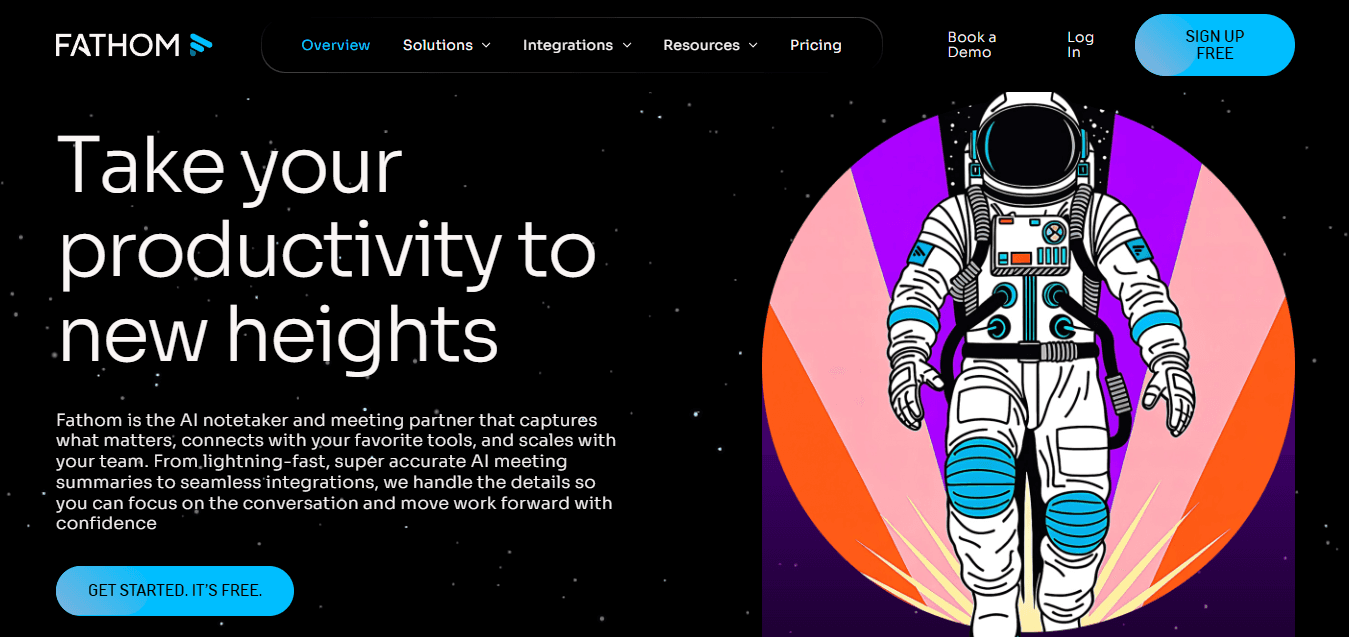
Fathom provides:
Word-perfect transcripts
Instant meeting summaries
AI action items after calls
Its help docs also show support for,
Summary templates
Auto-generated action items
Follow-up outputs
Bridging the Gap to Immediate Action
Fathom is useful when the team needs the notes to become usable immediately after the meeting ends. That matters because many meeting-note systems fail in the gap between the meeting ending, the summary being written, the action items being clarified, and the follow-up being sent. Fathom reduces that gap by pushing summaries and action items out quickly, which makes follow-through easier. Over 30 days, Fathom can help teams organize meeting notes better by making notes feel less like an archive and more like an immediate working document with decisions and next steps already surfaced.
4. Avoma

Avoma positions itself as:
An AI meeting assistant that automates note-taking
Follow-up emails
CRM updates
Summarized notes
Its pages also mention,
Key takeaways
Action items
Smart topics
Support for 70+ languages.
Integrating Meeting Notes with CRM Workflows
Avoma is useful when teams need meeting notes to connect directly to workflows, not just stay inside a notes page. That is important for teams that want notes tied to follow-up emails, CRM updates, key takeaways, and searchable action items. So the value is not just in note capture, but in making meeting outputs easier to act on. In a 30-day period, Avoma can help teams manage and organize notes better by reducing the manual work between "we had the meeting" and "the next steps were logged and shared."
5. tl;dv
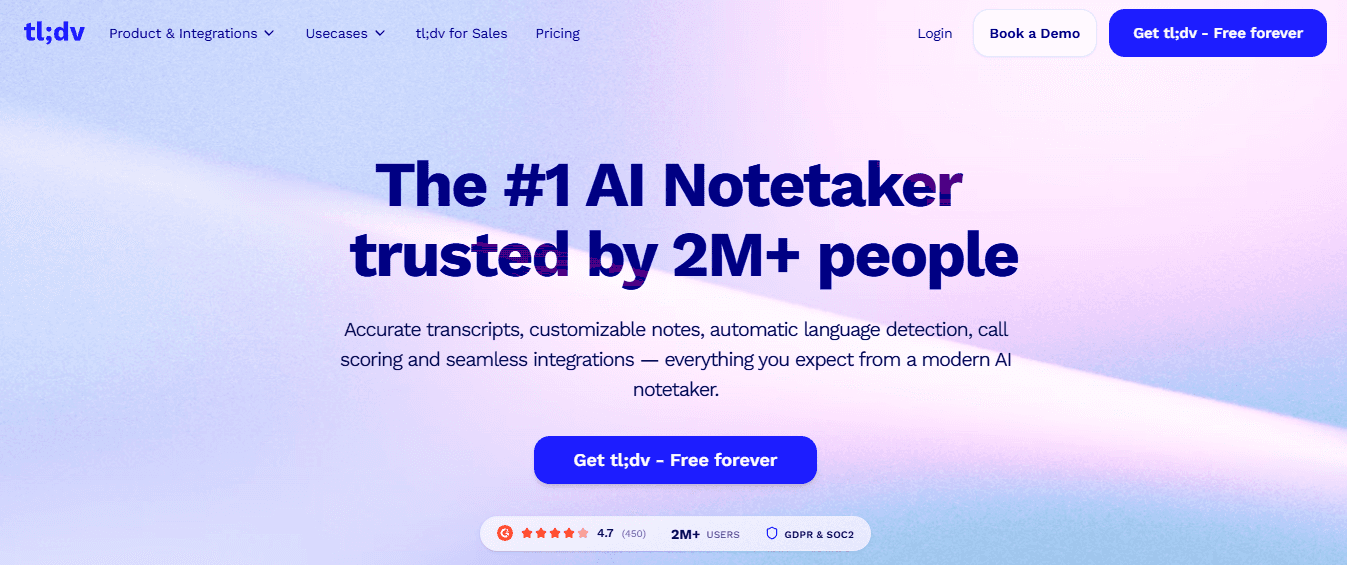
tl;dv records, transcribes, and summarizes meetings, and its product pages say it automatically extracts key points, action items, and topics to create concise summaries. It also supports customizable AI meeting minutes and multi-meeting summaries. tl;dv is useful for teams whose meeting notes suffer from too much conversation and not enough structure. It helps separate highlights, topics, action items, and summary outputs. That matters because teams often do not need every word first. They need the most useful parts of the meeting to be surfaced clearly. Over 30 days, tl;dv can help teams build cleaner meeting-note habits by producing shorter, more structured notes that are easier to review across multiple meetings.
6. Mem

Mem describes itself as an AI thought partner and note app designed to help users capture information quickly and find it later, including notes from meetings, voice, the web, and quick messages. Mem is useful for professionals whose meeting note problem is friction. They have meeting ideas, follow-ups, and quick notes coming in constantly, but the system for saving and retrieving them is too slow or too fragmented. Mem helps lower that friction, which matters because meeting-note systems only work when people actually use them consistently. In a 30-day workflow, Mem can help users reduce scattered note-taking and keep meeting-related thoughts, reminders, and follow-ups in one lightweight system.
7. Evernote
Evernote combines note-taking with AI features, advanced search, web clipping, scanning, and AI rewrite or cleanup tools. Its official pages position it as a place to capture ideas, projects, and to-dos, so information does not get lost. Evernote is useful because teams often handle meeting information in different formats:
Typed notes
Scanned handwritten notes
Attachments
Clipped pages
Follow-up materials
Over 30 days, Evernote can help people organize meeting notes more effectively by giving them a single searchable place for meeting records and related materials instead of scattering them across tools.
Why These Tools Work Better Than Organizing Meeting Notes Manually
Each tool fixes a different meeting-note problem. Numerous AI helps structure messy meeting notes into trackable sheets. Fireflies.ai helps with searchable notes, summaries, and action items. Fathom helps surface notes and next steps immediately after meetings. Avoma helps connect notes to follow-up workflows. tl;dv helps separate highlights and action items from full conversations. Mem helps reduce note-capture friction. Evernote helps centralize and search meeting materials. That is the real shift. Teams do not organize meeting notes better just by writing more during meetings. They organize notes better when meeting capture becomes summary, structure, search, action, and follow-through.
The 30-Day Meeting Notes Organization Workflow

The other half is building a system that works after the tools are in place. Organizing meeting notes better in 30 days means moving from scattered capture to structured retrieval, from buried decisions to visible actions, from reactive follow-up to repeatable workflows. The goal is not to collect more notes. It is to turn meeting notes into a working system that teams can actually use when the meeting ends.
Days 1–5: Gather Your Meeting Notes Into One Visible System
Most teams already have meeting notes. The problem is not missing documentation. It is fragmented documentation. Notes live in docs, chat threads, notebooks, recordings, email follow-ups, and different meeting tools. The first step is not taking more notes. It is making the old notes visible in one working system. Choose one main place to manage meeting notes. Gather your most recent meeting notes into that space. If you have recordings or transcripts, pull out the key points first. Create a tracker with meeting date, team or project, summary, decision made, action item, owner, and deadline. This stage reduces fragmentation. You cannot organize meeting notes well if they are still scattered.
Days 6–10: Separate Discussion From Decisions and Actions
Many meeting notes fail because everything is stored together. Discussion points, side comments, decisions, and next steps all sit in one long note. That creates confusion later. This stage is about separating what matters most. Go through recent meeting notes. Pull out only decisions, action items, owners, deadlines, and unresolved questions. Sort these into separate fields. Use tools like Fireflies, Fathom, or tl;dv to get cleaner summaries from long conversations. A team rarely needs the full conversation first. It usually needs the outcome of the conversation.
Days 11–15: Make Meeting Notes Easier to Search and Review
Even when notes are captured, they often stay hard to retrieve. People remember that something was said. But they do not remember where it was written, which meeting it came from, who owned it, or whether it was final. Add searchable fields such as project name, topic, owner, status, and next review date. Use your meeting-note tool to tag recurring themes. Keep summaries short enough to scan quickly. Centralize attachments or follow-up references where possible. Better retrieval saves teams from repeating questions and reopening old discussions.
Days 16–20: Connect Notes to Follow-Up Work
Many teams take meeting notes, but the notes do not clearly connect to what happens next. That is where momentum gets lost. Notes should not stop at documentation. They should take action. Review recent meeting notes and identify open items. Match each action item with the owner, due date, and current status. Use Avoma or your existing workflow tools if you want notes tied more directly to follow-up. Add a status column such as not started, in progress, done, or blocked.
From Raw Transcript to Actionable Workflow
When notes connect to follow-up, meetings stop becoming repeated conversations. Teams that organize meeting notes in spreadsheets can structure, categorize, and extract key information in one familiar environment. Numerous's spreadsheet AI tool lets you turn raw meeting transcripts into sortable rows with columns for decisions, action items, owners, and deadlines. Instead of juggling multiple platforms for transcription, note-taking, and project management, you centralize meeting intelligence in a format that adapts to your specific organizational system. The spreadsheet becomes both the record and the workflow.
Days 21–25: Build a Review Habit for Recurring Meetings
Meeting notes are often only opened again when something goes wrong. That makes the process reactive. This stage makes review part of the workflow. Before each recurring meeting, review the decisions from the last meeting, any unfinished action items, and unresolved questions. Filter open items quickly. Carry unfinished topics into the next agenda. Keep a short "what changed since last meeting" view. Meeting notes become more useful when they help the next meeting start with clarity rather than relying on memory. According to Flowtrace's State of Meetings Report 2025, 30-minute meetings are the most common meeting length. That means the review needs to be fast. If reviewing old notes takes longer than the meeting itself, the system breaks.
Days 26–30: Turn the System Into a Repeatable Process
The final stage is not about creating more notes. It is about making the system sustainable. A lot of teams clean things up once, then slowly fall back into messy notes again. This stage prevents that. Create a simple weekly process:
Capture
Summarize
Separate actions
Assign owners
Review open items
Track meetings logged
Open actions
Overdue items
Unresolved decisions
A Repeatable Process for Consistent Follow-Through
Build a checklist like:
Did we summarize the meeting?
Did we extract action items?
Did every task get an owner?
Did we log deadlines?
Did we review open items before the next meeting?
Better meeting-note organization does not come from one cleanup session. It comes from a process the team can repeat.
Before vs After
Before: notes are scattered, decisions are buried, action items get missed, retrieval is slow, and meetings repeat old questions.
After: notes are easier to find, decisions are visible, action items are tracked, follow-up is clearer, and meetings move forward faster.
The Core Workflow in One Sentence
If your meeting notes are hard to use, the problem is not just the amount of information they contain. It is the lack of a system that turns meetings into organized summaries, clear actions, and visible follow-up. When you capture, separate, structure, track, and review, you stop treating meeting notes like storage. And that is what helps organize meeting notes better in 30 days. But the system only works if you know exactly how to build it.
Related Reading
Organize Meeting Notes Better in 30 Days With Numerous AI
The system you built only works if you actually use it. That means the tool you choose needs to fit the way you already work, not force you into a new workflow that adds friction instead of removing it. Most teams already use spreadsheets to track tasks, manage projects, and organize information. That makes spreadsheets the natural place to organize meeting notes, too.
Why Spreadsheets Work Better Than Standalone Meeting Tools
Spreadsheets let you structure, filter, sort, and track meeting information without switching between tools. You can turn raw meeting notes into rows with columns for meeting date, topic, decision, action item, owner, deadline, and status. That makes retrieval faster because you filter by owner, sort by deadline, or flag unresolved blockers instead of scanning long paragraphs. Many teams use one tool for transcription, another for note-taking, another for task tracking, and another for project management. That creates fragmentation. When you centralize meeting intelligence in a spreadsheet, the record becomes the workflow. You stop moving information between systems and start working directly inside the structure that makes notes useful.
The Familiar Interface Removes Adoption Friction
Most professionals already know how to use spreadsheets. They understand rows, columns, filters, and formulas. That matters because new tools often fail not because they lack features, but because the team never adopts them consistently. When the tool feels familiar, people actually use it. Spreadsheets also adapt to your specific organizational system. You can add columns for project name, meeting type, follow-up status, review date, or any other field your team needs. The structure grows with your workflow rather than forcing it into a fixed template.
How AI Turns Messy Notes Into Structured Data
The problem with most meeting notes is not that they exist; it's that they exist. It is that they stay unstructured. You have a long block of text with decisions, action items, side comments, and unresolved questions all mixed together. AI can separate those elements automatically. Numerous's spreadsheet AI tool lets you take raw meeting transcripts and turn them into sortable rows. You paste the transcript, define the columns you need, and the AI extracts decisions, action items, owners, deadlines, and unresolved questions into separate fields. That removes the manual work of reading through long notes to pull out what matters.
The Process Takes Minutes, Not Hours
Manual note organization takes time. You read the transcript, identify key points, copy them into different sections, assign owners, add deadlines, and update your task tracker. That process can take 15 to 30 minutes per meeting. When you have five meetings a week, that adds up to over an hour of post-meeting work. AI-powered spreadsheet tools reduce that time to a few minutes. You structure the data once, then filter and sort as needed. The system becomes repeatable without adding manual effort every time.
What 30 Days of Better Meeting Notes Look Like
In 30 days, you move from scattered notes to a working system. Your meeting notes are easier to find because they live in one place with a consistent structure. Decisions are visible because they sit in their own column instead of being buried inside paragraphs. Action items are tracked because every task has an owner and a deadline. Follow-up is clearer because you filter open items before each meeting. That shift does not come from taking more notes. It comes from organizing what you already capture in a way that supports retrieval, accountability, and follow-through at the same scale your team operates.
Related Reading
Otter.ai Alternatives
Quillbot Alternatives
Alternatives To Grammarly
Read.ai Vs Otter.ai
Best Apps For Essay Writing
Notion Ai Alternatives