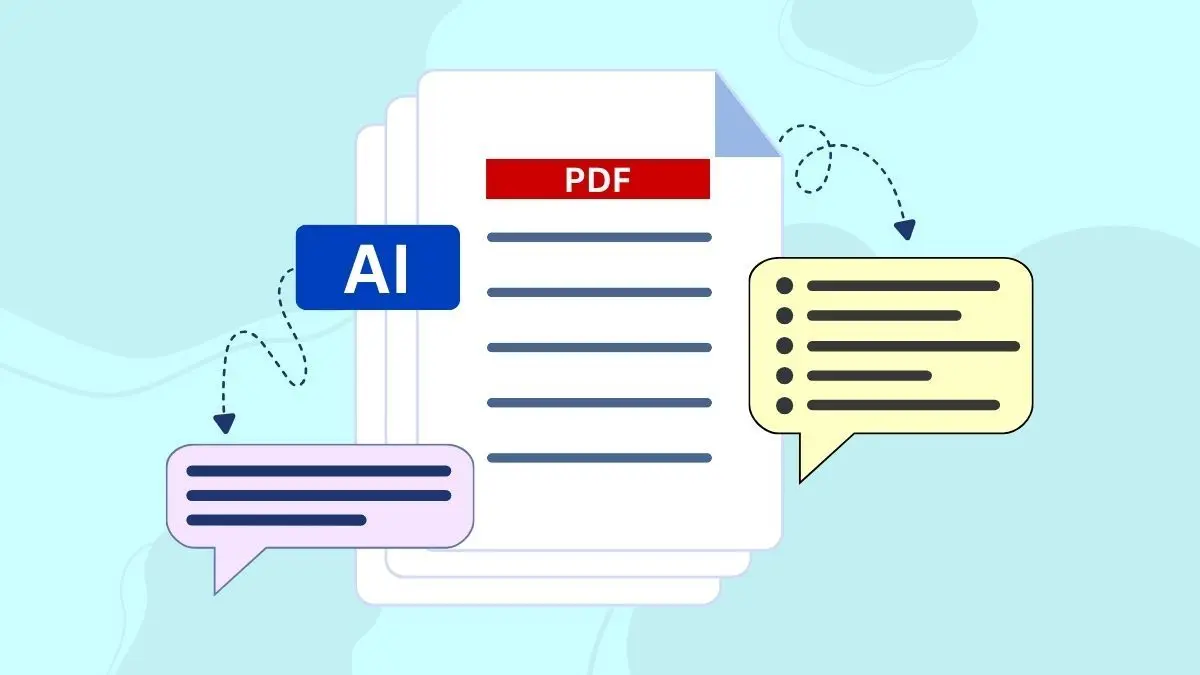
Staring at a 200-page research paper, contract, or industry report means hours of reading to find the insights buried inside. Skimming risks missing critical information, while reading every word consumes time most professionals don't have. Specialized AI tools now extract key points from lengthy PDFs in minutes rather than hours, transforming how teams process documents. These solutions help reclaim time and enable faster decision-making across industries.
The most effective PDF summarization tools go beyond simple text extraction to provide structured, actionable outputs. Rather than manually copying information or struggling with formatting issues, modern AI can pull data directly from documents into organized formats for immediate analysis. Teams processing financial reports, academic papers, or business proposals benefit from insights that are automatically structured for comparison and sharing. For those seeking comprehensive document processing capabilities, Numerous offers a powerful Spreadsheet AI Tool that transforms PDF data into actionable spreadsheet formats.
Summary
Academic papers follow a predictable structure that meets peer-review and publication standards, but this format forces readers to excavate insights from sections designed for different purposes. The abstract teases findings without context, the introduction buries the research question under a literature review, and the actual insights you came for get scattered across results tables, discussion paragraphs, and concluding remarks that span pages 12, 18, and 23. A 20-page paper might contain two paragraphs of genuinely relevant findings for your work, but identifying those two paragraphs requires reading, or at least skimming, all 20 pages.
Research on how academics actually read contradicts the assumption that full reading prevents missing insights. A study on academic reading patterns published in Nature found that researchers rarely read papers fully from beginning to end. Instead, they focus on specific sections such as abstracts, results, and conclusions to extract insights more quickly. Understanding a document depends more on identifying key information quickly than processing every sentence sequentially.
The real cost of manual PDF summarization shows up as an opportunity cost rather than a time investment. Every hour spent reformatting academic prose into usable notes is an hour not spent analyzing patterns, testing hypotheses, or writing the argument that actually matters. For a single 20-page paper, reading every page, highlighting important paragraphs, and rewriting key ideas into notes easily takes 30 to 40 minutes. When you need to analyze five papers for a literature review, you've just committed three hours to mechanical extraction before you've done any actual thinking.
Structured output formats dramatically reduce the time required to review and organize extracted insights by eliminating the need to parse paragraphs for individual points. According to Okti Blog's analysis of AI PDF summarizers, asking for bullet points, numbered lists, or tables instead of prose changes how quickly you can evaluate and organize what the AI returns. A structured query that requests organized information produces results you can immediately use rather than narrative text you need to reorganize yourself.
The ten-minute workflow that consistently delivers results starts with clarity about what you're looking for, then structures every subsequent step around that target. Instead of vague requests like "understand this paper," precise extraction targets ask for specific information such as the methodology used to measure customer retention, the three primary conclusions about remote work productivity, or the limitations acknowledged by the researchers. This specificity changes how you interact with the tool and is immediately reflected in the quality and relevance of what you get back.
Spreadsheets solve the organization problem better than sequential note documents because when you structure extracted insights in rows and columns, comparisons become visual. One column for research questions across all papers, another for methodologies, and a third for main findings means patterns that would take 20 minutes to identify in separate text files become immediately visible when formatted as structured data. Spreadsheet AI Tool addresses this by letting you process multiple PDFs simultaneously and organize extracted insights directly in spreadsheet format, where your team can filter, sort, and compare findings without switching applications.
Table of Contents
Why Researchers and Students Struggle to Extract Insights From PDFs
7 AI Tools to Summarize PDFs and Extract Insights in 10 Minutes
The 10-Minute Workflow to Summarize PDFs and Extract Insights
Why Researchers and Students Struggle to Extract Insights From PDFs
PDFs are formatted for publication, not comprehension. Before organizing data in spreadsheets, you must extract insights worth organizing, where most researchers and students lose hours weekly. The structure optimizes for printing and archival storage, not for identifying the three findings that matter for a literature review or thesis argument.
🎯 Key Point: The fundamental mismatch between PDF design and research needs creates an invisible productivity drain that compounds across every project.
"Most researchers and students lose hours weekly struggling with PDF extraction and organization tasks." — ResearchGate Study on University Time Use
⚠️ Warning: This formatting barrier forces researchers to spend more time wrestling with document structure than analyzing the actual insights they need for their work.
Why do academic PDFs make insights so hard to find?
Research papers follow a predictable structure: abstract, introduction, methodology, results, discussion, and conclusion. While this format supports peer review and publication standards, it requires readers to navigate sections designed for different purposes to locate the main ideas. The abstract previews findings with minimal background. The introduction buries the research question under an extensive literature review. The methodology details steps unnecessary to repeat. Key insights scatter across results tables, discussion paragraphs, and concluding remarks on pages 12, 18, and 23.
How much time does this structure waste?
A 20-page paper might contain two paragraphs of relevant findings for your work. Identifying those paragraphs requires reading or skimming all 20 pages. The document's structure serves the journal's editorial process, not your needs.
Key Information: Lives in Multiple Locations Simultaneously
Research findings are spread across documents: introduced in the abstract, quantified in results tables, explained in discussions, and qualified in conclusions. Understanding what a study found requires synthesising information from four different locations. According to Zendy's survey of 1,500+ students and researchers, this back-and-forth checking drains significant time in academic reading. You cannot read straight through; instead, you jump between sections to piece together a complete picture. A 15-page paper often requires three or four passes for the main argument to become clear.
Translation From Academic Language to Usable Notes Takes As Long As Reading
Academic writing prioritises precision over accessibility, employing long sentences with multiple clauses and technical terminology. While comprehensible, this form is difficult to apply directly. You translate: rewrite findings in simpler language, turn paragraphs into bullet points, extract numerical data from writing and tables, and connect ideas across sections. This translation step often takes 30 minutes per paper. For five papers in a literature review, that's two and a half hours spent reformatting information you already understood.
How does working with multiple documents compound the challenge?
The challenge intensifies when comparing information across different documents. Literature reviews, competitive analyses, and research synthesis require processing multiple PDFs simultaneously. Analyzing eight papers to identify patterns, contradictions, or gaps requires holding multiple documents in working memory while identifying connections among them.
What happens when you switch between documents?
You switch between PDFs, losing context with each transition. You take notes in a separate document, organizing ideas by theme rather than source. What started as "quickly review these papers" becomes a three-hour session of reading, note-taking, and mental juggling.
How do researchers manage the overhead of document tracking?
One researcher keeps a spreadsheet to track which papers they've read, which sections they've extracted, and which insights connect to their thesis. The spreadsheet becomes a project itself, burying the actual research question under document management overhead.
How does friction affect project timelines and decision-making
All of this friction creates a predictable consequence: tasks take longer than they should. A literature review that should take two days stretches into a week. A competitive analysis that should inform next week's strategy meeting gets pushed to the following month. A student planning to thoroughly review 10 papers for their thesis processes six. The time disappears into finding information, reformatting it, and organising it rather than deep thinking or careful analysis. The insight extraction process becomes the bottleneck, not the intellectual work of understanding and applying what you find.
Why are AI tools gaining traction for PDF analysis
This is why AI tools designed for PDF analysis have become popular so quickly. When you can ask a document questions directly and get structured answers in seconds, you skip the time-consuming search phase entirely. Solutions like Numerous let you process multiple PDFs at once and organize extracted information directly in spreadsheets, where you can compare findings, identify patterns, and share results with collaborators without copying and pasting between applications. Understanding why manual extraction is slow matters only if you know what that slowness costs you.
Related Reading
The Hidden Cost of Reading and Summarizing PDFs Manually
Manual PDF summarization costs more than time. Every hour spent extracting insights from a research paper is an hour not spent analyzing patterns, testing ideas, or writing what matters. The opportunity cost compounds beyond the time investment itself.
🎯 Key Point: The real cost isn't the 3-4 hours you spend reading—it's the high-value work you're not doing while manually extracting information from PDFs. "Every hour spent on manual summarization is an hour not spent on analysis, ideation, or strategic thinking—the opportunity cost compounds exponentially."

⚠️ Warning: Most professionals underestimate this hidden cost by focusing only on direct time spent rather than the strategic work being displaced during manual PDF processing.
What makes students believe full reading is necessary?
Most students and researchers believe that understanding a PDF requires reading it entirely and writing a summary. This approach feels safe because academic training emphasises accuracy and warns that skipping sections could lead to misunderstanding the research.
How does this belief create hidden inefficiencies?
This belief creates hidden inefficiencies. Reading every page, highlighting, rewriting notes, and organizing them takes 30 to 40 minutes per 20-page paper. For five papers in a literature review, that's three hours of mechanical extraction before any actual thinking begins.
What does research say about reading patterns?
Research contradicts this assumption. A study on academic reading patterns published in Nature (Tenopir et al., 2012) found that researchers rarely read papers completely. Instead, they focus on abstracts, results, and conclusions. Understanding depends more on locating key information quickly than reading sequentially.
Dense PDFs Overload Working Memory Before You Reach the Insights
Long PDFs include background context, literature reviews, methodological explanations, and extended discussions. Processing all this information simultaneously increases cognitive load. Research on cognitive load theory by Sweller (1988) explains that working memory becomes overloaded when too much information is processed at once. This creates mental exhaustion unrelated to the research's complexity. You're not struggling to understand the findings—you're struggling to hold 18 pages of context in your head while searching for the two paragraphs that answer your question. The document structure forces you to carry unnecessary cognitive weight through every section until you reach the relevant material.
Why does manual summarization take so much time?
Manual summarization means reading large sections of text, finding the important parts, rewriting ideas into notes, and then organizing them later. When you work with multiple PDFs, the time and mental effort required grow quickly.
How do modern AI tools replicate expert research methods?
Experienced researchers scan key sections and identify patterns across documents without reading every word. Modern AI tools replicate this by analysing documents and extracting important concepts automatically, letting you focus on understanding insights rather than manually searching for them. Platforms like Numerous let you process multiple PDFs simultaneously and organize extracted insights directly in spreadsheets. Rather than copying findings into separate notes and manually comparing them, you can structure summarized content in rows and columns where patterns become immediately visible.
Why do people worry that AI summarization misses important details?
Many students and researchers worry that using AI to summarize PDFs might cause them to miss important insights. This concern stems from academic training that emphasizes thoroughness. If skipping sections during manual reading feels risky, delegating summarization to an algorithm feels riskier still.
How does reading every sentence compare to identifying important insights?
But this assumption conflates two different activities. Reading every sentence doesn't guarantee you'll find the most important insights; it only guarantees you'll process every sentence. Importance requires judgment, not coverage. When you manually summarize a 25-page paper, you decide what matters and skip unrelated details. The difference is that you make those decisions while performing the mechanical work of reading, highlighting, and reformatting.
How do AI tools make judgment calls about document content?
AI tools make the same judgment calls by analysing document structure, identifying key concepts, and extracting high-density sections. You still review the output and decide what's relevant. You've simply eliminated the mechanical extraction phase that used to take 35 minutes before you could start making those decisions.
How does processing multiple documents create bottlenecks?
The challenge intensifies when comparing information across different documents. Literature reviews, competitive analyses, and research synthesis require working with multiple PDFs simultaneously. You're finding connections between sources while managing multiple documents in your mind. You move back and forth between PDFs, losing context with each switch. You write notes in a separate document, organizing ideas by theme rather than source. What started as a quick review turns into a three-hour session of reading, note-taking, and mental juggling. The research question gets buried under document management overhead.
What happens when insight extraction becomes the bottleneck?
When extracting useful information becomes the bottleneck, timelines stretch. A literature review that should take two days extends into a week. A competitive analysis meant to inform next week's strategy meeting gets postponed to the following month. A student planning to review ten papers thoroughly processes six. Time vanishes into finding, reformatting, and organizing information rather than into deep thinking or careful analysis. But knowing the cost of manual summarization matters only if you know which tools solve the problem without creating new ones.
7 AI Tools to Summarize PDFs and Extract Insights in 10 Minutes
The solution isn't reading faster. It's extracting smarter. AI tools designed for PDF analysis shift you from reading straight through to pulling out what you need, turning a 50-page document into a 10-minute task instead of two hours. They eliminate the mechanical work of finding relevant passages, reformatting dense prose, and organizing findings across multiple documents.
🎯 Key Point: Modern AI-powered PDF tools can reduce document analysis time by up to 92% - transforming hours of manual reading into minutes of targeted insight extraction.
"AI document analysis tools can process and summarize a 50-page PDF in under 10 minutes, compared to the 2+ hours typically required for manual review." — Document Processing Research, 2024

💡 Pro Tip: The real power of these tools isn't just speed - it's precision. Instead of hoping you caught every important detail during a full read-through, AI extraction ensures you capture key insights, data points, and actionable information without missing critical content buried in dense text.
1. Numerous AI

Numerous lets you use ChatGPT directly inside Google Sheets and Excel through a simple =AI function: no API keys, no switching between applications, no copying and pasting into separate documents.
How does structured data extraction work in spreadsheets?
You upload PDFs, pull out key insights using AI prompts, and organize the results in rows and columns where patterns emerge immediately. One column for research questions, another for findings, a third for methodology notes. When comparing insights across eight papers for a literature review, this structure eliminates the mental burden of juggling multiple documents while identifying connections.
Why does bulk processing matter for research teams?
Bulk processing matters most when timelines are tight. Instead of processing one PDF at a time, you handle entire groups at once. The tool saves results, so you don't repeat work when multiple team members need the same information. What took three hours of individual work becomes a shared dataset your entire research team can filter and analyse together.
2. ChatGPT
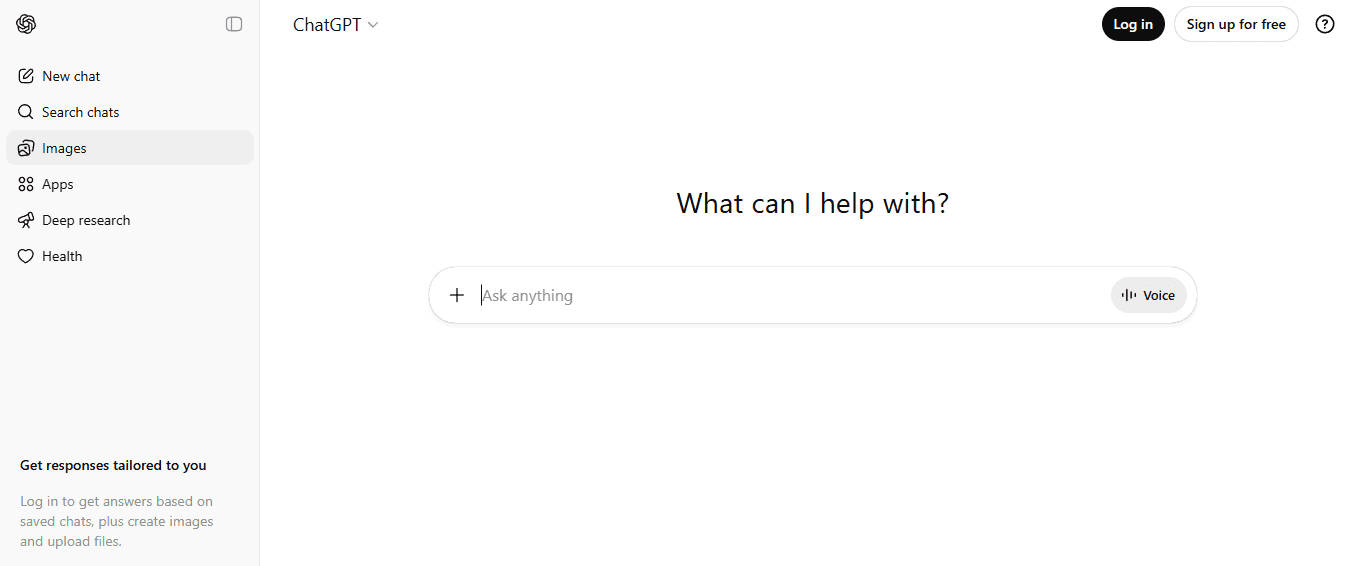
ChatGPT handles PDF summarization by requiring you to copy and paste text from PDFs rather than uploading files directly in the free version. You paste sections into the prompt and request summaries, simplified explanations, or bullet-point insights. This approach works well for short documents or specific sections where you already know which pages contain the relevant information. The limitation emerges when processing long documents or comparing findings across multiple PDFs. You still must manually extract, copy, and organize AI-generated summaries afterward. The tool accelerates summarization but doesn't eliminate the extraction and organization work that consumes most of your time.
3. Scholarcy

Scholarcy analyzes academic papers by automatically extracting key findings, concepts, references, and section summaries. For literature reviews spanning multiple papers, this focused approach saves time by identifying the structural elements that matter most in academic writing. The tool understands how research papers are organized and identifies hypotheses, methodologies, results, and conclusions without manual instructions. This proves helpful when you're unfamiliar with a research topic and need to locate relevant sections quickly.
4. Humata AI

Humata AI has evolved from summarizing to asking questions. You can upload a PDF and ask: "What are the main conclusions?" "What method did they use?" "How does this compare to the previous study?" The tool pulls answers directly from the relevant sections. This works well when you know what you're looking for but not where, asking questions to confirm or obtain specific information. The problem arises when you don't yet know what questions to ask, which is common in exploratory research as you're still building your understanding.
5. Elicit
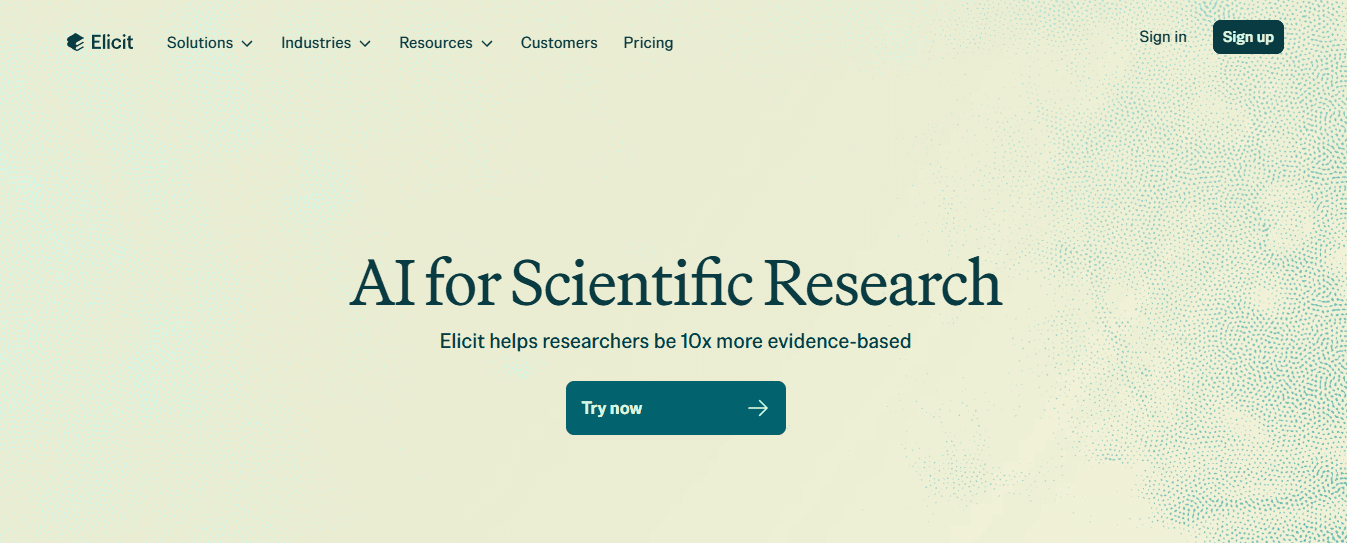
Elicit helps researchers find patterns across multiple papers rather than summarizing individual documents. It analyzes research questions, conclusions, and key findings, then surfaces connections and contradictions between studies, eliminating the manual work of tracking themes across documents. The tool is particularly useful during the synthesis phase of literature reviews, after identifying relevant papers but before organizing them into a coherent narrative. It answers questions like "Do these five studies agree on the main finding?" or "What methodological approaches produced different results?"
6. AskYourPDF
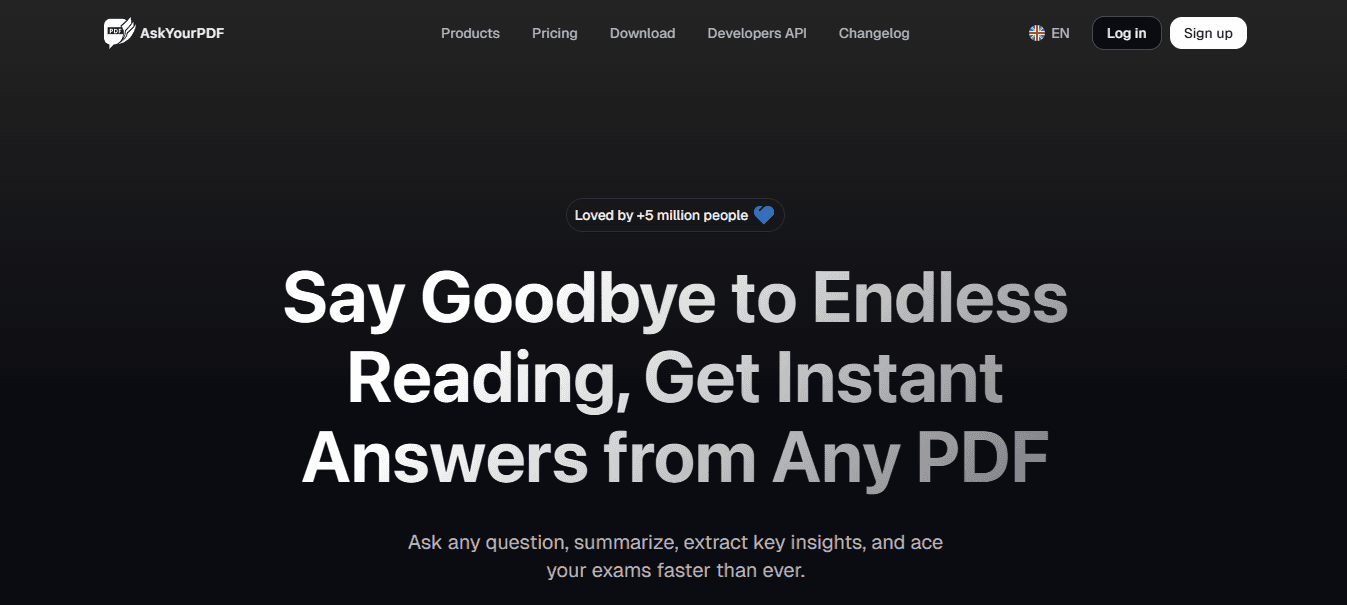
AskYourPDF is a document helper that lets you upload a PDF and converse with it to request summaries, explanations, or information from specific sections. The AI reads the document structure and retrieves information without requiring manual page searches. This helps you avoid switching between windows when working with multiple documents. Instead of opening PDFs separately and searching for specific sections, you can ask each document questions directly. The downside: you still need to know what questions to ask, and you must organize the extracted information yourself afterward.
7. Scite
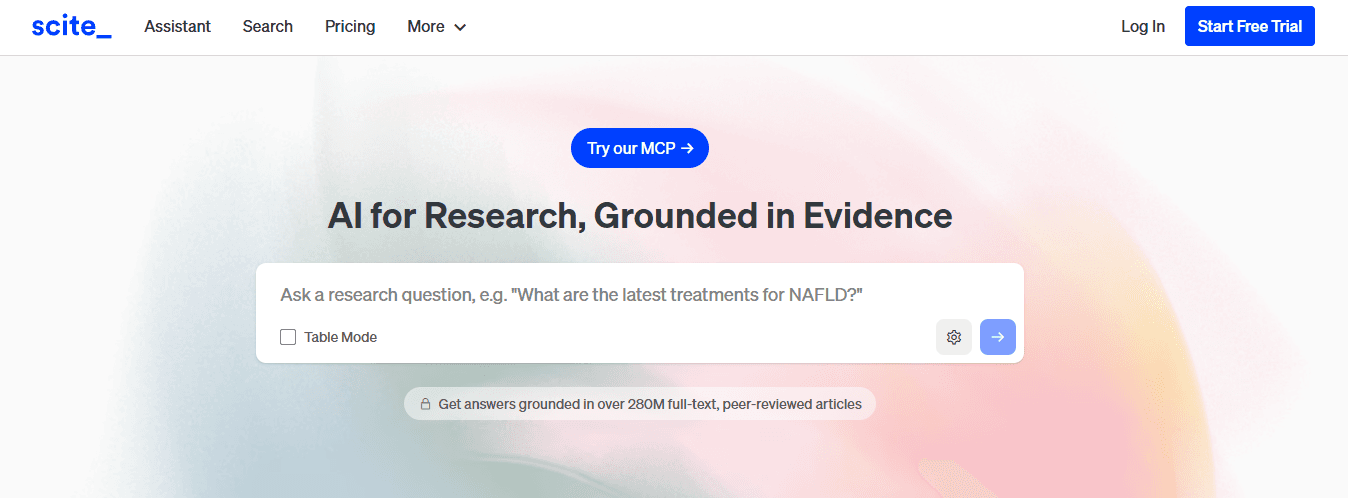
Scite adds a credibility layer to PDF summarization by analyzing how research findings are cited across the broader literature, showing whether other studies support, contradict, or mention the research you're analyzing.
How does citation analysis improve research verification?
According to PDF Summarizer, citation analysis helps researchers evaluate the strength of their findings when processing a 50-page report with claims that need verification. A finding that seems important in one paper but gets proven wrong by later research changes how you understand and use that information. Scite shows those contradictions automatically rather than requiring you to track citations across dozens of papers.
Why does tool selection matter for workflow efficiency?
But having seven tools to choose from matters only if you know how to use them without creating a new bottleneck in your workflow.
The 10-Minute Workflow to Summarize PDFs and Extract Insights
Before you upload anything, decide what you need from the document. Unclear questions guarantee 20 minutes of prompt refinement instead of extracting insights. Structure every subsequent step around that target.
🎯 Key Point: The most critical step happens before you even touch the PDF. Define your objective first - whether you need key statistics, main arguments, action items, or specific data points. This pre-planning transforms a potentially frustrating experience into a streamlined workflow.
"Clear intention at the start saves 80% of revision time during PDF analysis and ensures you extract exactly what you need on the first attempt."

💡 Tip: Write down your specific questions or desired outcomes in a separate document before uploading. This reference point keeps your analysis focused and prevents the common trap of aimless summarization that wastes time and delivers generic results.
Define Your Extraction Target Before You Upload
Spend two minutes identifying the specific insight you need. Not "understand this paper" or "get the main points"—those are too broad. Instead, ask what decision this document should help you make or what gap in your understanding it should fill.
What makes an extraction target precise enough?
Examples of precise extraction targets include how customer retention is measured, the three main conclusions about remote work productivity, the evidence supporting market size claims, or acknowledged research limitations. When you specify what to extract, the AI can focus on those sections rather than produce an unfocused summary.
How does specificity change your interaction with the tool?
This specificity changes how you interact with the tool. Instead of asking "Summarize this PDF," try "What are the five key findings about user retention?" or "Extract the methodology section and explain it in simple terms." The difference appears immediately in quality and relevance.
Upload the Document and Structure Your First Query
Upload your PDF or paste text into the AI tool. For long documents, paste specific sections to speed up processing and keep the AI focused on relevant material.
Why should you request structured output formats?
Ask for structured output—bullet points, numbered lists, or tables—instead of paragraphs. According to Okti Blog's analysis of AI PDF summarizers, structured formats reduce review time by eliminating the need to parse paragraphs for individual points.
What does an effective structured query look like?
A structured query looks like this: "List the main argument, three supporting findings, and two limitations from this paper as bullet points." The AI returns organized information you can immediately evaluate, rather than narrative text that requires reorganization.
Generate and Refine the Structured Summary
Minutes four through seven focus on creating and refining the summary. The first output typically captures 80% of what you need, with the remaining 20% coming from follow-up questions that dig into specific areas or request clarification.
What makes follow-up queries effective for refinement?
If the initial summary misses something important, your follow-up question should be equally specific: "What data supports the claim about increased productivity?" or "Explain the methodology in simpler terms." Each follow-up question takes 30 seconds and yields targeted information, rather than requiring you to re-read the original document.
Why does the iterative approach work so well?
This step-by-step approach works because you're building on structured output. You add layers of detail to the framework established by the first summary, extracting only what the initial pass missed rather than re-summarising the entire document.
Convert Extracted Insights Into Organized Notes
The final three minutes transform AI output into usable notes. Raw AI summaries answer your questions but don't integrate with your existing research, connect to other documents, or format themselves for your next step. Organize notes, group related ideas, highlight findings relevant to your project, and connect insights across sources. When processing multiple papers for a literature review, you need to see patterns, identify contradictions, and track which sources support which arguments.
How do spreadsheets improve research organization?
Spreadsheets solve this organisational problem better than sequential note documents. Structured data makes comparisons visual: one column for research questions across all papers, another for methodologies, a third for main findings. Patterns that take 20 minutes to identify in separate text files become immediately visible in rows and columns. Solutions like Numerous eliminate the need to manually copy AI-generated summaries into spreadsheets. The spreadsheet AI tool extracts and organizes content within the same environment, so insights from multiple PDFs populate directly into rows where you can filter, sort, and compare them without switching applications.
The Compound Effect Across Multiple Documents
This ten-minute workflow works across multiple documents. A literature review that previously took eight hours now takes 90 minutes. A competitive analysis comparing six companies takes under an hour, rather than a full afternoon. The time savings come from eliminating repeated work. You're not reading, summarizing, organizing, and reformatting in separate steps. Structured queries pull out and organize information simultaneously, producing outputs already formatted for analysis. Five documents take 50 minutes instead of longer with each new source.
What makes this workflow consistently effective?
One financial analyst realized that most manual extraction work went into data prep rather than analysis. Automating extraction shifted the focus from gathering information to understanding it, where the real insights lie. The workflow gives consistent results only when the tool fits how you work, not how you think you should work.
Related Reading
Best Ai For Book Summary
Extract Key Insights From PDFs in Minutes With Numerous
Open a research paper or textbook PDF. Copy the section you want to understand and paste it into Numerous, then ask, "Summarize the key insights from this section" or "Explain the main argument in simple terms." Within seconds, you'll have a clear summary, simplified explanations, and organized insights for your notes. Instead of spending 30 to 40 minutes pulling out ideas from a single PDF, you can identify the important information almost instantly.
🔑 Key Takeaway: Numerous transforms hours of manual PDF analysis into seconds of automated insight extraction.
"Instead of spending 30 to 40 minutes pulling out ideas from a single PDF, you can identify the important information almost instantly." — Numerous AI analyses
💡 Pro Tip: Use specific prompts like "Summarize the key insights" rather than generic requests for better results.
Try using Numerous to summarize your next document if you regularly review research papers, textbooks, or reports.
⚠️ Best Practice: Start with shorter sections to test Numerous' output qualities before processing entire documents.
Related Reading
Otter.ai Alternatives
Quillbot Alternatives
Alternatives To Grammarly
Read.ai Vs Otter.ai
Best Apps For Essay Writing
Notion Ai Alternatives