
Managing financial data is messy. Transactions pile up, categories blur, and hours disappear as you try to sort expenses, income, and everything in between. Using AI to categorize data changes this completely; it cuts through the noise and organizes your financial records faster than any manual process. If you have ever wanted to streamline expense tracking, automate transaction classification, or simply reduce the time spent on financial reporting, this article breaks down 7 AI tools that can get you there in 30 minutes or less.
One tool worth knowing right away is Numerous’ Spreadsheet AI tool. It connects directly to your existing spreadsheets and automates the financial data categorization work that normally eats up your afternoon, sorting transactions, labeling expense types, and flagging patterns without requiring you to write a single formula. It is a practical starting point before you explore the full list ahead.
Table of Content
Summary
Manual financial data categorization does not just consume time. It compounds across every reporting cycle. Teams that review the same vendor labels, correct the same inconsistencies, and rebuild the same category structures each month are not dealing with a people problem. They are dealing with a structural one, where the categorization system was built for a smaller transaction volume than the business now produces.
The financial cost of staying in that cycle is measurable. According to Parseur's Manual Data Entry Report, manual data entry costs businesses an average of $28,500 per employee annually. That figure accounts not just for hours spent, but for the rework cycles, correction passes, and delayed analysis that follow every reporting period where categorization is handled manually.
Inconsistent labeling across team members quietly distorts financial reporting over time. When one person logs a software subscription under "Operations" and another logs the same vendor under Technology, reconciling those variations at month-end takes longer than the original categorization did. The records appear complete while the underlying structure is unreliable, and additional review layers multiply effort without fixing the root cause.
Research from Spider Strategies found that organizations spend up to 80% of their reporting time gathering and preparing data rather than analyzing it. That ratio means the majority of financial workflow effort goes toward organizing information that should already be organized, and the analysis that actually informs decisions gets whatever time is left over.
AI tools that handle repetitive classification work reduce that imbalance directly. Vena Solutions reports that AI tools can reduce time spent on financial data categorization by up to 80%, reflecting how much of the categorization workflow involves pattern matching rather than judgment. Removing the pattern-matching burden from human review does not eliminate oversight. It redirects attention toward exceptions and decisions that actually require it.
The sequencing of categorization work matters as much as the tools used. Teams that collapse data cleaning, classification, and analysis into a single working session produce more errors and rework than teams that deliberately separate those phases. Defining the reporting goal before touching the data, cleaning inputs before running AI classification, and reviewing only genuine exceptions rather than every transaction are the structural habits that make a 30-minute workflow repeatable rather than aspirational.
Numerous' Spreadsheet AI tool addresses this by running AI categorization logic directly inside Google Sheets or Excel, applying consistent classification rules across thousands of transaction rows using a single formula, without requiring API keys, custom scripts, or a platform migration.
Why Businesses Struggle to Categorize Financial Data Efficiently

Financial records do not grow linearly. They compound. Every new vendor relationship, subscription, reimbursement request, and payment cycle adds another layer of transactions that someone, somewhere, has to sort, label, and verify before a single report can be trusted.
Manual Categorization Does Not Scale
The core problem is not that businesses lack financial data. The workflow built to organize that data was designed for a much smaller volume of transactions than most businesses now process. Teams end up reviewing the same categories, correcting the same labeling errors, and rebuilding the same expense structures every reporting cycle. The repetition is not a sign of carelessness. It is a structural flaw in how manual categorization scales.
Person-Dependent Systems Slow Reporting
The same pattern surfaces across businesses of every size: transaction volume grows, but the categorization system stays person-dependent.
One team member holds the logic for how vendor payments get labeled.
Another manages expense classification slightly differently.
When those two systems need to produce one coherent report, the reconciliation work quietly doubles the time it takes to close the books. According to the MetLife and U.S. Chamber of Commerce Small Business Index Q4 2025, 52% of small businesses expect to have less revenue than usual due to inflation, which means the cost of that wasted categorization time is hitting harder than ever before.
AI Spreadsheet Categorization Reduces Rework
Most teams handle this by building spreadsheets with manual category dropdowns, color-coded tabs, and lookup tables that require constant maintenance. It feels organized until transaction volume spikes and the system breaks under its own weight.
Tools like Numerous's spreadsheet AI tool address this directly by running AI categorization logic inside the spreadsheet itself, using a single function to classify transactions consistently across thousands of rows, without requiring anyone to rebuild the category structure from scratch each month. The result is a repeatable system rather than a repeated task.
Context Switching Increases Categorization Errors
Context switching compounds the damage. When the same person reviewing transactions is also responsible for:
Verifying vendor records
Correcting mislabeled entries
Preparing the final report
Research in workflow efficiency consistently shows that interrupted categorization work produces more errors than continuous review, because the brain re-enters each task at a lower accuracy threshold. The bottleneck is not analytical capacity. It is the operational friction of performing the same cognitive work in fragments throughout the workday.
Fragile Categorization Raises Reporting Costs
The truth is that financial reporting feels hard because the categorization layer underneath it is fragile. Every hour spent manually sorting transactions is an hour not spent on the decisions that actually move the business forward.
But the real cost of staying in this cycle runs deeper than most finance teams expect.
Related Reading
Spreadsheet Data Organization Best Practices
The Hidden Cost of Manual Financial Data Categorization

Manual financial categorization feels controlled. It feels like an oversight. But the real cost is not the hours spent reviewing transactions; it is what those hours prevent you from doing.
According to Parseur's Manual Data Entry Report, manual data entry costs businesses an average of $28,500 per employee annually. That number is not just about salary. It accounts for the:
Compounding drag of repeated corrections
Inconsistent category labels
The rework cycles that follow every reporting period
When a finance team spends Tuesday afternoon re-categorizing vendor payments that were already processed last month, the cost is not just time. It is the budget analysis that did not happen, the cash flow review that was pushed, and the decision that was delayed by one more week.
Where the Real Friction Hides
The failure point is usually not a single bad categorization. It is the accumulation of small inconsistencies that quietly distort your financial picture over time.
One team member labels a software subscription under "Operations."
Another logs the same vendor under "Technology."
A third creates an entirely new category.
By month-end, reconciling those variations takes longer than the original categorization did. The records look complete. The underlying structure is not.
Most teams handle this by adding more review steps: a second pass, a manager sign-off, a manual audit before the books close. That feels thorough, and for a short time it works. But as transaction volume grows, each additional review layer multiplies the effort without fixing the root cause. Spider Strategies' research on manual KPI reporting found that organizations spend up to 80% of their time gathering and preparing data rather than analyzing it, which means the majority of financial workflow effort goes toward organizing information that should already be organized. The analysis, the part that actually informs decisions, gets whatever time is left.
Spreadsheet AI Creates One Source of Truth
This is where tools like Numerous's spreadsheet AI change the equation. Instead of rebuilding categorization logic every reporting cycle, teams can apply a consistent classification rule directly inside Google Sheets or Excel using a single formula.
The same AI logic runs across every transaction row, applying the same category labels without variation, without a second pass, and without requiring anyone to write code or manage an API. The shared spreadsheet environment also means the whole team works from one source of truth, not three slightly different versions saved to separate desktops.
Accuracy and Scalability are Not the Same Thing
The critical difference between a system that works and one that scales is repeatability. Manual categorization can be accurate at low volume. But accuracy that depends on individual memory, personal judgment, or consistent human attention is not a system.
It is a habit. And habits break under pressure, during high-volume periods, during staff transitions, and every time a new vendor category appears. Automating transaction classification does not remove human judgment from financial reporting. It removes the parts of the process that do not require judgment, so the parts that do get the full attention they deserve.
Related Reading
7 AI Tools for Financial Data Categorization in 30 Minutes
AI tools reduce the manual review burden on finance teams by automating repetitive classification tasks that slow reporting cycles. The goal is not to remove human judgment from the process. It is to handle the mechanical parts automatically, so your team's attention goes toward verification and analysis rather than sorting through hundreds of transaction rows.
According to Vena Solutions, 58% of finance teams say manual data categorization takes more than 30 minutes per task. Multiply that across weekly reconciliation cycles, month-end closes, and quarterly reporting, and the cumulative drain becomes significant. The tools below address that specific bottleneck, each approaching the automation problem from a slightly different angle.
1. Numerous

The familiar approach for most teams is to open a spreadsheet, scan each transaction row, and manually assign a category. It works at low volume. But when datasets grow to hundreds or thousands of records, that process compounds into hours of repetitive work before any real analysis can begin.
Numerous’ spreadsheet AI tool addresses this directly by bringing AI categorization into the spreadsheet environment you already use.
A single =AI() function lets you classify vendor payments, expense records, revenue transactions, and department spending across entire columns at once, without API keys, custom scripts, or engineering support.
Teams working from a shared spreadsheet plan can categorize together in real time, so no one person carries the classification burden while others wait for clean data.
2. ChatGPT

ChatGPT is useful at the logic-building stage, before categorization begins at scale. You can describe your chart of accounts in plain language and ask it to generate classification rules, expense groupings, or vendor tagging frameworks. The output becomes the structure that your spreadsheet formulas or AI tools then apply automatically across your dataset.
The practical value lies in speed during the design phase. Teams that previously spent hours debating category definitions can generate a working framework in minutes, test it against a sample dataset, and refine it before running it across the full ledger.
3. Akkio

The critical difference with Akkio is its use of machine learning pattern recognition across large transaction datasets. Rather than applying rules you define manually, it identifies patterns across records and builds classification logic from the data itself. This makes it particularly effective for businesses with high transaction volumes and diverse vendor types, where rule-based systems become brittle.
Akkio is a no-code platform, which means the barrier to entry is low. Finance teams can upload transaction exports, train a classification model, and apply it to incoming records without writing a single line of code.
4. Rows AI
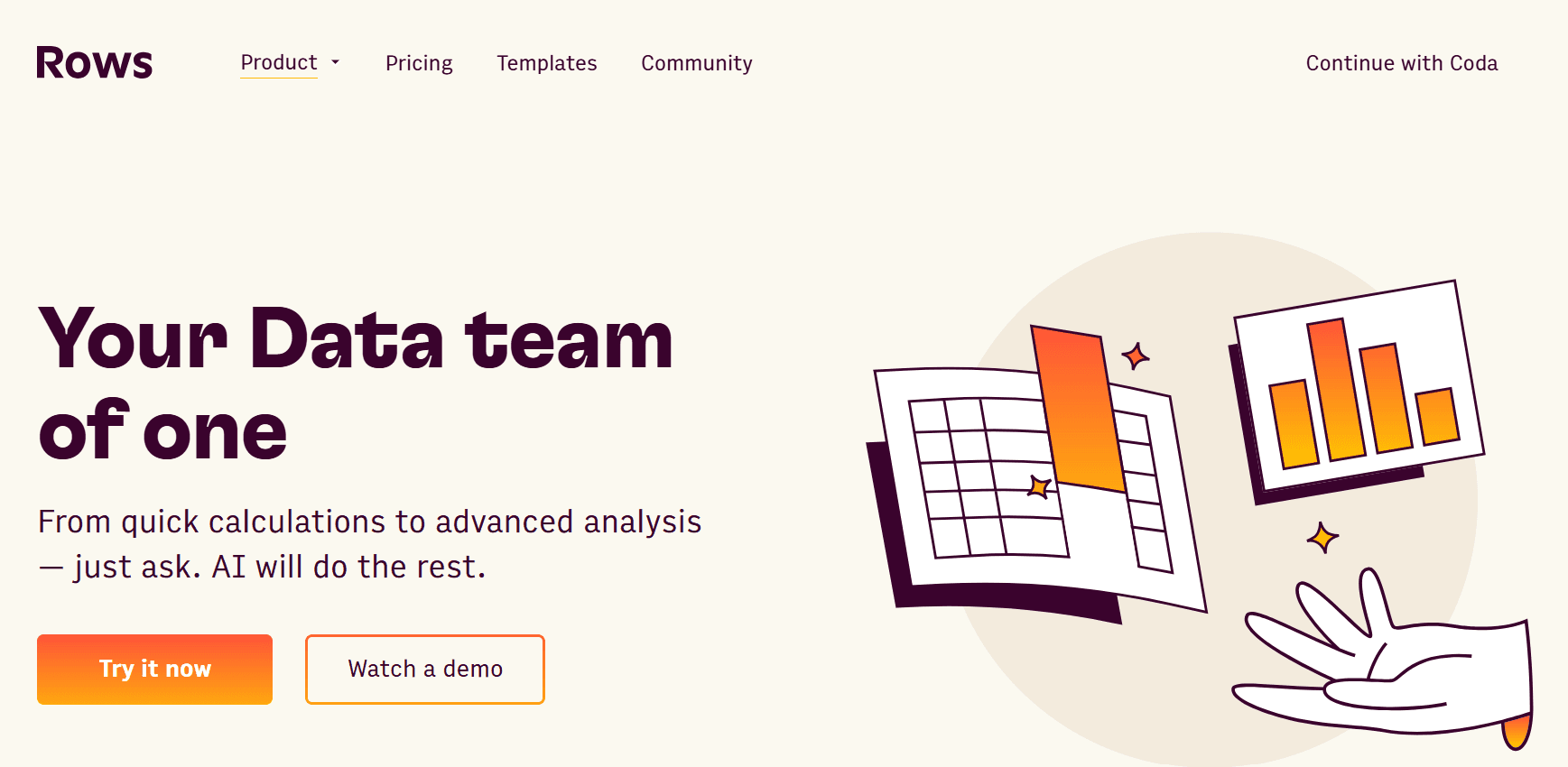
When the challenge is not just categorization but also summarizing and organizing reporting datasets, Rows AI adds a layer of analytical capability on top of spreadsheet structure. It automates the mechanical parts of spreadsheet workflows, including categorizing financial records and generating transaction summaries, inside a collaborative environment.
The distinction from a standard spreadsheet tool is the built-in AI layer. You are not just organizing data manually. You are instructing the platform to apply logic across your records and return structured outputs ready for reporting.
5. SheetAI
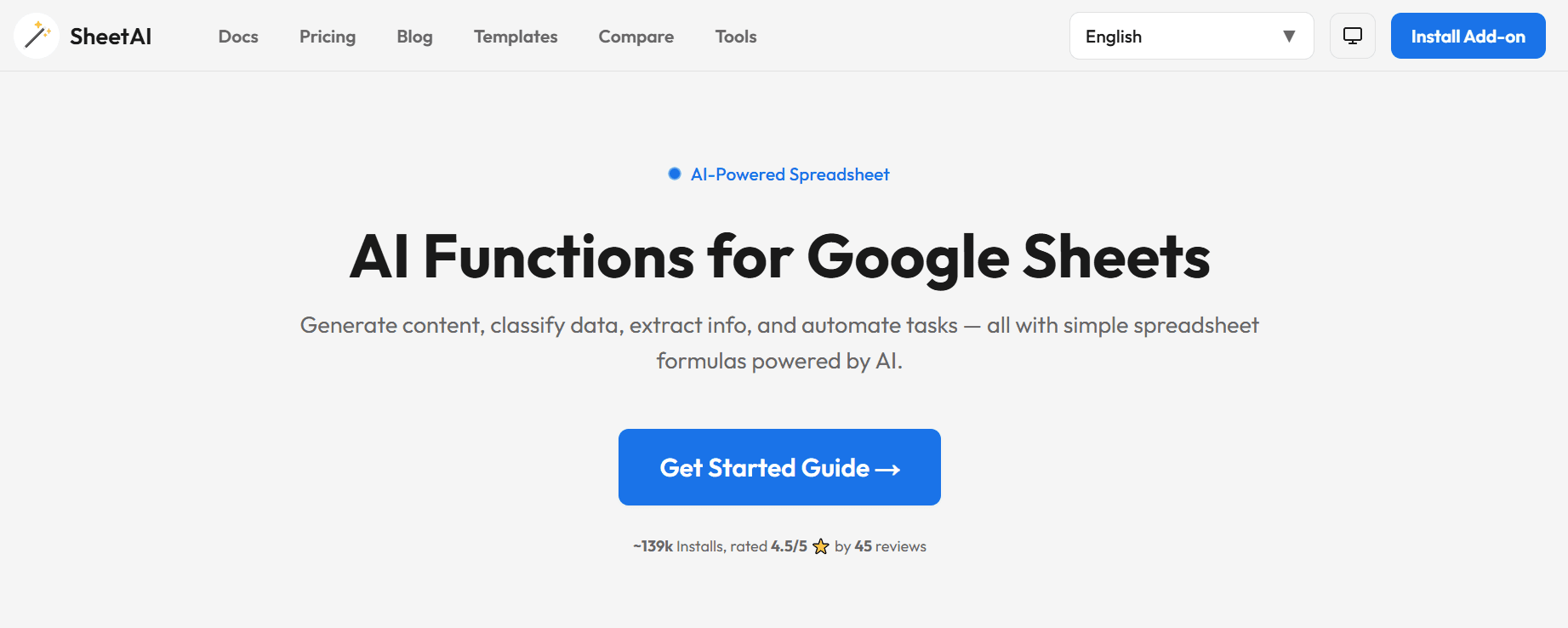
SheetAI operates as an extension within existing spreadsheet environments, so it fits into workflows teams already use rather than requiring a platform migration. It generates category labels, organizes transaction records, and creates financial tags directly from your spreadsheet data.
The mechanism is straightforward. You provide the data and the classification instruction, and the AI generates structured outputs column by column. For teams that want automation without leaving their current spreadsheet setup, this is a low-friction entry point.
6. Ajelix
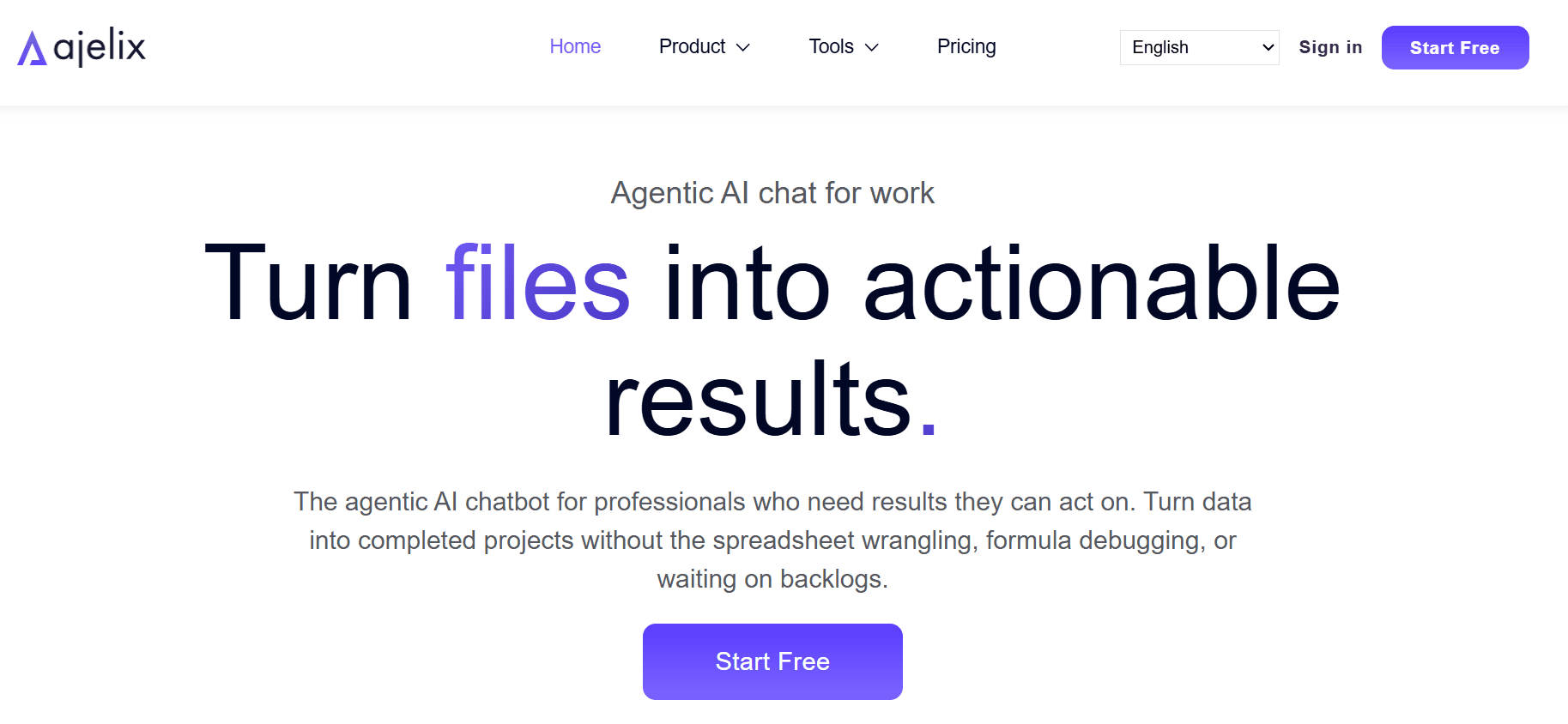
The failure point in many spreadsheet-based categorization workflows is formula complexity. Building IF logic, nested IFS, and VLOOKUP chains to classify transactions accurately takes time, and small errors in formula structure produce inconsistent categorization at scale.
Ajelix solves this by automatically generating categorization formulas and lookup logic. You describe what you need, and the tool builds the formula. The result is faster formula creation with fewer structural errors, which means categorization logic is more consistent across your entire dataset from the start.
7. Formula Bot
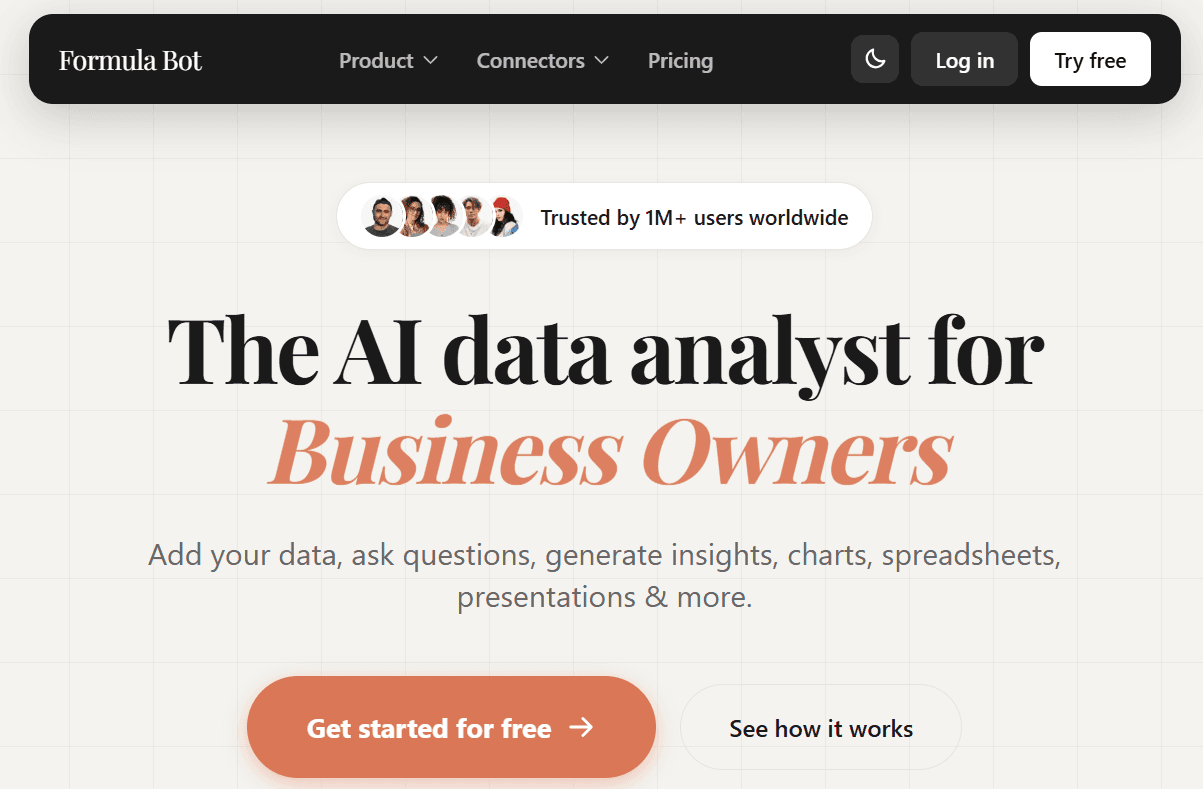
Formula Bot takes a similar approach but focuses specifically on converting plain-language instructions into working spreadsheet formulas. If you can describe what you want a formula to do, the tool writes it. That includes IF statements, IFS logic, lookup formulas, and classification rules that would otherwise require significant spreadsheet expertise to build manually.
Formula Bot contributes to that reduction by eliminating the trial-and-error cycle of manual formula writing, which is often where categorization workflows stall before they even begin.
Why the Tool Choice Depends on Your Workflow
Not every tool fits every team. If your categorization happens inside a spreadsheet and you want AI built directly into that environment without switching platforms, tools like Numerous or SheetAI are the natural fit. If your dataset is large enough to benefit from machine learning pattern recognition rather than rule-based logic, Akkio offers a different kind of leverage. If the bottleneck is formula complexity rather than volume, Ajelix or Formula Bot addresses the problem at its source.
The pattern across all seven tools is consistent. Each one removes a specific friction point in the categorization workflow, whether that is manual row-by-row review, formula construction, classification logic design, or transaction summarization. The reporting bottleneck rarely comes from a shortage of data. It comes from the time required to make that data usable.
The 30-Minute Workflow to Categorize Financial Data With AI

The 30-minute workflow is not just about speed. It is about separation. Every minute in this workflow belongs to exactly one task, and that single constraint is what makes the whole system work.
Why Sequencing Matters More than Speed
The failure point is usually sequencing, not effort. Teams that struggle with financial reporting are rarely lazy or underskilled. They collapse categorization, validation, and analysis into a single working session, which means every task competes for attention. When you define the reporting goal before touching the data, you are not just being organized. You are eliminating the most common source of rework in financial workflows: discovering halfway through that your categories do not match what the report actually needs.
Spend the first five minutes answering three questions before opening any file.
What are you trying to understand?
What decision does this report need to support?
What financial information actually matters here?
Those answers determine your categorization structure, and your categorization structure determines whether the report you build in minute 25 is useful or needs to be rebuilt from scratch.
Clean Data Before AI Touches It
When you import raw transaction data without cleaning it first, you are feeding noise into a system designed to find patterns. Duplicate entries, inconsistent vendor names, and missing values do not disappear during AI categorization. They get classified, which means they appear in your reports as if they are real signals. Five minutes of deduplication and label standardization before categorization saves 30 minutes of exception handling afterward.
The same issue surfaces in expense reporting and revenue analysis: the teams that skip the cleaning step spend the most time in the review phase.
Clean inputs mean AI categorization produces consistent outputs.
Consistent outputs mean your review window shrinks from a full audit to a targeted scan of genuine exceptions.
Build the Structure Before Running the Categories
Most teams handle categorization by jumping straight to the AI tool and asking it to sort transactions. That approach is not wrong; it is just incomplete. Without a defined category framework, the AI will produce outputs that are internally consistent but structurally misaligned with your reporting goals.
These are not just labels:
Marketing
Software
Payroll
Travel
Operations
They are the architecture of every report you will build from this dataset.
The framework you define in minutes 10 through 15 determines the quality of every downstream output. Build it once with intention, and it becomes reusable. Rebuild it every reporting cycle without documenting it, and you recreate the manual workflow you were trying to eliminate.
Where AI Earns its Place in the Workflow
This is where the workflow shifts from preparation to execution. Once clean data meets a defined category structure, AI handles the repetitive classification work that previously consumed most of the reporting window. Grouping transactions, assigning vendor categories, standardizing labels across hundreds of rows: these are pattern-matching tasks that AI performs consistently and without fatigue.
According to the Lucid Now Blog's analysis of top AI tools for expense categorization, AI tools can reduce expense categorization time by up to 80%. That reduction does not come from AI being smarter than a finance professional. It comes from AI being faster at repetitive matching tasks, which frees the professional to focus on judgment calls rather than row-by-row review.
Real-Time Team Review Improves Accuracy
Most teams that run this workflow inside a shared spreadsheet find that the categorization phase becomes genuinely collaborative. When the AI function runs across a column and assigns categories in bulk, every team member can see the output in real time, flag exceptions, and validate logic without waiting for a file to be emailed back and forth.
Shared AI Workflows Remove Team Bottlenecks
The familiar approach is to build categorization rules in isolation and share a finished file at the end. As team size grows and datasets get larger, that handoff model creates bottlenecks: one person owns the logic, everyone else waits. Spreadsheet AI tool addresses this directly by running AI categorization within a shared Google Sheets or Excel environment, so the classification logic, outputs, and review process all live in one place that the whole team can access and refine together, without API keys or engineering support.
Review Exceptions, Not Everything
The failure mode in the review phase is treating AI-assisted categorization like manual categorization with extra steps. If you review every transaction after the AI has run, you have not automated categorization. You have added a step. The review window in this workflow is specifically for uncategorized records, unexpected outputs, duplicate categories, and high-value transactions that warrant human judgment.
Most transactions follow predictable patterns. A vendor that appeared as a software expense last month will almost certainly be a software expense this month. Reviewing it again is not diligence. It is a habit. Targeting your review at genuine exceptions helps keep the 30-minute window intact across repeated reporting cycles.
Build Once, Reuse Indefinitely
The final five minutes are where most teams underinvest. Creating the expense report or revenue summary is the visible output, but saving the category structure, the AI prompts, and the reporting framework is what compounds the workflow's value over time. CPA Blake Oliver noted on LinkedIn that four hours of tedious financial analysis collapsed into just a few short minutes using AI, and that compression becomes permanent only when the workflow is documented and reused rather than rebuilt each cycle.
The goal of the 30-minute workflow is not one clean report. It is a repeatable system that produces clean reports every cycle, with less friction each time. The first run takes 30 minutes. The fifth run takes less. The difference is not speed. It is a structure that accumulates.
And the teams that figure out how to make that structure stick are discovering something about financial reporting that changes how they think about the entire process.
Categorize Financial Data Faster With Numerous
That structure you built across the previous sections is only valuable if it runs next cycle again without starting over. The teams pulling consistent financial reports are not faster because they work harder. They work inside a system where transaction classification, vendor grouping, and category rules are already set. Tools like Numerous make that system live inside the spreadsheet your team already uses, applying AI categorization across every new record without rebuilding logic or switching platforms each reporting period.
Start with one real dataset today. Import it, define your categories, and let AI handle the classification. The workflow is already mapped. The only thing left is running it.