Pulling product prices from competitor sites or gathering contact details from dozens of directories used to require a developer. No-code web scraping tools have changed that, making it possible for anyone to collect structured data from the web in under 30 minutes, no technical background needed.
The process is more straightforward than most people expect, and the right tool makes all the difference. For those who prefer working in a familiar environment, the Numerous Spreadsheet AI Tool connects directly to web sources and drops extracted data neatly into rows and columns, handling the heavy lifting automatically.
Table of Contents
Why Business Professionals Struggle With Web Scraping Without Coding
The Hidden Cost of Manual Website Data Collection
7 Ways to Scrape Websites Without Coding
The 30-Minute Workflow to Scrape Websites Without Coding
Automate No-Code Web Scraping Workflows With Numerous
Summary
Manual data collection at scale is a structural problem, not a discipline problem. Professionals who gather website data by hand spend up to 80% of their time on retrieval and preparation rather than analysis, according to DataMondial's research on manual web research. The strategic thinking that justifies the role gets compressed into whatever time remains after the browser tabs are closed.
Spreadsheet errors are far more common than most teams account for. Research from the Spider Strategies Blog reports that approximately 88% of spreadsheets contain manual data entry errors. The compounding risk is that those errors rarely look like errors. They look like finished deliverables, right up until a business decision gets made on top of them.
The no-code scraping market has matured to the point where it requires no lines of code to build a working web scraper. Tools like Octoparse, ParseHub, Browse AI, and Apify now handle JavaScript rendering, pagination, login-gated content, and scheduled refreshes through visual interfaces. The learning curve is real but short. What takes longer is unlearning the assumption that this kind of automation requires a developer.
Tool selection should follow the data source, not the feature list. Static websites with predictable structure work fine with browser extension scrapers. Dynamic, JavaScript-heavy pages require tools that render content the way a browser does. Sites requiring proxy rotation or prebuilt scrapers for known platforms point toward enterprise-grade options. Matching the tool to the source determines whether the workflow runs reliably or breaks silently on page four.
A scraper run manually is still a manual process. The workflows that deliver consistent value are those that run on a set cadence and push fresh data directly into a connected spreadsheet. According to the Taskade Blog, setting up an AI web scraping workflow without coding takes about 30 minutes, which means the upfront investment to build something repeatable is low relative to the savings across subsequent runs.
The real gap in most no-code scraping workflows is not collection. It is what happens after the export lands in a spreadsheet, when hundreds of inconsistently formatted rows still need to be categorized, cleaned, and interpreted before any analysis can begin. Numerous Spreadsheet AI Tool addresses this by letting teams run AI classification, summarization, and cleanup tasks directly inside Google Sheets or Excel using a simple function, without API keys or code, on every row at once.
Why Business Professionals Struggle With Web Scraping Without Coding
Collecting website data at scale is hard without code—not because of lack of intelligence or effort, but because websites are built for browsers, not spreadsheets. Product prices load dynamically after the page renders. Contact details hide in navigation menus. Competitor data refreshes daily. Manual copying into organized formats means fighting the web's structure one paste at a time.
"Websites are built for browsers, not spreadsheets—and that structural mismatch is the core reason business professionals hit a wall when trying to collect data at scale."
⚠️ Warning: The problem isn't your skill level—it's a fundamental design mismatch between how websites deliver content and how businesses need to consume it.
Data Type | Where It Hides | Manual Challenge |
|---|---|---|
Product prices | Dynamically loaded after render | Refreshes before you finish copying |
Contact details | Buried in navigation menus | Requires clicking through dozens of pages |
Competitor data | Refreshes daily or hourly | Instantly outdated by the time you paste it |

According to Ujeebu's 2025 analysis of web scraping trends, the alternative data market was valued at around $4.9 billion in 2023, signaling how much commercial value organizations seek from web data and how many lack developer resources to access it.
"The alternative data market was valued at around $4.9 billion in 2023—a figure that reveals both the massive demand for web data and the resource gap most organizations face in capturing it." — Ujeebu, 2025
🔑 Takeaway: A $4.9 billion market exists because businesses need web data at scale, yet most professionals lack the developer resources to tap into it without technical workarounds.
💡 Tip: If your team lacks dedicated engineering support, you're not alone. The alternative data market's size proves that demand far outpaces in-house coding capacity across industries.
Where the workflow actually breaks down
The failure point is usually not the first website but the fifteenth. Business professionals often start with a manageable list—perhaps ten competitor pages or twenty product listings—and build a manual process that works adequately. Then scope expands: more products, more markets, more sources. The spreadsheet built Monday is outdated by Wednesday afternoon. This is a scale problem dressed as a process problem.
Why does retrieval consume more time than analysis?
A common pattern emerges: professionals who collect data by hand spend most of their time gathering it rather than studying it. They open tabs, copy values, paste rows, and check for errors. The actual thinking—spotting pricing gaps, identifying lead patterns, flagging market shifts—gets squeezed into whatever time remains. The bottleneck is the distance between raw website content and something a human can reason with.
What happens when more manual steps replace a broken process?
Most teams respond by adding manual steps: a shared spreadsheet, a rotation schedule, a weekly data refresh ritual. But as sources multiply, the ritual becomes the job. Tools like Numerous.ai address what comes after collection: once raw data lands in a spreadsheet, our =AI function can classify, summarize, and clean it in bulk, turning unstructured text into structured insight without requiring complex formulas. That gap between collected data and usable data is where most no-code workflows stall.
Why "just copy and paste" stops working
Non-technical users often assume that powerful automation requires coding skills, which keeps them stuck doing things manually. No-code data extraction platforms now handle pagination, dynamic content, and scheduled refreshes through visual interfaces. The real challenge isn't collecting data—it's what you do with the data once it arrives: messy, inconsistent, and formatted for a browser rather than a business decision. That gap between raw scraped data and a clean, actionable dataset is where the real cost hides.
Related Reading
The Hidden Cost of Manual Website Data Collection
Manually copying and pasting information hurts the quality of every business decision that depends on collected data, and the problem worsens faster than most teams realize.
"Manual data collection doesn't just slow teams down — it silently corrupts the decisions built on top of that data." — Data Operations Insight
⚠️ Warning: The hidden costs of manual website data collection extend far beyond lost time: errors compound, decisions degrade, and your team's competitive edge erodes with every paste.
💡 Tip: If your team relies on manual copy-paste workflows for website data, treat it as a critical business risk, not an inconvenience.

Cost Type | Impact |
|---|---|
Human Error Rate | Increases with every manual step |
Decision Quality | Degrades as data accuracy drops |
Team Productivity | Lost to repetitive, low-value tasks |
Scalability | Breaks down as data volume grows |
Where does the real productivity loss hide?
The failure point is usually not the first hour of manual research, but the fifth, the fifteenth, the fiftieth. According to DataMondial's research on the hidden cost of manual web research, up to 80% of analysts' time is spent on data gathering and preparation rather than analysis. When research time disappears into browser tabs and spreadsheet formatting, the strategic thinking you are paid to do gets compressed into whatever time remains.
Why does scaling manual research make the problem worse?
The same issue appears in market research, competitor tracking, and product data workflows: the more websites you monitor, the more manual processes burden you. What begins as a manageable task becomes a repeating obligation that expands to fill every available hour. Since data is collected at a specific time, it becomes outdated the moment you close the browser.
Why do manual data entry errors go undetected for so long?
Typing data by hand can lead to mistakes that are hard to spot initially. The Spider Strategies Blog on hidden costs of manual KPI reporting reports that manual data entry errors affect about 88% of spreadsheets. A spreadsheet full of small errors appears finished and ready to use until a business decision is made based on it.
Does adding a verification step actually solve the accuracy problem?
Most teams add a verification step in which someone checks the checker against the source pages. But as data volume grows, that review layer becomes its own bottleneck, adding hours without addressing the root cause. Our Spreadsheet AI Tool at Numerous addresses this by using AI functions to classify, clean, and summarise scraped content at scale, allowing teams to spend less time manually fixing what automation could have caught.
When speed matters more than perfection
The cost of slow data collection becomes apparent when your competitor analysis is three weeks old or your pricing reports reflect last month's market rather than today's. Automated data extraction closes that gap by converting weekly manual processes into scheduled, repeatable workflows. Data arrives fresher, decisions happen faster, and analysts focus on higher-value work. Knowing that automation is possible is different from knowing which approach fits your workflow.
7 Ways to Scrape Websites Without Coding
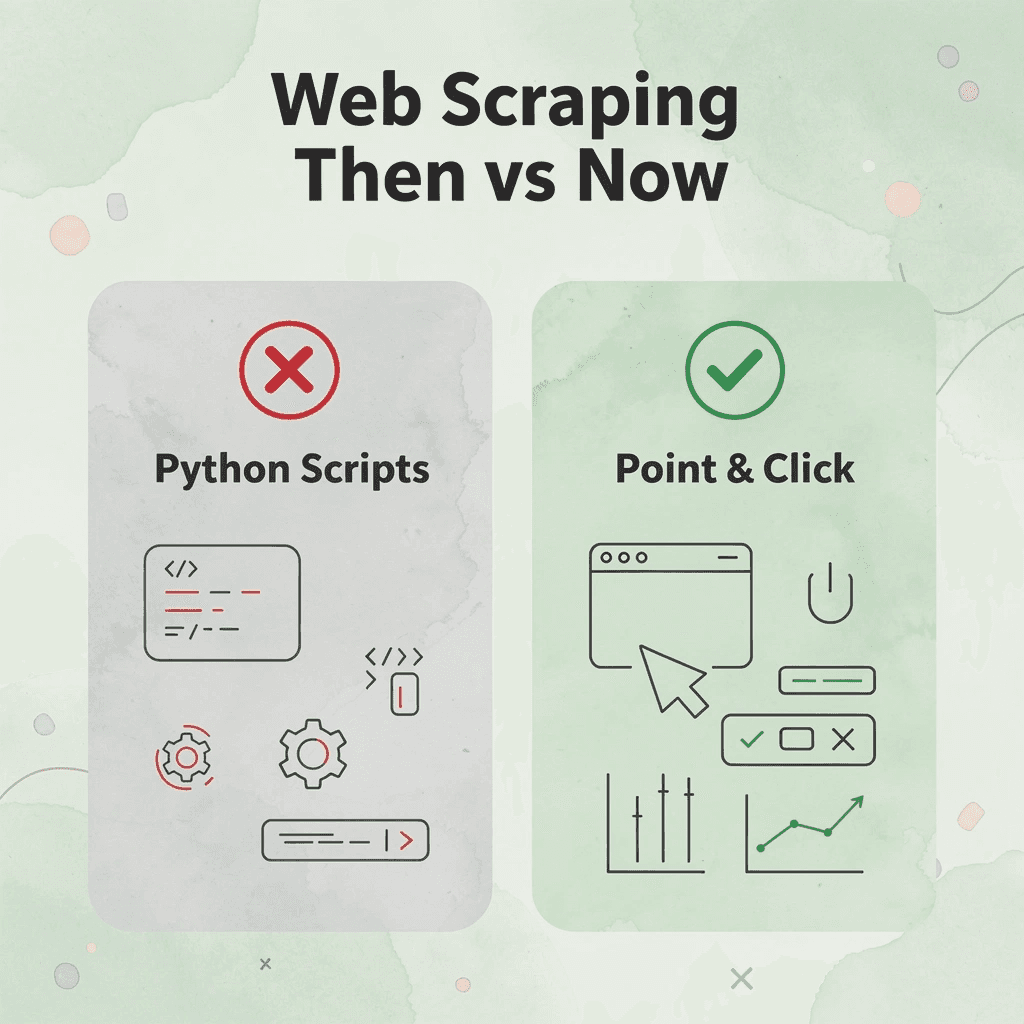
Modern no-code web scraping tools handle the technical layer for you, turning what used to require Python scripts and developer hours into a point-and-click workflow that any analyst, marketer, or researcher can run independently. These tools represent a fundamental shift in how data extraction works, making enterprise-level scraping accessible to anyone with a browser and a goal.
💡 Tip: Whether you're a solo researcher, a marketing analyst, or a business owner, today's no-code scrapers eliminate the need to hire a developer or wait in the IT queue to pull publicly available data.
"It takes 0 lines of code to build a working web scraper using today's no-code tools." — axiom.ai blog
According to the axiom.ai blog, it takes 0 lines of code to build a fully functional web scraper using today's no-code tools. This completely breaks down the barrier that kept data extraction stuck in the IT queue for years — putting real scraping power directly into the hands of non-technical users.
🎯 Key Point: The shift to no-code scraping isn't just a convenience upgrade — it's a democratization of data access that saves teams hours of back-and-forth and puts actionable insights within reach immediately.
Approach | Coding Required | Time to First Scrape | Who Can Use It |
|---|---|---|---|
Traditional (Python/scripts) | Yes — extensive | Hours to days | Developers only |
No-Code Tools | 0 lines | Minutes | Anyone |
⚠️ Warning: Not all no-code scrapers are created equal — always verify that your chosen tool supports the specific site structure you're targeting before committing to a full workflow build.
1. Octoparse
Octoparse uses a visual workflow builder where you click on webpage elements to define what information gets extracted. It supports cloud-based scraping and scheduled runs, so your data updates automatically.
2. ParseHub
Browser-based scrapers fail on dynamic content: JavaScript-heavy sites, infinite scroll, and login-gated tables break tools that only read static HTML. ParseHub renders pages like a browser does, capturing data that simpler tools miss.
3. Apify
Most teams building custom scrapers hit the same wall: development time and maintenance overhead. Apify sidesteps this with a marketplace of ready-made scrapers for common targets like Google Maps, LinkedIn, and e-commerce platforms. Select the scraper, configure inputs, and the cloud infrastructure handles execution.
4. Browse AI
Browse AI watches specific pages for changes by recording a sequence of actions once, then repeating them on a schedule. It connects directly to Google Sheets, so new data populates your spreadsheet automatically.
5. Webscraper.io
Webscraper.io solves a common challenge for research teams and analysts: flexible scraping across multi-page structures without manual selector writing. Its visual sitemap builder lets you define page structure graphically, and the tool automatically follows your navigation logic through paginated results or category trees.
6. Bright Data
Bright Data's blog, which covers 7 no-code scraping methods, demonstrates how enterprise teams now treat scraping without code as a production-grade tool. Bright Data combines a no-code scraper interface with a proxy network that rotates IP addresses automatically, which is critical when collecting large volumes of data from sites that rate-limit or block repeated requests. For competitive intelligence or pricing research across thousands of URLs, this infrastructure layer keeps workflows running reliably.
7. Import.io
Import.io collects data and lets you clean, reshape, and schedule structured datasets before they reach your spreadsheet. Raw scraped data often requires processing: column headers may be inconsistent, values may be mixed with units or symbols, and categories may be unstandardized. Import.io handles this conversion within the same workflow.
What happens after the data lands
The critical difference between a useful dataset and a pile of extracted text lies in what you do after collection. Raw scraped data typically arrives with inconsistent formatting, unclassified entries, and text fields requiring interpretation before they can drive decisions.
Why does manual row-by-row review break down at scale?
Most teams handle this by manually reading through rows and writing notes in adjacent columns. This approach works for fifty rows but breaks at five hundred and becomes a full-time job at five thousand.
How does bulk AI processing close the gap?
Numerous tools close this gap by letting you run AI tasks directly inside Google Sheets or Excel using a simple =AI() function. Instead of reading each row manually, you write one prompt, apply it across the column, and the spreadsheet AI tool processes every entry in bulk without requiring API keys, coding knowledge, or duplicate queries that increase costs.
Choosing the right tool for your workflow
Constraint-based thinking applies here: if your data source is a static website with predictable structure, a browser extension like Webscraper.io suffices. If the site uses JavaScript rendering or login sessions, ParseHub or Browse AI can handle that complexity. For scale, proxy rotation, or pre-built scrapers for known platforms, Apify and Bright Data are better choices. Match the tool to where your data lives and how often you need it refreshed, not to which platform has the longest feature list.
Why does scheduling matter more than most users expect?
Scheduling is more important than most users initially realize. A manually run scraper remains a manual process. The most effective tools run on a regular schedule, pushing new data into a spreadsheet already connected to your reporting workflow. Every tool on this list supports CSV or Excel export, but direct Google Sheets integration (available through Browse AI and Apify) eliminates the download-and-upload step that slows each update cycle.
Which no-code scraper should you actually commit to?
The right no-code scraper is one you'll use regularly. Pick the tool that works with your source, fits your schedule, and connects to the spreadsheet where you do your work.
Related Reading
The 30-Minute Workflow to Scrape Websites Without Coding
Structured workflows beat clever tools every time. The difference between a scraping project that grows in value and one that falls apart after three runs is the sequence of decisions made before the first data point is ever pulled.
"The difference between a scraping project that grows in value and one that falls apart after three runs is the sequence of decisions made before the first data point is ever pulled."
💡 Tip: Before touching any scraping tool, map out your full decision sequence — what you need, where it lives, and how you'll store it. This 30-minute upfront investment saves hours of broken, unusable data later.
⚠️ Warning: Jumping straight into a scraping tool without a structured workflow is the #1 reason scraping projects fail — no matter how powerful the tool is.
Approach | Outcome |
|---|---|
Structured workflow first | Scalable, repeatable, high-value data |
No workflow, tool-first | Breaks after a few runs, inconsistent results |

Minute 0–5: Define Your Data Collection Goal
Start with the question, not the tool. Before opening Octoparse or Browse AI, write down exactly what information you need, which websites hold it, how often that data changes, and how the output will be used. A competitor price tracker updated weekly requires a different setup than a one-time business directory pull for a sales campaign. This five-minute planning step prevents you from scraping 40 fields when you need only 6, and stops scope creep from turning a clean dataset into an unmanageable spreadsheet.
Minutes 5–10: Match the Tool to the Website
The critical difference is not which tool has the best marketing, but which one can handle the specific behavior of your target websites. JavaScript-heavy pages, infinite scroll, login-gated content, and paginated listings each require different extraction abilities. If your target site loads data dynamically after the page renders, a basic HTML scraper will return empty fields. Matching the tool to the source is a technical constraint, not a preference: get this wrong and no workflow polish will fix the output.
Minutes 10–15 Build and Test Before You Commit
Run a test scrape on a small sample before automating anything. Check that captured fields are complete, scan for duplicate records, and confirm navigation between pages works correctly. A test run on 20 rows catches structural problems that would corrupt 2,000 rows if left undetected. The failure point is usually pagination or dynamic loading. A workflow that works on page one often breaks silently on page four, returning partial data without error messages.
Minutes 15–20 Clean and Organize the Exported Dataset
After exporting, rename columns to match your reporting schema, remove duplicates, standardize date formats, and align value formats across rows. Raw scraped data rarely arrives analysis-ready: column names are often generic, values inconsistently formatted, and records from multiple pages frequently overlap. This step determines whether your dataset is usable in 20 minutes or 2 hours.
Minutes 20–25: Validate Against the Source
Most teams skip validation, but it's essential. Comparing exported records against the live website catches broken extractions, missing records, and formatting errors that cleaning alone won't surface. Spot-check at least 10-15 records manually. If scraped and live values disagree, you have a workflow error. Fix the extraction logic before the dataset reaches any report or dashboard.
When Raw Data Hits a Spreadsheet and Stops There
The familiar pattern after a successful scrape is to export a CSV, paste it into a spreadsheet, and manually categorize, summarize, or flag records. That approach works for 50 rows, breaks quietly at 500, and breaks loudly at 5,000. Teams that rely on manual review after automated collection solve only half the problem. The scraping is automated, but interpretation remains entirely human and slow. Numerous changes that are dynamic directly inside the spreadsheet. Instead of reading through scraped product descriptions or competitor reviews row by row, you can use our =AI() function to classify, summarize, or extract sentiment across every row at once, without API keys, without code, and without leaving the tool where your data already lives.
Minutes 25–30: Build the Reporting Layer
The goal is to create a system you can use repeatedly. This system produces accurate, organized datasets on a schedule without manual work. According to the Taskade Blog, setting up an AI web scraping workflow without coding takes around 30 minutes: a low time investment compared to what it saves each time you run it thereafter. Organize your final dataset into the format your reports need. Create named columns, apply consistent filters, and document the scraping schedule so anyone on your team can run the next update without starting from scratch. This repeatability is what makes it valuable.
The Before and After That Actually Matters
Before a structured workflow: visiting websites by hand, copying values into spreadsheets, cleaning formatting errors weekly, and spending more time gathering data than analyzing it. After the workflow runs on schedule, data arrives organized, and the team focuses on decisions rather than collection. Time savings come from removing repetitive steps and replacing them with a consistent sequence.
Why does structure separate automation from faster chaos?
Automation without structure is faster chaos. The 30-minute framework separates planning, collection, validation, and reporting into distinct steps with clear purposes and outputs. According to the Firecrawl Blog, integrations like n8n and Firecrawl require zero lines of code to scrape websites, meaning the limiting factor is no longer technical skill but process discipline. The gap between a well-structured workflow and an intelligent one is smaller than most expect.
Automate No-Code Web Scraping Workflows With Numerous
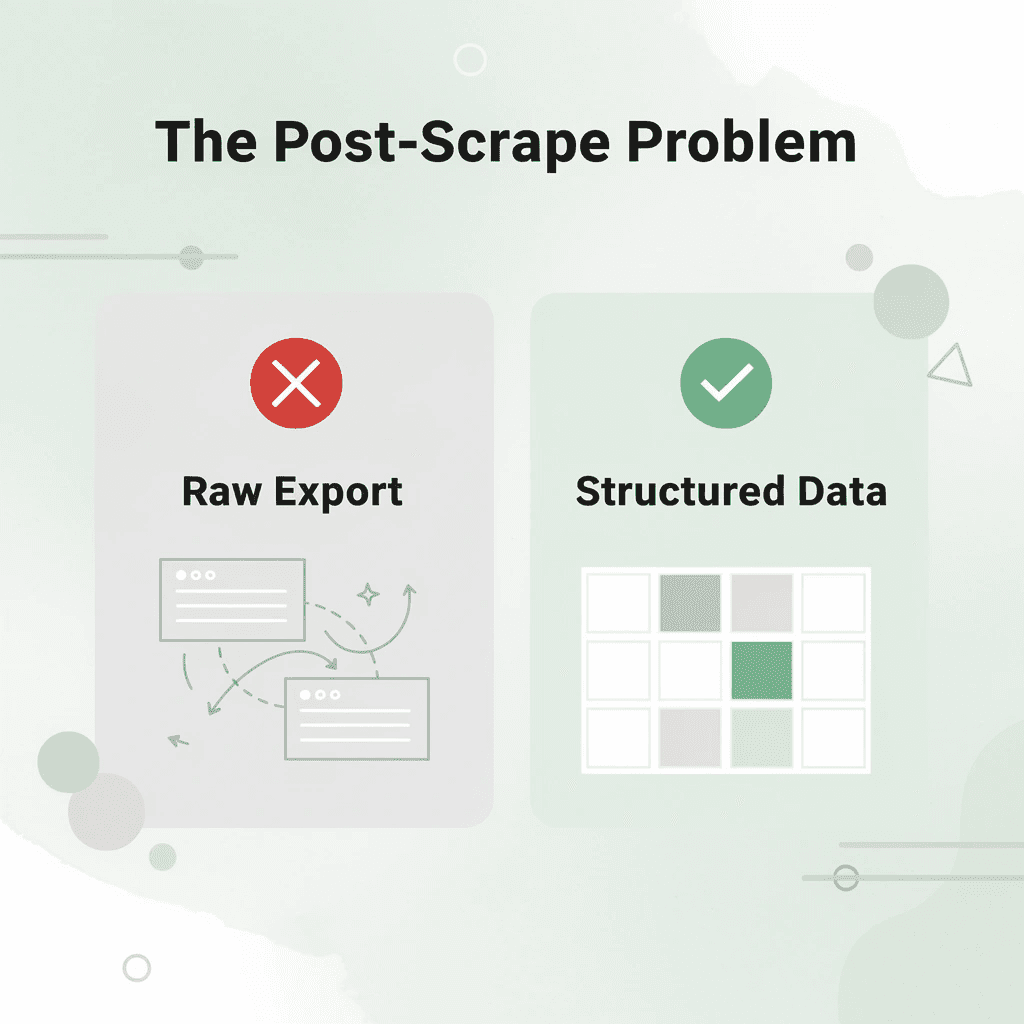
The gap between collecting website data and using it is where most workflows fall apart. Scraping without coding is solved. The harder problem is what happens after the export lands in your spreadsheet: hundreds of inconsistent rows that need cleaning, categorizing, and analysis before any insights emerge.
"The gap between data collection and actionable insight is where most no-code workflows break down — not in the scraping, but in everything that comes after."
🔑 Takeaway: Raw scraped data is not usable data. The post-scrape processing stage is the true bottleneck in any market research workflow.
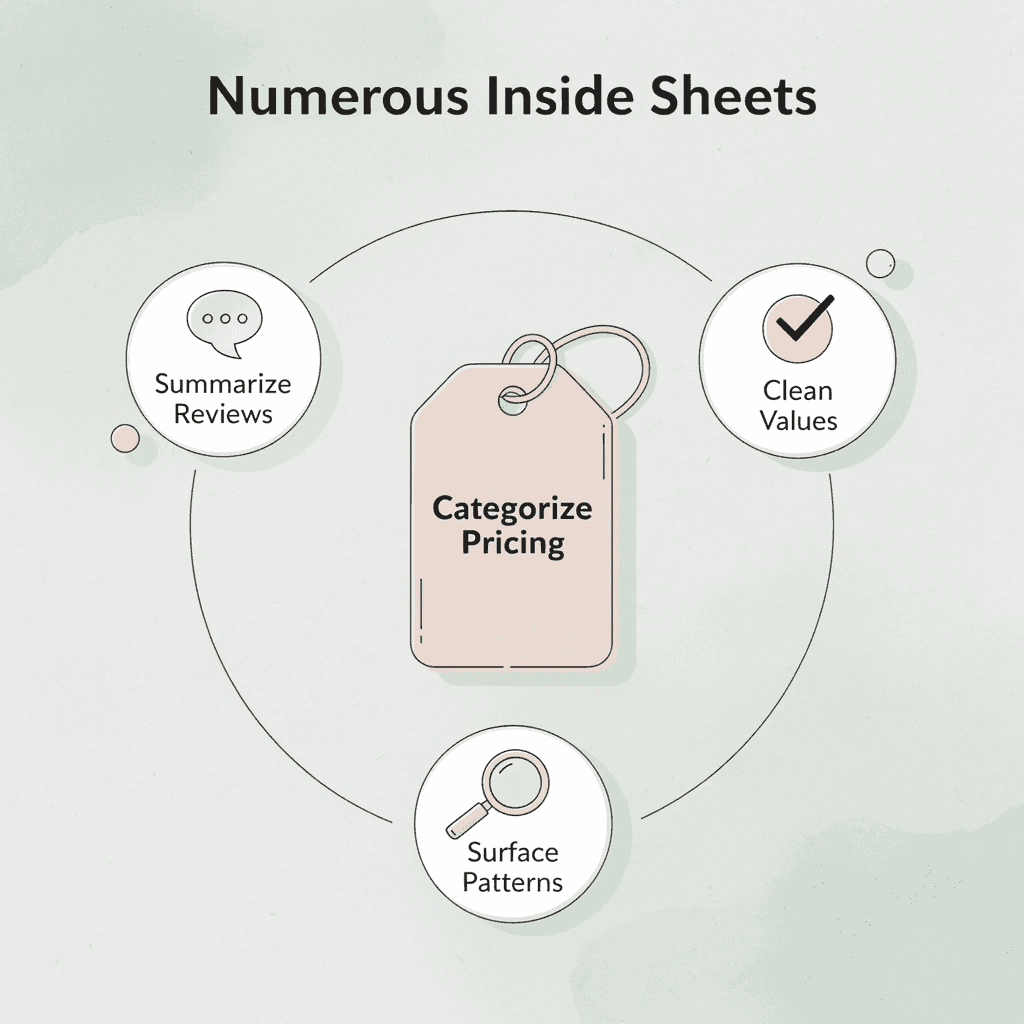
That is exactly where Spreadsheet AI Tool fits. Our Numerous product works inside Google Sheets or Excel to categorize competitor pricing, summarize customer reviews, clean inconsistent values, and surface patterns from scraped datasets using simple prompts. No API keys, no rebuilding the same cleanup process each time you collect new data. The repeatable workflow you build once keeps working every time new data arrives.
Task | Numerous Capability |
|---|---|
Competitor pricing | Categorize & compare automatically |
Customer reviews | Summarize with simple prompts |
Inconsistent values | Clean & normalize at scale |
Pattern detection | Surface insights from raw datasets |
💡 Tip: Build your cleanup workflow once inside Google Sheets or Excel — every future scrape runs through the same structured process automatically, with zero extra setup.
Businesses winning on market research are not scraping smarter. They are analyzing faster, because their post-scrape process is as structured as their data collection. Start with one scraped dataset today and bring it into Numerous.
⚠️ Warning: Without a repeatable post-scrape workflow, even the best no-code scraping tools leave you with raw, unusable data, costing hours of manual cleanup each time.
✅ Best Practice: Treat data analysis automation as equally important as data collection. Your competitive advantage lies in how fast you move from raw rows to real insights.