
Finding the right proxy service or web scraping tool gets complicated fast, especially when Decodo does not fit every budget, workflow, or data collection need. Whether the priority is rotating proxies, residential IP pools, or full extraction capabilities, several strong Decodo alternatives are worth a close look. The options below cover everything from proxy rotation and IP management to scraping APIs and data parsing tools.
Comparing these tools does not have to mean juggling a dozen browser tabs. Numerous brings AI directly into spreadsheets, making it straightforward to organize research, weigh features, and build side-by-side comparisons of providers like Bright Data, Oxylabs, and Smartproxy inside a tool already in daily use. Teams ready to speed up that process can get started with the Spreadsheet AI Tool.
Table of Contents
Why Data Analysts Look for Alternatives to Decodo
The Hidden Cost of Switching Providers Without Identifying the Real Constraint
7 Best Decodo Alternatives for Web Data Collection in 30 Minutes
The 20-Minute Workflow to Choose a Decodo Alternative
Analyze Your Extracted Data Faster With Numerous
Summary
Data analysts spend the majority of their time managing and cleaning data rather than analyzing it. According to a LinkedIn discussion referenced in the article, analysts operate as "data janitors" roughly 80% of the time. That ratio worsens when proxy tools require manual session handling, retry logic, and pool management on top of the core extraction work.
Switching proxy providers based on reputation alone rarely solves the underlying problem. The real switching decision should start with identifying one specific constraint, whether that is budget floor, customization ceiling, or anti-bot performance on particular target types. Without that diagnosis, a new provider with the same structural mismatch produces the same frustration under a different logo.
Migration costs compound when provider switches happen without proper evaluation. Research from Wall Street Prep notes that switching costs create significant barriers, with some industries reporting customer retention rates above 90% because re-authentication, updated configurations, and retraining create pressure to rationalize a poor fit rather than revisit the decision.
Performance claims across the proxy and scraping market are difficult to verify independently. Figures like "99.99% uptime" and "industry-leading success rates" appear across nearly every competing platform, but independent benchmarks like Scrapeway do not track all providers equally. A number measured against an external standard on targets that resemble actual use cases is the only figure worth treating as reliable.
The proxy market has narrowed considerably on raw infrastructure. Residential IP pools across leading alternatives now exceed 65 million addresses, and residential proxy pricing starts as low as $1.77 per GB among competing providers. Because the infrastructure gap between providers has shrunk, differentiation now lives in automation features, API design, and how cleanly each platform fits into existing reporting workflows.
The bottleneck in most web data workflows does not stop at collection. A tool that extracts cleanly but produces output requiring multiple manual cleaning steps before analysis moves the friction downstream rather than removing it. Choosing a scraping alternative without mapping the full pipeline from collection through to reporting means optimizing one stage while leaving the constraint intact somewhere else.
Numerous Spreadsheet AI Tool addresses the post-extraction stage directly by running AI tasks inside Google Sheets and Excel, which is where extracted data typically lands before review, cleaning, and reporting.
Why Data Analysts Look for Alternatives to Decodo
Decodo works well. The real question is whether a tool made for wide proxy access at competitive scale fits a small team running niche extraction workflows on a tight monthly budget. The gap between those two things is where most switching decisions begin.
"The gap between enterprise-scale proxy tools and niche extraction workflows is where most switching decisions begin — and where budget constraints become the deciding factor."
💡 Tip: If your team is running targeted, low-volume scraping jobs, a tool optimized for massive proxy scale may be costing you more than it delivers in real value.
⚠️ Warning: Don't assume a higher-priced, feature-heavy platform is the right fit just because it's popular — team size, workflow complexity, and monthly budget should always drive your tooling decisions.
Factor | Enterprise Proxy Tool (e.g., Decodo) | Niche Extraction Alternative |
|---|---|---|
Best For | Large-scale, broad access needs | Small teams, targeted workflows |
Cost Structure | Competitive at scale | Friendlier on tight budgets |
Workflow Fit | Wide proxy coverage | Niche, specific extraction tasks |
Switching Trigger | Rarely | Budget vs. value mismatch |

Does cost efficiency at volume translate to small-scale affordability?
Decodo has earned its reputation: 65 million-plus IPs across 195 locations, consistently high uptime, and four consecutive years of industry recognition for cost efficiency. Cost efficiency at large scale and affordability at small scale are different things, however. Teams that confuse them often discover the difference only after committing budget they cannot recover.
Is proxy management eating into your actual analysis time?
A common pattern emerges across data-heavy teams: the bottleneck isn't the proxy network itself, but the time spent managing, setting up, and fixing problems with the surrounding workflow. According to a LinkedIn discussion on Madison Schott's post, data analysts spend 80% of their time as data janitors rather than performing actual analysis. This ratio worsens when the tool requires manual proxy pool management, session handling, and retry logic not designed for your specific extraction target. Most teams compare providers by opening multiple browser tabs and switching between pricing pages. Teams using Numerous's Spreadsheet AI Tool conduct this comparison within Google Sheets or Excel, running AI-assisted analysis directly on collected data without leaving their spreadsheet.
Which constraint are Decodo alternatives actually solving?
The customization gap is where Decodo alternatives like Bright Data, Oxylabs, Smartproxy, and Webshare differentiate themselves. Residential proxy providers, SERP APIs, and specialized anti-bot bypass tools solve different problems. A team facing platform-specific defenses (Instagram's rotating bot detection, LinkedIn's behavioral fingerprinting) needs a provider built for that challenge, not one whose strength is general-purpose residential IP volume.
Teams often spot the symptom (high block rates, unexpected costs, scraper breakage) without finding the actual problem. Budget, customization depth, anti-bot specificity, and the ability to test before committing are four distinct problems that point toward different categories of web scraping tools. Solving the wrong problem only delays frustration.
Related Reading
The Hidden Cost of Switching Providers Without Identifying the Real Constraint
Switching to a top-ranked proxy provider without identifying the actual problem means copying what looks good without making a real decision. If money was the constraint, a new provider with the same lowest spending requirement hits that limit equally fast.
⚠️ Warning: Changing your proxy provider without diagnosing the root constraint is like changing your shoes to run faster: if the real problem is your route, nothing changes.
"The constraint was never the provider's name — it was the unidentified bottleneck that moved with the team to every new platform." — Core Principle of Constraint Analysis

The problem shows up after you move. A team switches from Decodo to another well-reviewed scraping platform, runs successful test scrapes on simple targets, then runs into the same anti-bot detection wall on high-value targets three weeks later. The test worked because easy targets always work. The constraint was never the provider's name.
💡 Tip: Always benchmark your new provider against high-value, high-difficulty targets — not simple ones — before committing to a full migration.
🔑 Takeaway: If your real bottleneck is anti-bot detection sophistication, no provider swap will fix it. Identify the true constraint before you switch.
Scenario | What It Tests | What It Misses |
|---|---|---|
Simple target scrape | Basic connectivity | Anti-bot resilience |
High-value target scrape | Real-world constraint | Nothing — this is the true test |
Provider name change only | Team confidence | Actual root cause |
Why does reputation-based switching cost more than it looks?
According to Wall Street Prep's analysis of switching costs, switching costs lock in customers and create barriers to entry for competitors, with some industries reporting customer retention rates above 90%. This dynamic reverses when teams switch too quickly: the sunk cost of migration, re-authentication, updated endpoint configurations, and retrained team members creates pressure to make the new provider work even when it does not. Teams rationalize the fit instead of re-evaluating it, because admitting a mismatch means performing the migration work twice.
Why do most provider comparisons answer the wrong question?
Most teams compare providers by opening multiple browser tabs and building a rough mental scorecard. This breaks down when the variables being compared don't address the original problem. If customization depth was the real issue, comparing providers on stated success rates and IP pool size answers the wrong question. Tools like Numerous's Spreadsheet AI let teams pull comparison data directly into Google Sheets and run structured AI analysis across provider attributes, keeping evaluation tied to the specific constraint rather than drifting toward whichever provider has the most polished feature page.
What independent benchmarks actually reveal
Claims like "99.99% uptime" and "industry-leading success rates" appear on nearly every proxy and web scraping tool. Scrapfly's independent review of Decodo notes that its performance claims lack verification from outside benchmarks like Scrapeway, unlike some competing platforms. Comparing two self-reported numbers means comparing marketing departments, not actual performance. The only trustworthy metric is one measured against a consistent, external standard on targets matching your use case.
Which specific constraint should you solve for before switching?
Before switching providers, identify the specific limitation: budget floor, customization ceiling, or anti-bot performance on specific target types. That single question narrows the field from a dozen plausible Decodo alternatives to two or three documented to address that constraint. The migration work stays the same either way, but the probability of doing it twice drops sharply. Once you know which constraint you're solving for, the next question fundamentally changes which tool belongs on your shortlist.
7 Best Decodo Alternatives for Web Data Collection in 30 Minutes
Knowing which constraint you're solving for is only half the equation. The other half is understanding which tools actually exist to solve it — and whether they truly fit your workflow.
💡 Tip: Before committing to any alternative, map your core constraint first — whether that's cost, speed, scale, or geo-targeting — so you can match the right tool to the right problem.
"The best proxy or scraping tool isn't the most powerful one — it's the one that actually fits your specific data collection workflow." — Web Data Collection Best Practices
🎯 Key Point: Every tool in this list solves a different combination of constraints — understanding your primary bottleneck is what separates a smart tool choice from an expensive mistake.
Constraint | What to Look For |
|---|---|
Budget limits | Pay-as-you-go or free tiers |
Speed requirements | High-concurrency infrastructure |
Geographic targeting | Residential or ISP proxy networks |
Workflow integration | API-first or no-code options |

1. Bright Data

Bright Data leads the list of choices for big companies by combining a residential proxy network with a dataset marketplace and web unlocker, letting you pull organized data without building pipelines from scratch. The tradeoff is cost: according to the Octoparse Blog's roundup of Bright Data alternatives, Decodo charges roughly $1.50/GB for residential proxies—four to seven times cheaper than Bright Data. This gap matters when processing terabytes monthly. Bright Data suits organizations needing audit-ready pipelines, compliance documentation, or pre-built datasets that would require weeks to scrape. For teams with smaller volumes or tighter margins, pricing becomes the limiting factor before features do.
2. Oxylabs
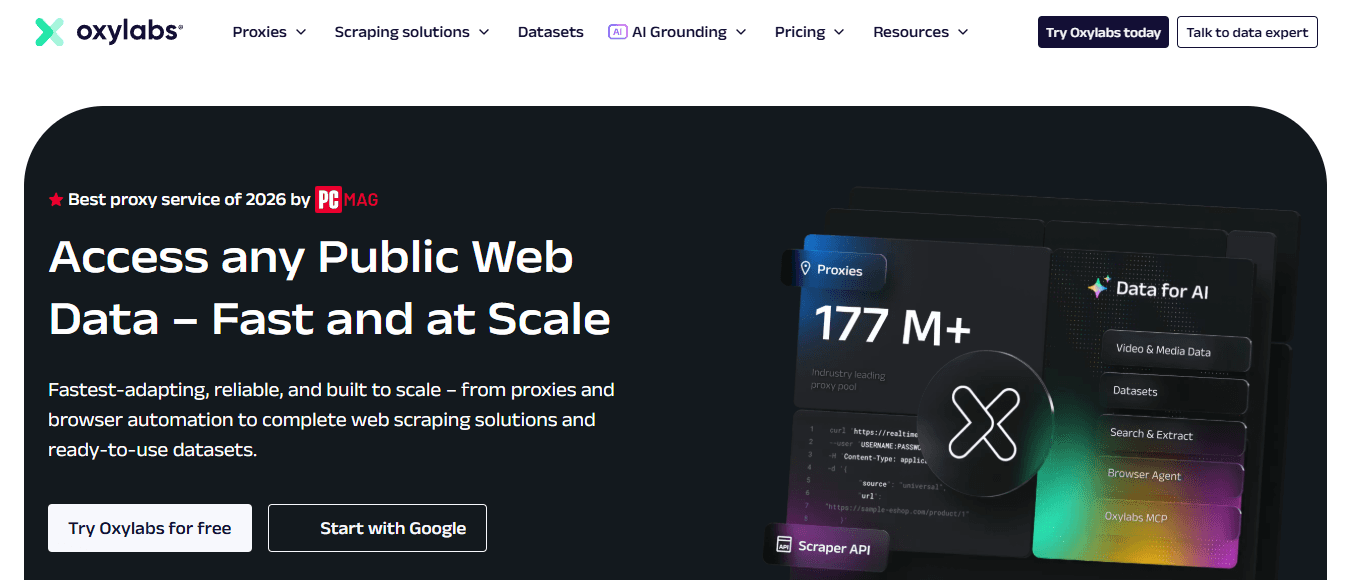
Oxylabs targets enterprise users and emphasizes AI-assisted scraping. Its AI-powered extraction layer reduces manual rule-writing that breaks when target sites update their layout. For high-frequency scraping against e-commerce or financial data, this self-healing capability cuts maintenance hours. Teams adopt Oxylabs because their previous tool required constant developer attention after site structure changes. If your scraping workflows break more than twice a month due to DOM changes, maintenance cost, not IP pool size, is the constraint you're solving for.
3. Numerous AI

Most teams export scraped data to CSVs, then manually categorize, tag, or summarize rows in spreadsheets. A 5,000-row dataset that took hours to collect can take days to analyze. Numerous eliminates this friction by running ChatGPT directly inside Google Sheets and Excel via a simple =AI function, with no API keys required. The spreadsheet AI tool lets teams bulk-categorize, summarize, or enrich extracted data without leaving their spreadsheet, collapsing the analysis step from days to the same session as scraping.
4. Apify

Apify is built for teams that want automation without building every scraper from scratch. Its marketplace of ready-made actors covers common targets like LinkedIn, Amazon, and Google Maps, and its scheduling layer enables recurring data pulls without manual triggering. The constraint to watch with Apify is customization depth. Pre-built scrapers work well until your target site falls outside the marketplace catalog, at which point you're writing custom actors. Teams with highly specific or niche data sources often find the marketplace less useful than the platform's raw automation infrastructure.
5. ScraperAPI
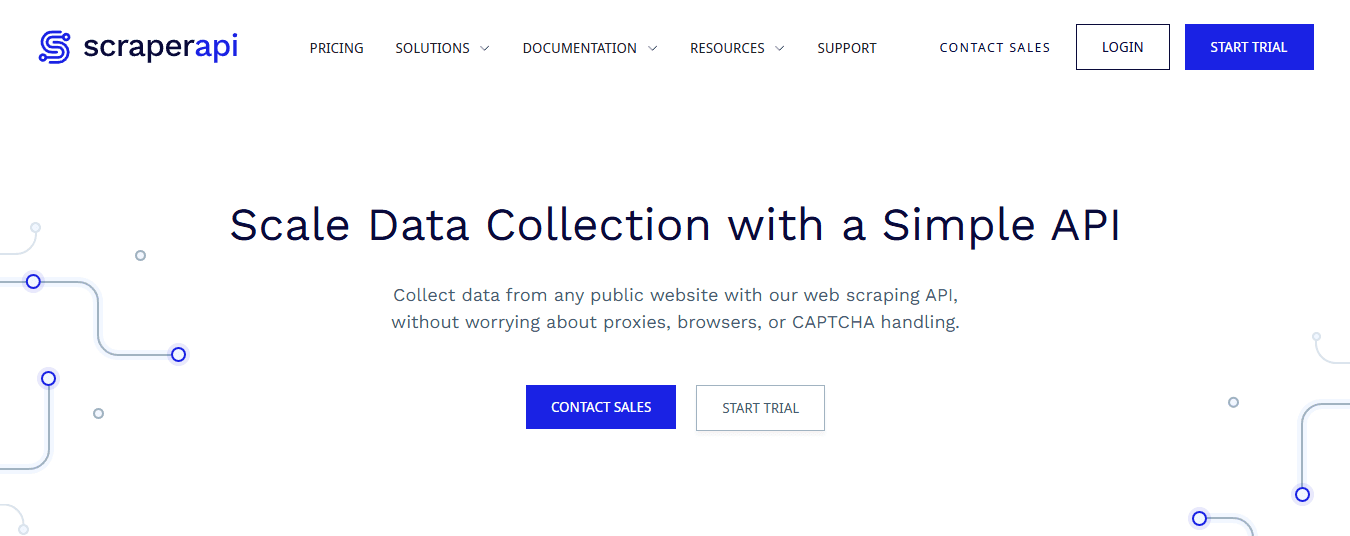
ScraperAPI is the most developer-friendly option on this list. It handles proxy rotation, CAPTCHA solving, and JavaScript rendering through a single API endpoint, allowing developers to focus on parsing logic rather than infrastructure. Decodo reports 99.99% uptime across its network, and ScraperAPI competes at that level of reliability. The limitation is that ScraperAPI requires engineering capacity to build and maintain custom scraping applications. Without a development team, the API's simplicity offers less value since surrounding code still needs to be written and maintained.
6. Zyte

Zyte offers both a smart proxy manager and an AI-powered extraction API, handling access and parsing within a single platform. For teams managing scraping across multiple website structures, this consolidation reduces pipeline failure points. As scraping projects grow beyond a handful of sources, coordinating separate proxy and parsing tools creates extra work. Zyte's integrated approach addresses this scaling challenge, though its pricing reflects the consolidated capability.
7. ParseHub

ParseHub solves a different problem entirely. Its visual point-and-click interface lets non-technical users build scrapers without writing code. For marketing teams, researchers, or analysts who need to pull data from specific pages on a recurring basis, it eliminates dependency on developer time for straightforward extraction tasks. The tradeoff is ceiling, not floor. ParseHub handles structured, predictable pages well, but complex JavaScript-heavy sites or anti-bot-protected targets push it past its limits quickly. It's the right tool when the data source is cooperative, and the user lacks technical expertise.
Why the right alternative depends on where your data goes next
The critical difference between these seven tools is not what they collect but what happens to the data afterward. A platform that excels at extraction but produces output requiring three manual cleaning steps before analysis doesn't save time; it shifts friction downstream. Choosing a Decodo alternative without mapping your full data pipeline means optimizing one stage while leaving bottlenecks intact elsewhere. The right tool reduces total friction across the entire chain, not just the scraping step.
The 20-Minute Workflow to Choose a Decodo Alternative
Pick a web scraping platform the way a contractor picks tools: understand the website, materials, and deadline first, then select what fits. Skipping this order creates extra work, not savings.
"The fastest way to waste time evaluating tools is to evaluate them before you understand the job." — Core principle of efficient workflow design
🎯 Key Point: Your target website, data type, and deadline must be defined before you compare platforms.

The workflow below takes roughly 20 minutes. Each phase is short by design — the goal is to get enough clarity to make a confident, reversible decision, not to do exhaustive research.
Phase | Time Allocation | Goal |
|---|---|---|
Define requirements | 5 minutes | Clarify site type, volume, and deadline |
Shortlist candidates | 8 minutes | Filter to 2–3 viable alternatives |
Validate fit | 7 minutes | Confirm reversibility and pricing match |
💡 Tip: Treat this as a time-boxed sprint — setting a hard 20-minute limit forces decisive thinking and prevents analysis paralysis.
🔑 Takeaway: A reversible decision made in 20 minutes is almost always better than a perfect decision made in 3 hours.
Minute 0–5: Define Your Data Collection Goals
Start with the output, not the tool. Ask which websites you need to collect from, how often the data must refresh, and whether multiple team members will use it downstream. Product pricing, competitor monitoring, lead generation, SEO tracking, and market research each require different platform strengths. The failure point is vagueness at this stage. Teams say "we need competitor data" without specifying whether that means 500 product pages refreshed weekly or 50,000 SKUs refreshed daily. These scenarios require fundamentally different proxy infrastructure, rate limits, and export formats. Five minutes of specificity here eliminates hours of backtracking later.
Minutes 5–10 Compare Decodo Alternatives
The proxy market has grown significantly. According to the Proxy-Seller Blog, residential IP pools across leading Decodo alternatives now exceed 65 million addresses, with pricing starting at $1.77 per GB. As infrastructure differences between providers narrow, companies differentiate through automation features, API design, ease of use, and integration with existing reporting tools.
Which five variables should you compare across platforms?
Compare platforms across five variables: supported websites, proxy infrastructure quality, automation and scheduling features, API availability, and pricing relative to your data volume. A tool optimized for enterprise e-commerce scraping will feel overbuilt for a solo researcher running weekly SEO audits. Match capability to requirement.
Minutes 10–15: Test Data Collection With Real Data
Run a small extraction project using your shortlisted platform before committing. Check whether it handles dynamic JavaScript rendering, exports structured datasets without manual cleanup, and maintains consistent results across two or three consecutive runs. The second and third runs reveal retry behavior, session handling, and how the tool responds when a target site changes its structure mid-crawl. Teams often skip live testing because the demo looks clean, then discover the platform struggles with their specific target sites only after moving their entire pipeline. A 15-minute test with your actual URLs—not sample data provided by the vendor—is the most honest evaluation you can run.
Minutes 15–20: Validate, Organize, and Build for Repetition
After extraction, review the dataset for missing records, duplicate entries, incorrect values, and formatting inconsistencies. Compare a sample of extracted records directly against the source pages. This step is essential once you've shipped a report built on corrupted data.
How do you handle cleanup without slowing the workflow down?
Most teams handle cleanup after data extraction manually in spreadsheets, one column at a time. This works with small datasets, but as data grows and requires frequent updates, manual review becomes the bottleneck. Our Spreadsheet AI lets teams run bulk AI tasks directly in Google Sheets or Excel using a simple =AI function to sort, clean, and summarise extracted records without switching tools or writing code. Removing this friction is what separates scalable workflows from those that break down.
What makes an extraction process worth repeating?
Once data is clean, make the formatting consistent, rename columns for clarity, group related fields together, and connect the output to your dashboards or reports. Document the extraction process so you won't need to rebuild it from memory. A repeatable workflow is the actual deliverable.
The Before and After That Actually Matters
The difference between teams that struggle with web data collection and those that don't usually isn't the tool—it's whether they defined goals before choosing, tested with real data before committing, and built a documented process before scaling. The expensive platform with unused features and the budget tool that can't handle dynamic sites both fail for the same reason: they were selected before the workflow was understood.
Where does the real-time savings come from?
You save time by eliminating unnecessary repetition, cleanup cycles from skipped validation, and platform switching caused by choosing based on feature lists rather than actual needs. Once you have clean, organized, analysis-ready data, most teams lose another hour they didn't anticipate spending.
Related Reading
Analyze Your Extracted Data Faster With Numerous
That hidden hour after the data arrives is where providers quietly fail to deliver their full return. Most teams export a fresh scrape into a sheet and spend the next 20 minutes scanning rows manually, looking for duplicates, pricing gaps, or anything that seems off before they trust it enough to act on. The constraint shifted from collection to understanding, and no proxy or scraping alternative resolves that on its own.
"The constraint shifted from collection to understanding — and no proxy or scraping alternative resolves that on its own."
⚠️ Warning: If your team is still manually scanning exported rows, you're losing the real return on your provider switch before the data ever drives a decision.

Opening Numerous inside that same Google Sheet closes the gap. Ask it a plain-language question like "flag duplicate entries" or "summarize pricing differences across these rows," and it works directly where your data already lives — no API keys, no separate tool, no context switching. Teams that pair a provider switch with our Spreadsheet AI Tool cut that post-export review from 20 minutes to roughly one — a dramatic reduction in wasted analyst time. A 7-day trial is available for $1, enough time to test it against your own exported data.
Task | Without Numerous | With Numerous |
|---|---|---|
Flag duplicate entries | Manual row scanning | Plain-language prompt |
Summarize pricing gaps | ~20 minutes of review | ~1 minute of review |
Context switching | Separate tools + API keys | Works inside Google Sheets |
Trial access | N/A | $1 for 7 days |
💡 Tip: You don't need API keys or a new workflow — Numerous meets your data exactly where it already lives inside your spreadsheet.
🎯 Key Point: The biggest bottleneck in web scraping workflows isn't collection — it's the post-export review. Cutting that from 20 minutes to 1 is where the real ROI of a provider switch gets unlocked.