
You're racing against a deadline, staring at text that needs polish, and QuillBot isn't quite delivering the results you expected. Whether you're searching for better paraphrasing tools, content rewriting software, or exploring the best AI alternatives to ChatGPT for your writing workflow, finding the right tool can transform how quickly you produce quality content. This article walks you through seven powerful QuillBot alternatives that can help you rewrite, refine, and enhance your writing in just 10 minutes.
If you're managing multiple writing projects or comparing different AI writing assistants side by side, you need a system that keeps everything organized. Numerous's spreadsheet AI tool integrates directly into your Google Sheets and Excel, letting you test various paraphrasing options, track your content revisions, and compare outputs from different AI tools without jumping between tabs.
Summary
Writers struggle to rewrite text clearly because they change words without improving meaning, focusing on making sentences look different instead of making them better. This approach creates awkward phrasing, lost meaning, and writing that still needs more editing after the rewrite.
Using the wrong rewriting tool creates a hidden cost that most writers don't see coming. AdPipe reports that 63% of marketers waste time on AI-generated content that requires extensive editing. A bad rewrite forces writers to stop and evaluate whether the output still means the same thing, sounds natural, or actually improves clarity.
Cognitive load research shows that when material is harder to process or poorly structured, performance becomes less efficient because working memory is limited. Many rewriting tools produce sentences that look polished but lose clarity beneath the surface, using bigger words than needed or stretching simple points into longer sentences.
Fast rewriting works when writers diagnose the specific problem first, then match it to the right fix. Most rewriting time gets wasted because people fix everything when only one element needs attention. A sentence can have perfect grammar but still feel awkward because the rhythm is off, or be clear but sound too stiff for the audience.
Choosing the best rewrite means keeping the core message while removing friction without adding decoration. Writers often pick the version that sounds most polished, even when it changes the original point or feels too formal for the context. A rewrite is only useful if it says what you meant to say, just better.
Spreadsheet AI Tool addresses this by letting writers test multiple rewriting approaches in bulk within Google Sheets or Excel, comparing outputs side by side to identify which version actually improves clarity before committing to manual edits.
Table of Contents
Why Writers Struggle to Rewrite Text Clearly
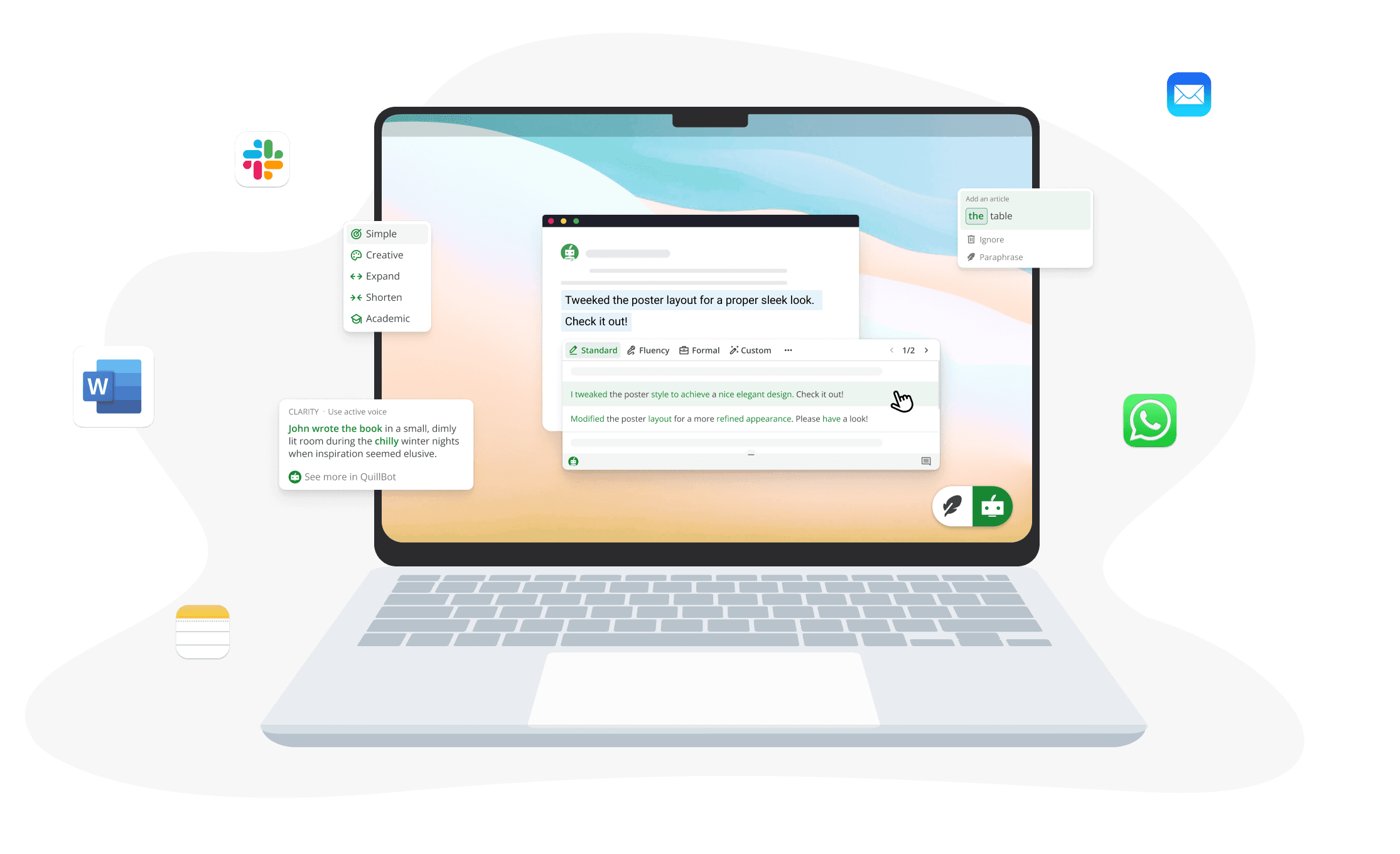
Writers struggle to rewrite text clearly because they change words without improving meaning, focus on sounding different instead of sounding better, and use rewriting tools without a clear goal. This leads to awkward sentences, lost meaning, and writing that still needs more editing after the rewrite. The problem isn't rewriting itself; it's rewriting without knowing what should actually improve.
Word Replacement Masquerading as Improvement
Many writers treat rewriting as a word-swap exercise. They replace simple words with complex ones, change sentences just to make them look different, and focus on avoiding repetition instead of improving clarity. The belief is that if the words look new, the writing is better. But a sentence can sound different and still be weak. Changing wording is not the same as making the writing clearer.
The Trap of Sounding Smarter
When rewriting, many people think that better writing must sound more polished or more advanced. So they add unnecessary words, use formal phrases that feel unnatural, and turn simple ideas into long sentences. The original meaning becomes harder to follow. Instead of making the writing easier to read, the rewrite adds friction; readers have to work harder to understand what should be simple.
Meaning Gets Lost in Translation
A lot of rewrites focus so much on changing the sentence that they forget the real goal: keep the meaning while improving the delivery. Writers remove important context, change the tone too much, or rewrite too aggressively. The sentence may be cleaner on the surface, but it no longer says exactly what the writer meant. This creates a new problem—the rewrite sounds off, and readers sense something is missing.
Editing Without Diagnosis
Sometimes the issue isn't the whole sentence. It may only be the tone, structure, clarity, word choice, or length. But many writers rewrite everything at once. They edit blindly, change parts that were already fine, and miss the actual problem in the sentence. According to Walter Sandfeld's LinkedIn post from November 2025, writers can spend 2 hours each on rewrites that don't meaningfully improve the text. More time is spent rewriting, but the writing doesn't improve much.
When Tools Create More Work
A lot of rewriting tools can generate new versions of a sentence, but not all of them improve clarity, tone, or flow in the way the writer actually needs. Writers end up with output that sounds robotic, feels too stiff, changes the meaning, or still needs manual cleanup. That means the tool saves time at first, but creates more editing work later. When writers process multiple pieces of content, this inefficiency compounds; each sentence requires individual attention, and the cleanup work multiplies. Solutions like Numerous's spreadsheet AI tool let writers test multiple rewriting approaches in bulk within Google Sheets or Excel, comparing outputs side by side to identify which version actually improves clarity before committing to manual edits. But choosing the wrong tool in the first place comes at a cost most writers don't see coming.
The Hidden Cost of Using the Wrong Rewriting Tool
Using the wrong rewriting tool feels like it saves time, but it results in awkward sentences, unclear clarity, and extra editing work. The real cost isn't just getting a bad rewrite; it's spending more time fixing output that should have made the writing easier, clearer, and faster to finish. Research on plain language, cognitive load, and task switching all point in the same direction: when wording is harder to process or requires more cleanup, efficiency drops.
Why Different Doesn't Mean Better
Most writers assume that once a tool rewrites a sentence, the writing is already improved. The sentence comes back looking different, so it feels like progress. But a rewrite can be longer, less natural, less clear, too formal, or too generic. The tool solved the surface problem (making the sentence look new) without solving the real one (making it clearer, stronger, and easier to understand). That gap between appearance and actual improvement is where the hidden cost starts.
The Mental Work Multiplies
A bad rewrite creates extra mental work. Instead of helping the writer move forward, it forces them to stop and ask:
Does this still mean the same thing?
Why does this sound unnatural?
Is this clearer or just longer?
Do I keep this version or rewrite it again?
Cognitive load research shows that when material is harder to process or poorly structured, performance becomes less efficient because working memory is limited. The more unnecessary mental effort a task creates, the harder it is to do well and quickly. So when a rewriting tool gives you output that still needs heavy checking, your brain is doing extra work instead of saving time.
One Task Becomes Three
The wrong tool often turns one task into three. You generate the rewrite, fix the awkward parts, then rewrite the rewritten version. Instead of speeding up the process, the tool adds another layer of editing. AdPipe reports that 63% of marketers waste time on AI-generated content that requires extensive editing. That means more time spent comparing versions, checking meaning, fixing tone, shortening sentences, and making the text sound human again. The tool feels fast for one second, but slow across the full workflow.
When Polish Replaces Clarity
Some rewriting tools produce sentences that look polished on the surface but lose clarity beneath the surface. They use bigger words than needed, stretch a simple point into a longer sentence, flatten the original tone, or make the text sound generic. The writing may look more formal, but it doesn't become easier to read. Plain-language guidance says that clear writing is easier for readers to understand and more effective at helping them act on the message. So when a rewriting tool makes writing sound "smarter" but harder to understand, it's moving in the wrong direction, toward decoration rather than communication.
The Real Solution
The problem isn't rewriting tools. The problem is using a rewriting tool that changes wording without improving clarity, tone, or meaning. When you rewrite just to make the sentence look different, you create more editing work. When you rewrite with the right tool and a clear goal, you create better writing faster. Numerous's Spreadsheet AI Tool lets writers test multiple rewriting approaches in bulk within Google Sheets or Excel, comparing outputs side by side to identify which version actually improves clarity before committing to manual edits. That structured approach turns rewriting from guesswork into a repeatable process that actually saves time. But knowing the cost is only half the battle; knowing which tools actually deliver clarity is what changes the workflow.
Related Reading
7 QuillBot Alternatives to Rewrite Better in 10 Minutes
1. Numerous

Numerous is an AI tool that works inside Google Sheets or Excel, letting you rewrite, clean up, and improve text in bulk without starting from scratch. It helps when the goal is not just to paraphrase a sentence, but to make the writing clearer, smoother, and easier to use across multiple pieces of content at once.
Structured AI Refinement
Paste your text into a spreadsheet, use the =AI function to prompt for clarity, tone, or structure improvements, and get cleaner versions faster. This approach works well when you're processing multiple drafts, testing different rewriting styles side by side, or need to move from rough writing to usable content without manually editing each sentence. The spreadsheet format lets you compare outputs, cache results for cost efficiency, and collaborate on rewrites in a structured format that professionals already use daily. Numerous's spreadsheet AI tool turns rewriting from a one-off task into a repeatable process that actually saves time.
2. Grammarly
Grammarly is a rewriting and editing tool that can rewrite full sentences, adjust tone, and reword paragraphs with AI. It is strong when the problem is not just paraphrasing, but making the writing clearer, smoother, and more appropriate for the reader. Paste in the draft, choose the tone you want (formal, casual, confident), review the rewritten version, and clean up the final wording fast. It is one of the best options if you want a rewrite that feels polished without sounding too different from your original meaning. The tool flags weak phrasing and suggests alternatives, so you're not guessing which sentence needs work.
3. Wordtune
Wordtune is built directly around paraphrasing and rewriting, and it also includes shortening, expanding, grammar help, summarizing, and even AI humanizing tools. According to Hastewire's analysis of 15,327 reviews, Wordtune is useful when you want multiple ways to say the same idea without losing meaning. You can take one sentence or paragraph, generate cleaner options, then choose whether to make it shorter, fuller, or more natural, depending on the goal of the piece. That makes it a strong QuillBot alternative for people who rewrite often and need flexibility in the output's tone. The tool gives you control over the rewrite direction, rather than just generating one version and hoping it works.
4. ProWritingAid
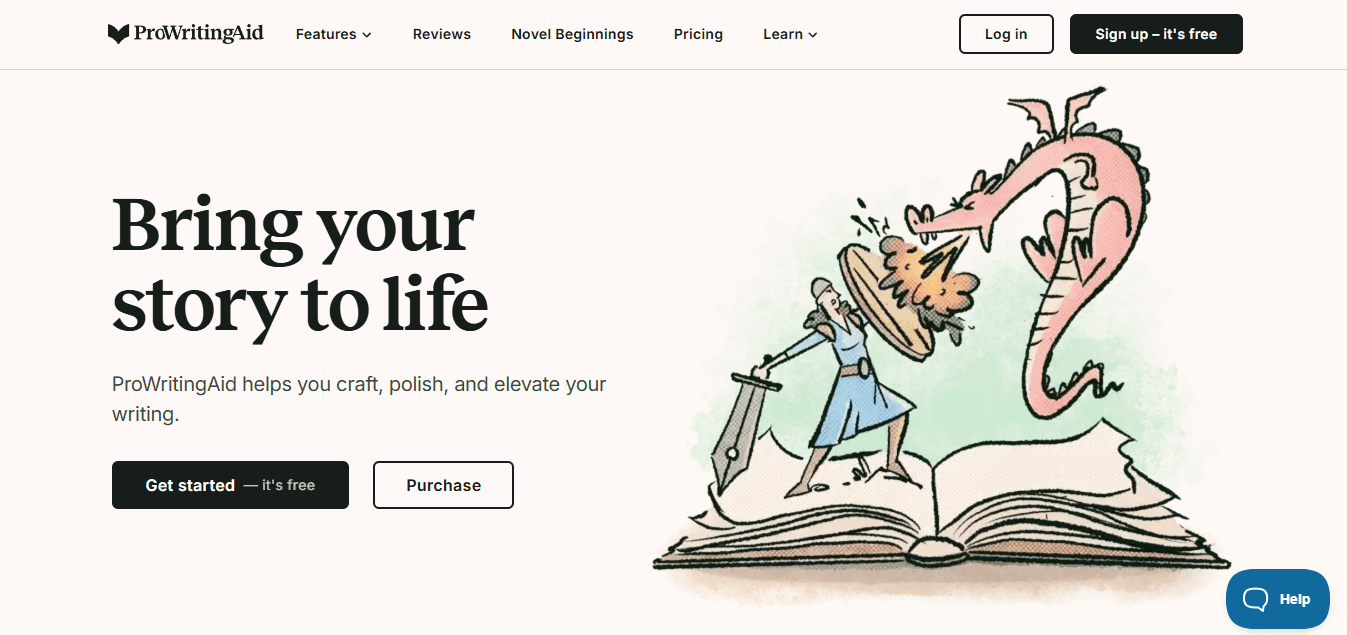
ProWritingAid is a writing coach and editor with AI rephrasing tools, including tone conversion and sentence rewriting features. It is stronger when the rewrite problem is tied to style, flow, weak wording, or sentence quality, not just paraphrasing. It is useful for taking rough writing and improving its sound, especially when the goal is to make the sentence more formal, more natural, or more effective. The tool highlights overused words, vague phrasing, and awkward structures, then offers rewrite suggestions that address those specific issues. That means you're not rewriting blindly, you're fixing what actually needs improvement.
5. LanguageTool
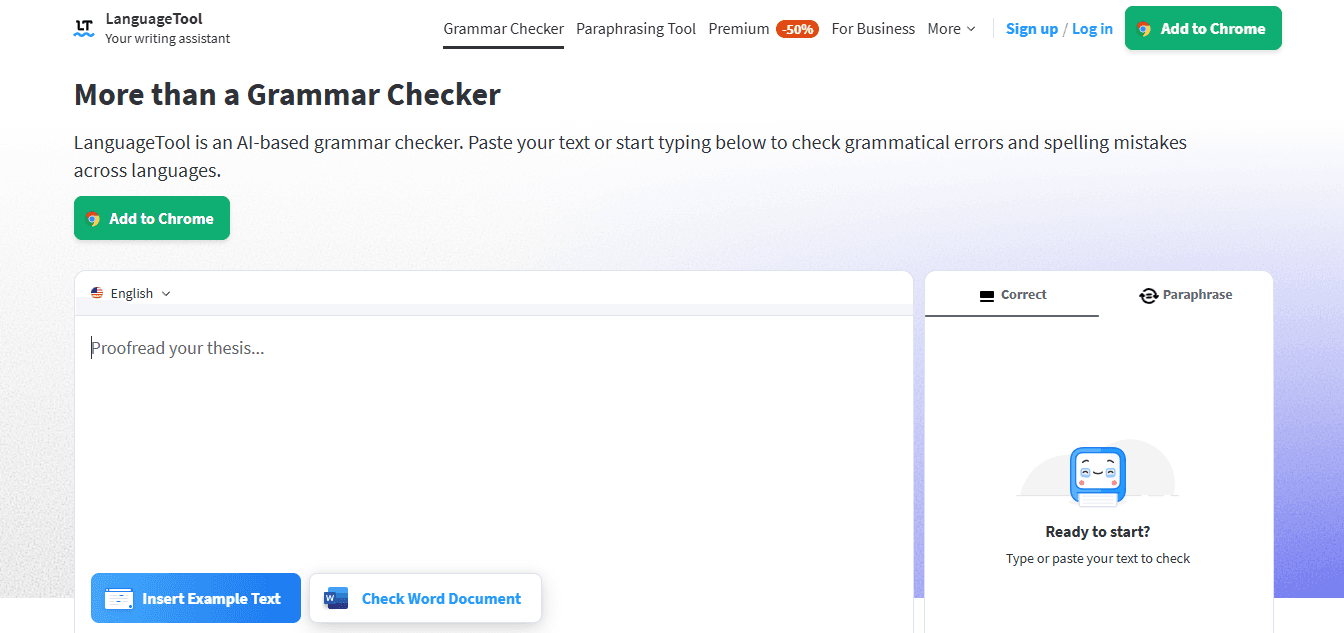
LanguageTool combines grammar checking with paraphrasing, and its premium positioning highlights unlimited sentence paraphrasing, with options such as more formal, more fluid, or shorter phrasing. It is a good alternative when you want rewriting plus correction in one place. You can use it to tighten a sentence, smooth the tone, and fix language issues in a single pass, making the rewrite workflow faster. That saves time because you don't have to switch between a paraphraser and an editor. The tool also supports multiple languages, so if you're rewriting content for different audiences, it handles that without requiring a second tool.
6. Hemingway Editor
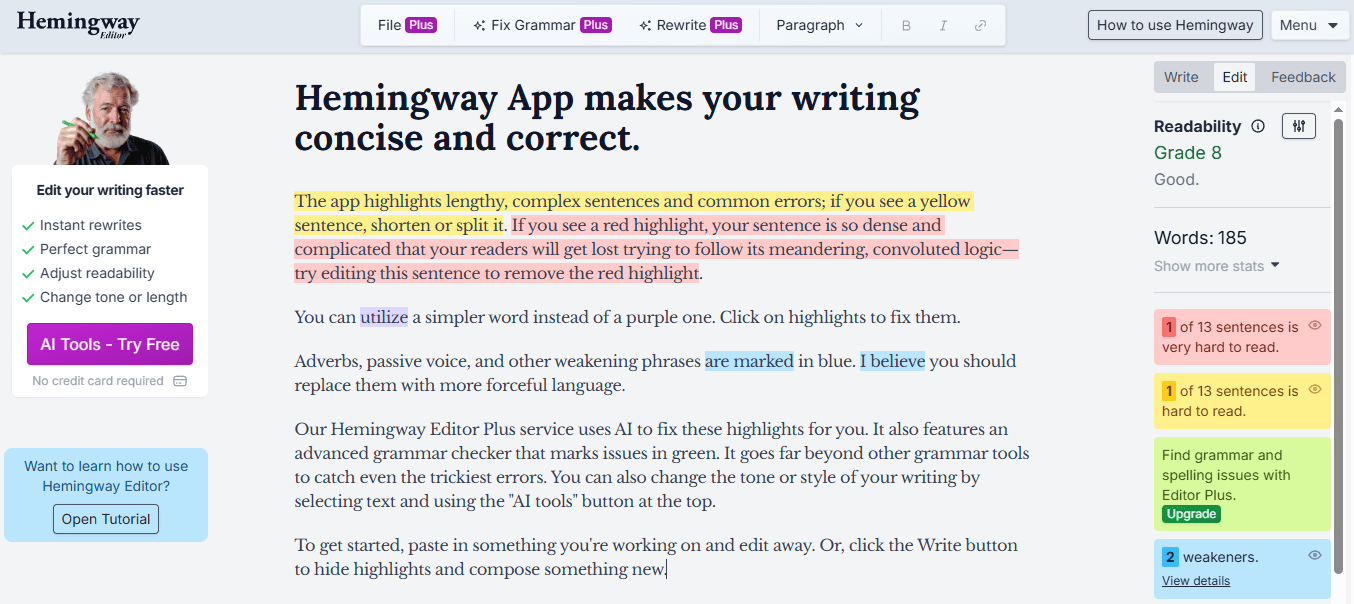
Hemingway is more focused on clarity than pure paraphrasing. Its editor flags common writing issues, and Hemingway Editor Plus includes AI tools to rewrite paragraphs, reduce wordiness, and improve readability. It is a strong QuillBot alternative when the real problem is not originality but readability. If the writing is too long, too dense, or too hard to skim, Hemingway is often a better fit. Drop in the text, let it show you what is wordy or unclear, then use AI rewrite features to make the draft sharper and easier to read. The tool highlights sentences that are hard to follow, so you know exactly where the rewrite should focus.
7. Jasper
Jasper includes a dedicated paragraph rewriter tool and positions it as part of a broader AI writing system. It is useful when you want rewriting plus broader content help in the same workspace, so it works well for marketers, teams, or writers handling more than one type of content. It can quickly rephrase paragraphs, then help you keep moving if the rewrite turns into a larger writing task like editing a blog section, landing page, or email. That continuity matters when rewriting is just one step in a longer content workflow. The tool also includes templates and tone controls, so you're not starting from scratch every time you need to adjust the writing. But having the right tool is only useful if you know how to use it without wasting time.
Related Reading
The 10-Minute Workflow to Rewrite Text Faster
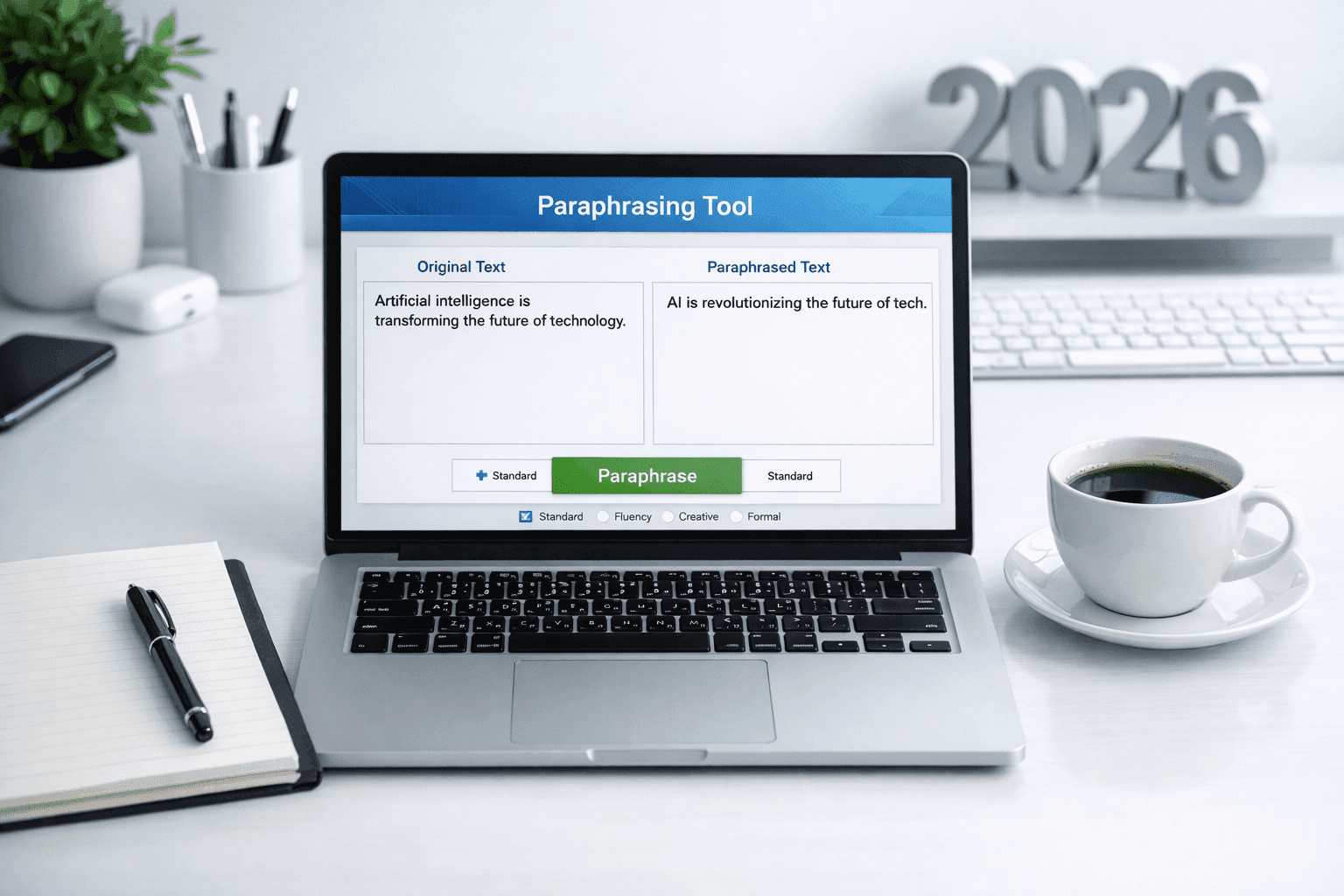
Rewriting text in 10 minutes works when you stop treating every sentence like it needs a complete overhaul. The faster method is to pinpoint the actual problem, match it to the right fix, choose the version that preserves meaning while improving clarity, and do a quick final pass. That approach turns rewriting from an open-ended editing session into a structured workflow with a clear endpoint.
Minute 0–2: Diagnose the Specific Problem
Before you touch a single word, figure out what's actually broken.
Is the sentence unclear because the structure is tangled, or because the word choice is vague?
Is it too long because it's wordy, or because it's trying to say three things at once?
Is the tone off because it's too formal, too casual, or just flat?
Most rewriting time gets wasted because people fix everything when only one element needs attention. A sentence can have perfect grammar but still feel awkward because the rhythm is off. Another sentence might be clear but sound too stiff for the audience. When you know the specific issue, you stop rewriting blindly and start solving the actual problem. By minute two, you should be able to name the issue in one sentence. If you can't, you're not ready to rewrite yet.
Minutes 2–4: Match the Problem to the Right Tool
Once you know what's wrong, choose the tool that fixes that specific thing.
If the problem is tone, use something that adjusts formality or warmth.
If it's length, use a tool that tightens without losing meaning.
If it's clarity, use one that simplifies the structure.
Not every rewriting tool solves the same problem. Grammarly handles tone shifts well. Hemingway cuts wordiness. Wordtune gives you multiple ways to say the same idea. Numerous's Spreadsheet AI Tool lets you test several rewriting approaches in bulk within Google Sheets or Excel, comparing outputs side by side before committing to manual edits. That structured comparison saves time because you don't have to guess which version works better. By minute four, you should already have one or more rewritten versions sitting in front of you, ready to evaluate.
Minutes 4–6: Choose the Version That Keeps Meaning Intact
This is where most people get stuck. They pick the version that sounds the most polished, even when it changes the original point or feels too formal for the context. A rewrite is only useful if it says what you meant to say, just better. Look for the version that keeps the core message, sounds natural for your audience, and removes friction without adding decoration. If the rewrite makes the sentence longer, ask whether the extra words actually add clarity or just formality. If it simplifies too much, check whether important nuance got stripped out. By minute six, you should have your best draft selected, not because it sounds impressive, but because it improves the original without distorting it.
Minutes 6–8: Check Tone and Flow
Even a strong rewrite can still feel off when you read it in context.
Does it still sound like your voice, or does it suddenly feel like someone else wrote it?
Does it flow naturally into the next sentence, or does it create a weird break in rhythm?
Did the tool make it too robotic, too generic, or too polished for what you're actually writing?
Read the rewritten version out loud if you can. If you stumble over a phrase or feel like you need to explain what it means, that's a signal that the rewrite introduced new friction. Sometimes the tool technically improves the sentence, but makes it harder to read in practice. By minute eight, the draft should feel clearer and more usable, not just different.
Minute 8–10: Do a Fast Final Cleanup
Use the last two minutes to remove anything that still feels unnecessary.
Cut extra words that don't add meaning.
Smooth out any phrasing that still sounds awkward.
Check for small tone mismatches or leftover repetition.
This is not the time to over-edit. You're not chasing perfection. You're making the text good enough to use now, which is better than making it perfect later. The goal is a stronger version that moves your work forward, not a flawless version that keeps you stuck in editing mode. At minute ten, you should have a final rewrite that's clearer, smoother, and ready to use.
Why This Workflow Removes Guesswork
This workflow works because it eliminates the slowest part of rewriting: uncertainty.
Instead of rewriting blindly, hoping something improves, you identify the real issue first.
Instead of trying every tool and hoping one works, you match the tool to the problem.
Instead of picking the version that looks most impressive, you pick the one that preserves meaning while improving delivery.
That sequence turns rewriting from a subjective, open-ended task into a repeatable process with clear decision points. You're not spending time wondering if the rewrite is better. You're spending time making it better in specific, measurable ways.
The Core Insight
Rewriting faster doesn't mean changing more words in less time. It means making better decisions earlier in the process. When you know what needs fixing, the tool becomes more useful. When you choose the right rewrite and clean it up quickly, the writing improves without prolonging the editing cycle. That's what makes a 10-minute rewrite workflow realistic instead of aspirational. But knowing the workflow is only half the equation if the tool itself slows you down.
Rewrite Text Faster With Numerous
The problem isn't the writing. It's the process. When rewriting takes too long, you copy text into different tools, test versions one by one, fix awkward output manually, and waste time cleaning up rewrites that still don't sound right. That approach turns a simple task into a slow, repetitive cycle that drags out every draft.
Scalable Workflow Integration
Paste your text into Numerous's Spreadsheet AI Tool, prompt it to improve clarity, tone, or structure, and rewrite multiple lines at once inside your workflow. You choose the best version and use it immediately. No more jumping between tools. No more slow manual rewrites. No more wasting time fixing output that should already be usable.
In minutes, you'll have:
Clearer rewrites
Better tone
Cleaner structure
A faster workflow you can repeat anytime
QuillBot helps you paraphrase. Numerous helps you rewrite at scale and move faster. Open it, rewrite your text, and turn rough writing into clear, usable copy faster.
Related Reading
Alternatives To Grammarly
Quillbot Alternatives
Alternatives To Grammarly